Connecting participants
participants can join a meeting by using;
• The Windows application for Windows 7® and above
• The Web Client for Google Chrome® browser (Version 34+) on Windows®, Mac®, Linux® or Chrome
book®
• AirPlay® for iOS devices running iOS 6+
• AirPlay® for Apple® Macs running OS X 10.8+ (*Apple Mac’s can also use the Chrome web client)
• Miracast® for Android devices running Android 4.4+
Attendees must be connected to the same local network as the MTC-5000 unit, or be connected to the
MTC-5000 Access Point to use Miracast® or AirPlay®.
Connect using Windows® application
Go to https://www.mtc5000.com/ to download the Windows® application and follow the on-screen
instructions to install on the PC.
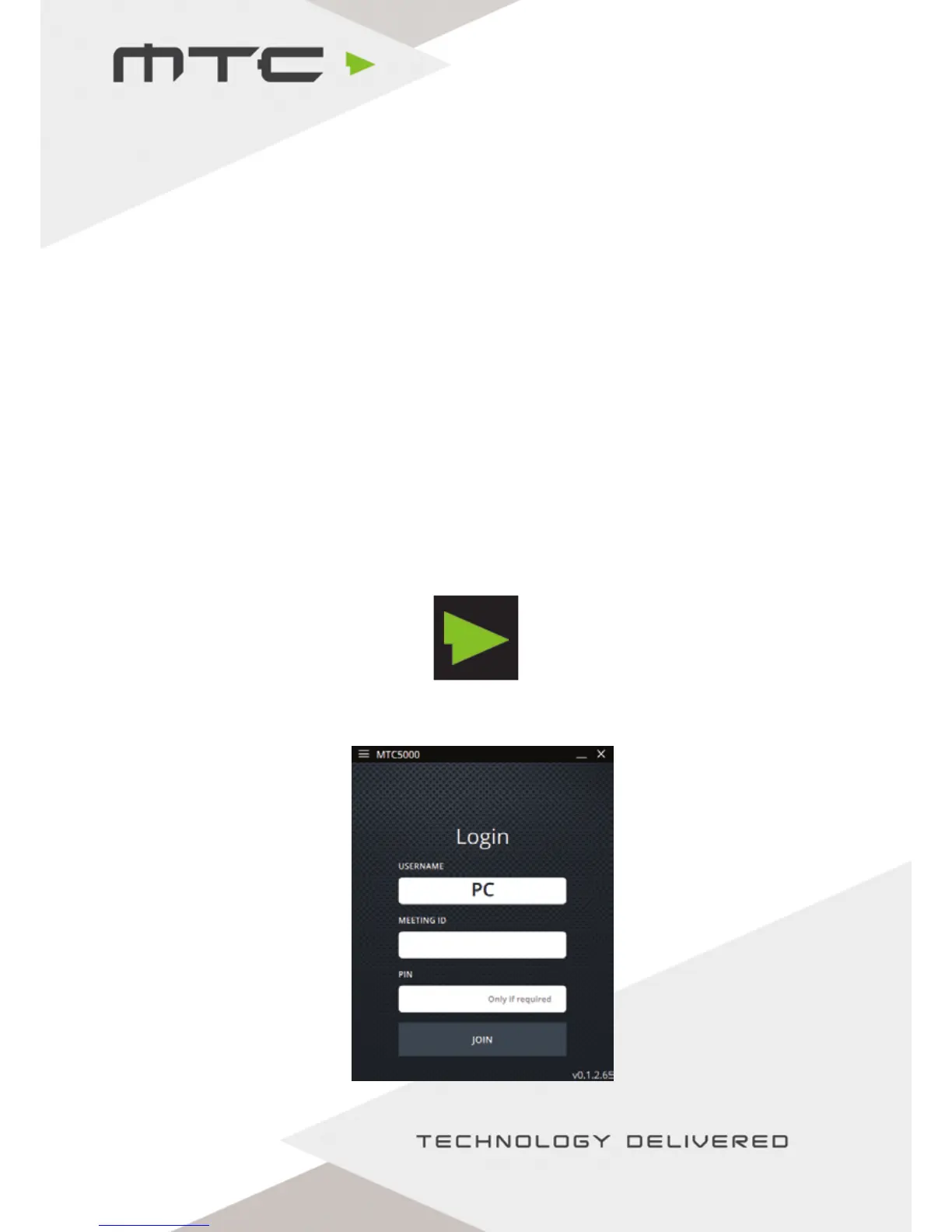
Once installed, double click the MTC-5000 icon to launch the application.
When the application opens, enter Attendee name, Meeting ID, and a PIN if the organise has requested
it. Click ‘Join’ when ready.
`
www.mtc-technologies.com info@mtc-technologies.com
9


 To Next Page