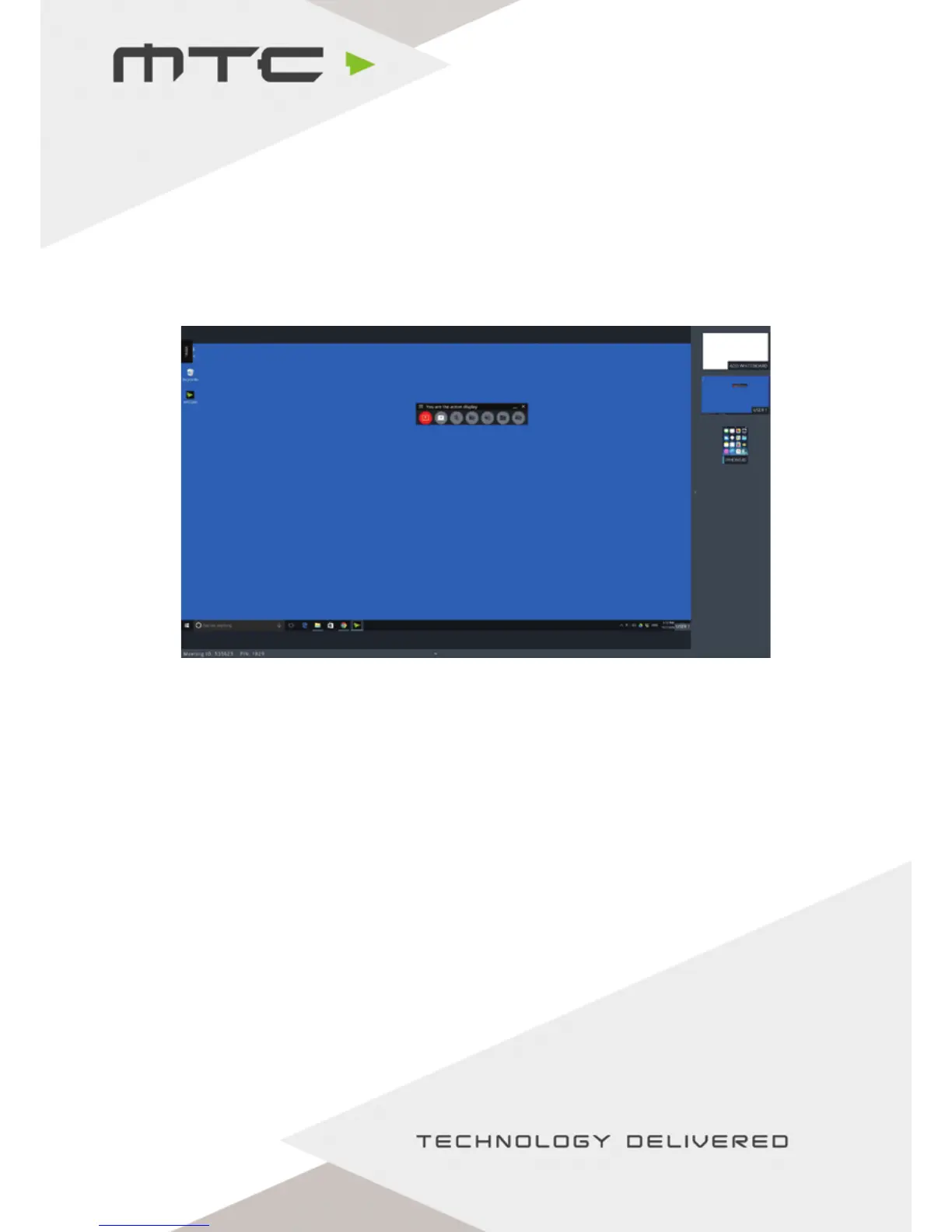
Make an attendee full screen (Active Display)
To select an attendee as the Active Display, double tap/click that attendee in the MTC-5000 view, this display
will then become full screen. This screen is now the ‘Active Display’.
Attendee’s displays can be easily swapped between by using the Sidebar – expand the
Sidebar by pulling the tab from the right side of the screen. Drag and drop the desired screen to change
the Active Display.
Attendees will also be able to set themselves as the Active Display from within the Windows application
and web client.
Take control of a PC
When a Windows® PC using the MTC-5000 Windows® application is set as the Active Display, MTC-5000
has full mouse control of that PC from the display.
www.mtc-technologies.com info@mtc-technologies.com
15


 To Next Page