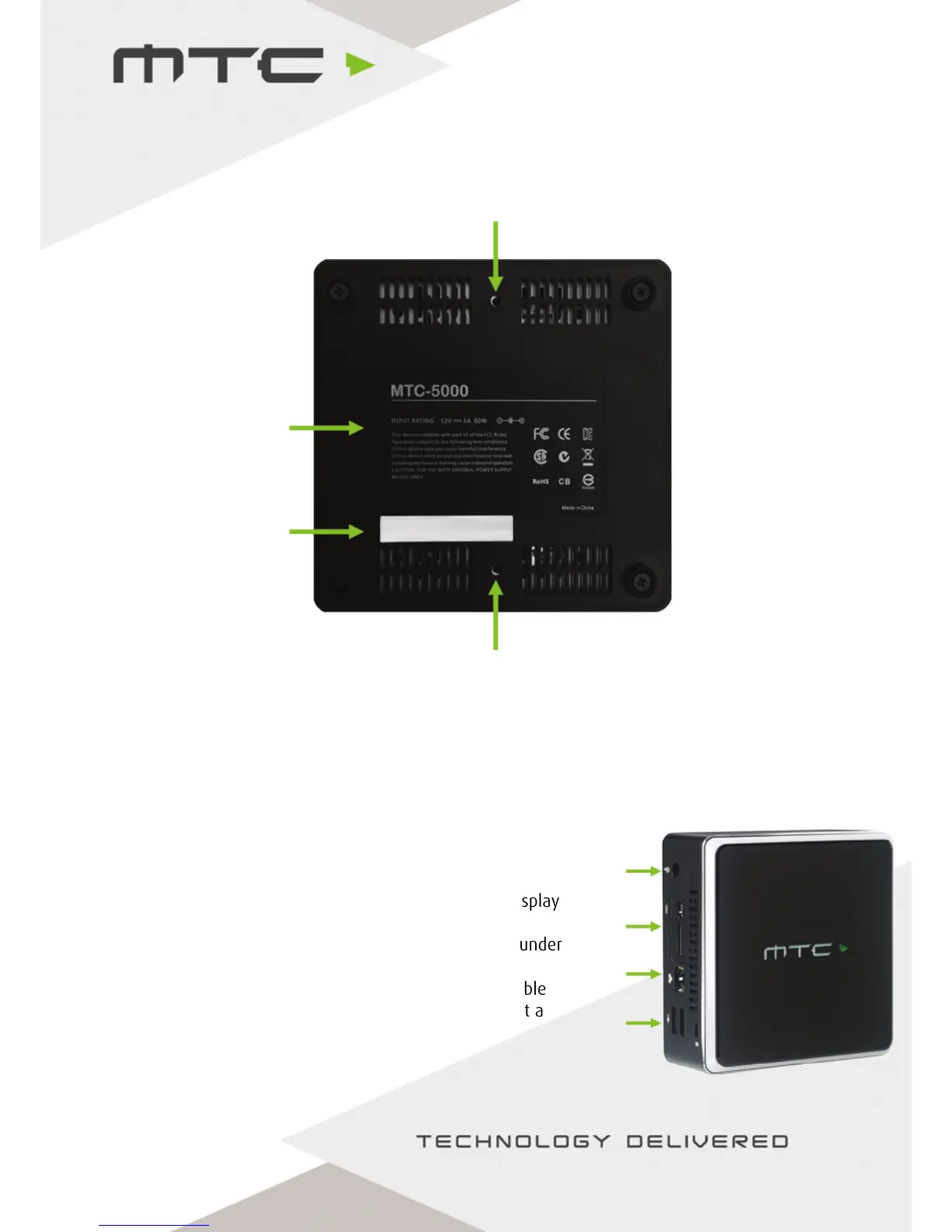
Product
information
Screw hole for
mounting plate
Serial
information
1. 2. 3. 4.
1. Connect the power cable.
2. Connect the display to either the HDMI or mini-Display
Port connection.
3. Connect to a network via Ethernet or using Wi-Fi under
Wireless Access in the settings.
4. If using a touch display, connect the USB touch cable
from the display to the MTC-5000 unit. Or, connect a
mouse for a standard display.
Getting started
Connecting the MTC-5000 unit
Screw hole for
mounting plate
1
2
3
4
www.mtc-technologies.com info@mtc-technologies.com
5


 To Next Page