44 Multi-Wave PE653-PE953 Installation Guide
Copyright © 2010 Intermatic, Inc.
Configuring for a 1-Speed or 2-Speed Pump
The default setup is for a single-speed pump, which you turn ON and OFF using button 1 on the
Hand-Held Controller.
If the pool/spa installation uses a two-speed pump, you need to program the Hand-Held
Controller to be able to switch between speeds. Once configured, the Hand-Held Controller
controls these pumps as follows:
Button • <1> selects High speed.
Button • <2> selects Low speed.
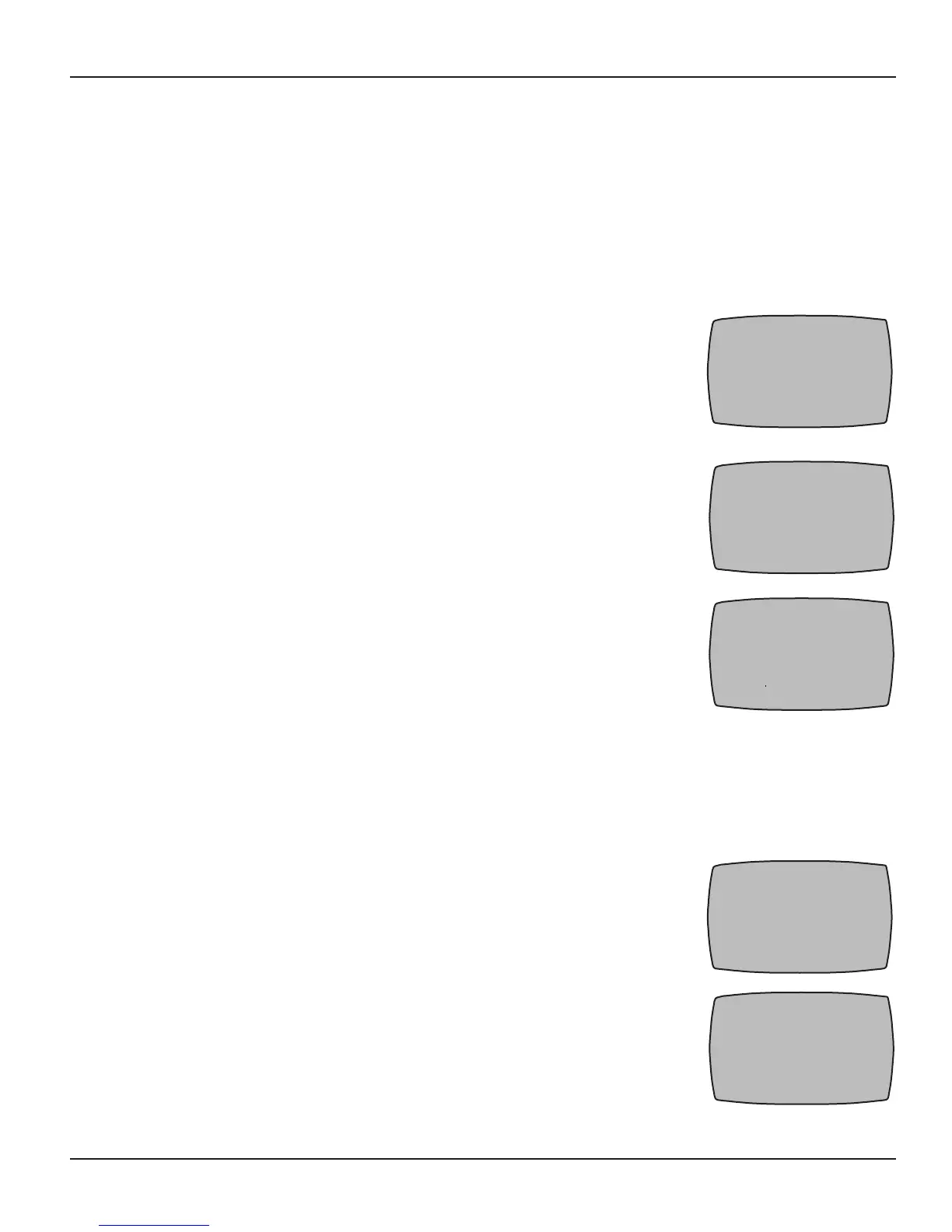
If necessary, press and release any button on the Hand-Held 1.
Controller to wake it from sleep. If the screen is not displaying
LEARN MODE, press and hold the <P/S> and <ENTER> buttons at
the same time to put the device into programming mode. You are in
programming mode when the LEARN MODE screen is displayed, as
shown at the right.
Press the 2. DOWN arrow button until you see the PE653 OPTION
screen, as shown.
Press and release the3. <1> function button to select PUMP. The
screen refreshes, as shown.
Press the 4. UP or DOWN arrow button to change from 1SPD to
2SPD, then press the <ENTER> button. The screen adds the word
SUCCESSFUL, then returns to the programming screen.
Press the 5. <ENTER> button again to return to the Main screen.
Calibrating Pool, Spa and Air Temperature Settings
If there is a discrepancy between temperatures shown on the Hand-Held Control and
independent thermometers used to measure temperatures of pool, the spa and the air, you can
calibrate the Hand-Held’s settings to match the independent thermometers.
If necessary, press and release any button on the Hand-Held 1.
Controller to wake it from sleep. If the screen is not displaying
LEARN MODE, press and hold the <P/S> and <ENTER> buttons at
the same time to put the device into programming mode. You are in
programming mode when the LEARN MODE screen is displayed, as
shown at the right.
Press the 2. DOWN arrow as necessary to view the PE653 OPTION
screen, as shown.
LEARN MODE 00-00P
1 RESET CONTROLLER
2 RESET DEVICE
3 INCLUDE DEVICE
4 ADD TO SCENE
5 REMOVE FROM SCENE
UP-PREVIOUS DWN-MORE
PE653 OPTION 00-00P
1 PUMP 1 SPD
2 CALIBRATE TEMPS
3 CLEANER OFF
4 POOL/SPA POOL
5 FIREMAN SW OFF
UP-PREVIOUS DWN-MORE
PE653 OPTION 00-00P
1 PUMP 1SPD
LEARN MODE 00-00P
1 RESET CONTROLLER
2 RESET DEVICE
3 INCLUDE DEVICE
4 ADD TO SCENE
5 REMOVE FROM SCENE
UP-PREVIOUS DWN-MORE
PE653 OPTION 00-00P
1 PUMP 1 SPD
2 CALIBRATE TEMPS
3 CLEANER OFF
4 POOL/SPA POOL
5 FIREMAN SW OFF
UP-PREVIOUS DWN-MORE



 To Next Page