MT CELL SETUP MANUAL MT556XNB, MT556UNB AND MT557D | 31
7 START UP THE CELL
Revision 3.0 www.multitaction.com
15.9.2020
P/N: MT2201012
7 Start up the Cell
Follow these steps when you start up the Cell for the first time:
1. Connect the power cable and turn the Cell on with the power switch on the back of the
device, see section 2.3.
2. Verify the boot sequence.
When you turn the Cell on, confirm that events display in the following sequence:
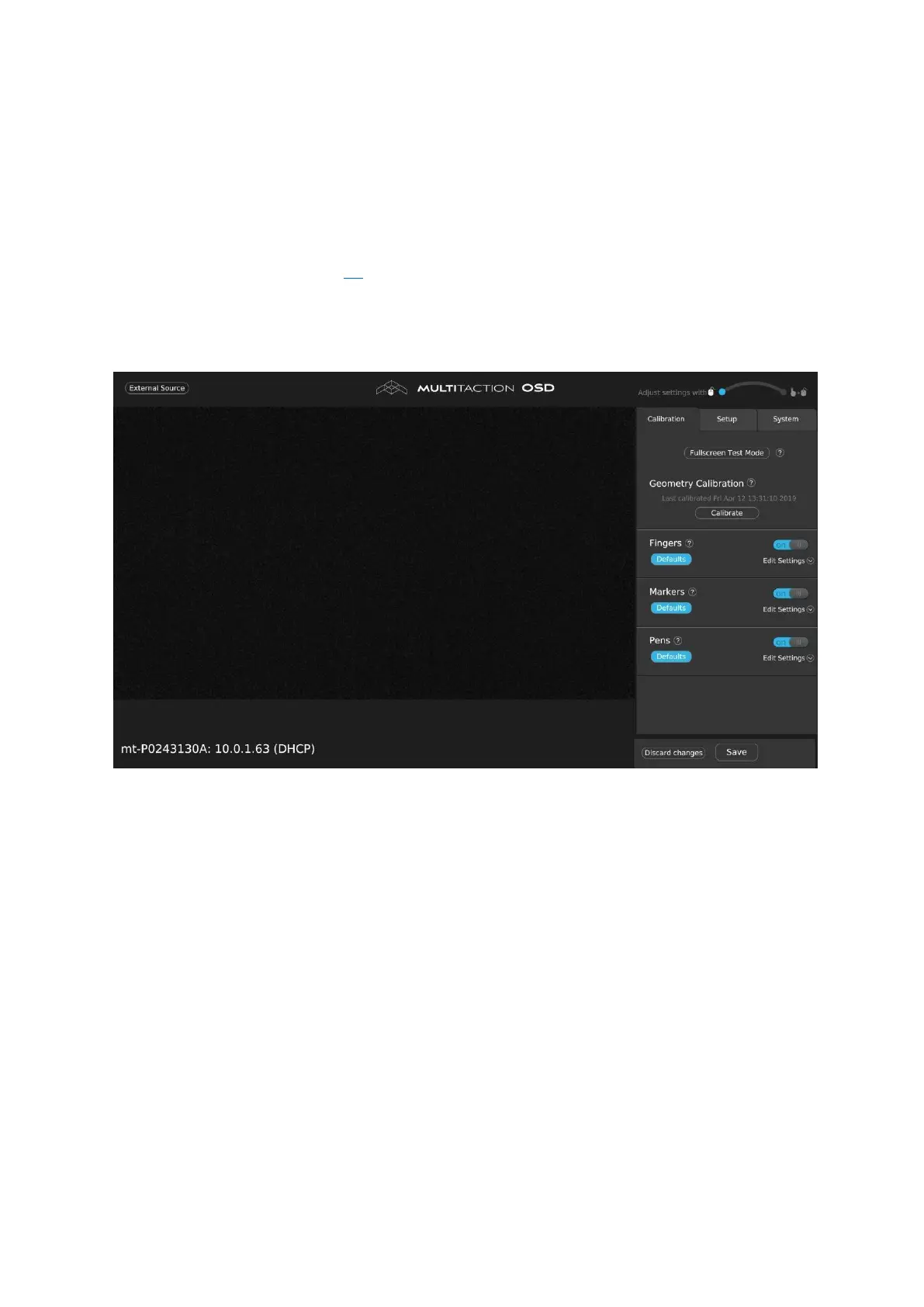
a. The boot sequence completes when the full OSD appears.
3. Now use the OSD to configure the tracking engine; see section 8.



 To Next Page