MT CELL SETUP MANUAL MT556XNB, MT556UNB AND MT557D | 6
1 INTRODUCTION
Revision 3.0 www.multitaction.com
15.9.2020
P/N: MT2201012
1 Introduction
MultiTaction Cells (or MT Cells) are multi-touch, modular LCD displays intended for, but not limited
to, retail businesses, advertising, exhibitions, museums, education, and design installations.
‘Multi-touch’ means that Cells can track and react to several people interacting with them
simultaneously. Moreover, the system tracks a person’s hands instead of points of contact only,
further enhancing interactive possibilities. ‘Modular’ means that Cells can be easily stacked and
combined to form a video wall (a single large display array), showing interactive content and
reacting to multiple users’ touch.
The LCD displays deliver full HD picture quality, have a long life-span, and need hardly any
maintenance. Current models also have an Extreme-Narrow Bezel (XNB) or Ultra Narrow Bezel
(UNB).
Cells need an external computer for running the applications. You can work on Linux or Windows
environments, and create your own tailored apps.
This manual contains installation and operating instructions for MultiTaction 55” Cells. It covers
models MT557D, MT556XNB and MT556UNB.
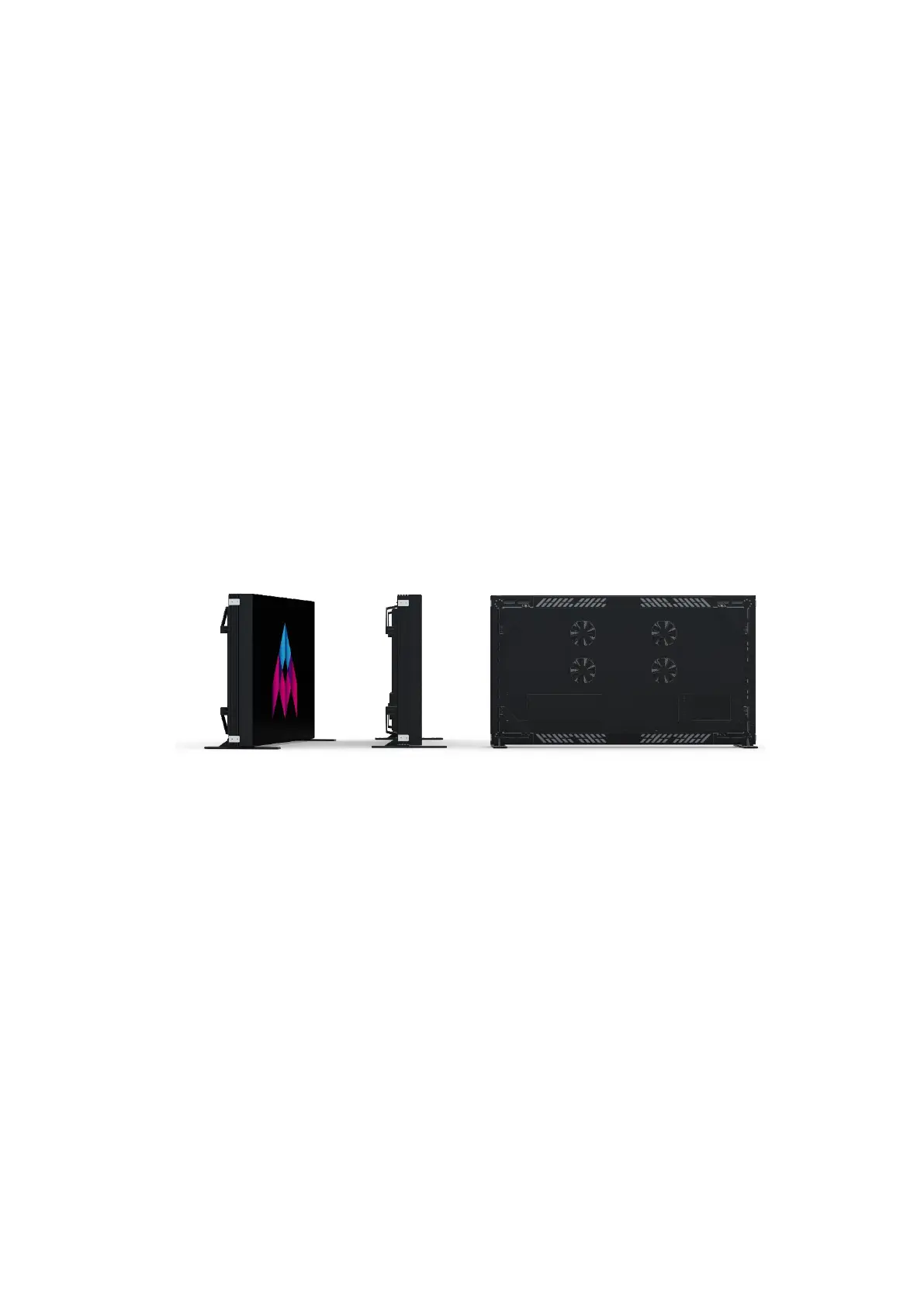
MultiTaction Cell MT556XNB
1.1 MultiTaction support
If you need technical assistance, please contact MultiTaction Support:
https://www.multitaction.com/support-services


 To Next Page