5-6 Using the Web Browser
Job management
You can manage the following jobs:
• [Scheduled Communication]
This confirms scheduled fax and e-mail communications and canceling communi-
cation.
• [Print Job]
This confirms the print job status and allows you to quickly cancel a job in queue.
Scheduled Communication
1
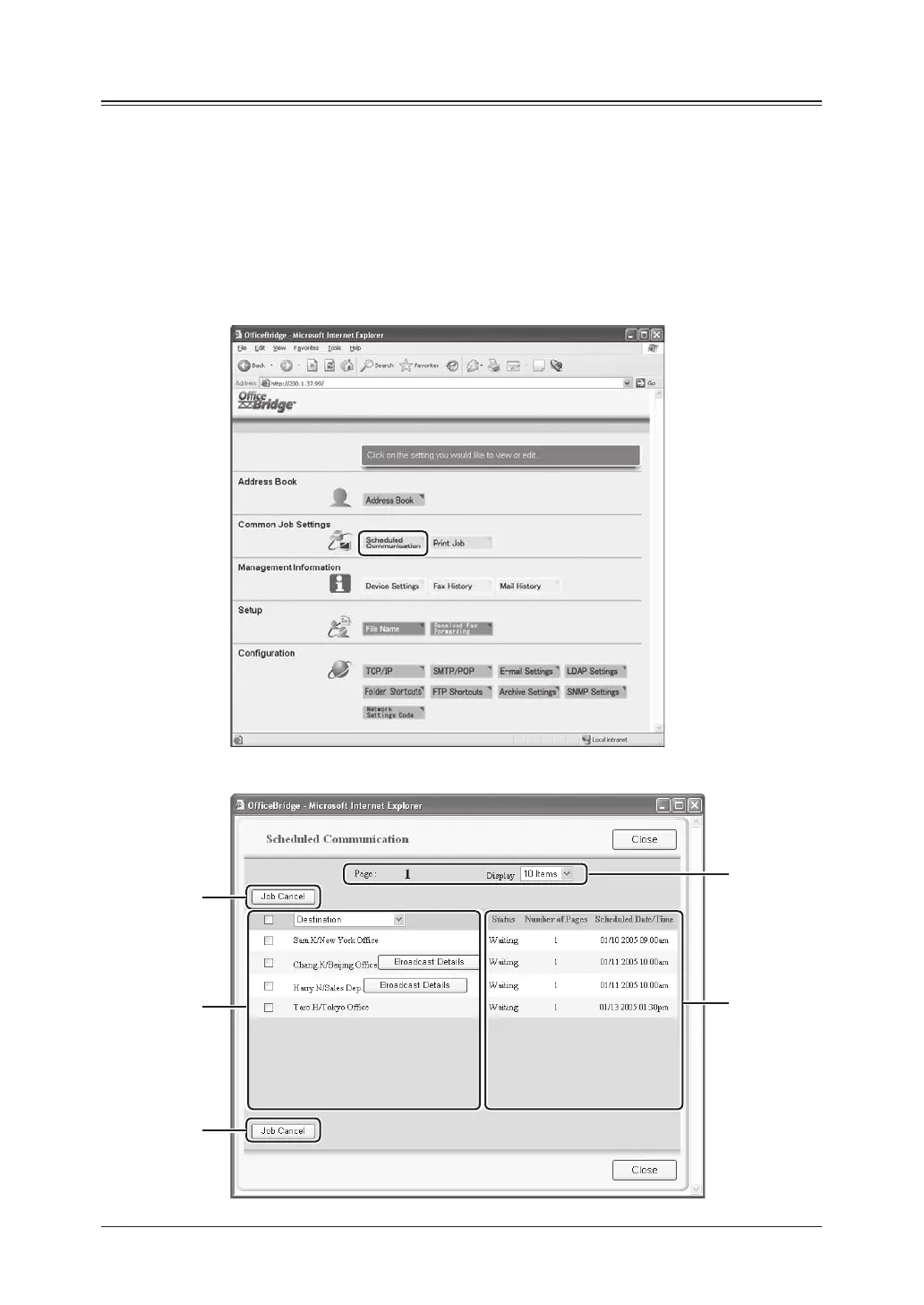
Click [Scheduled Communication] in the “Common Job Settings” column.
2
The “Scheduled Communication” display appears.
A
D
A
C
B









 To Next Page