+44 (0)23 8052 2345
37
MV Heating UK Ltd
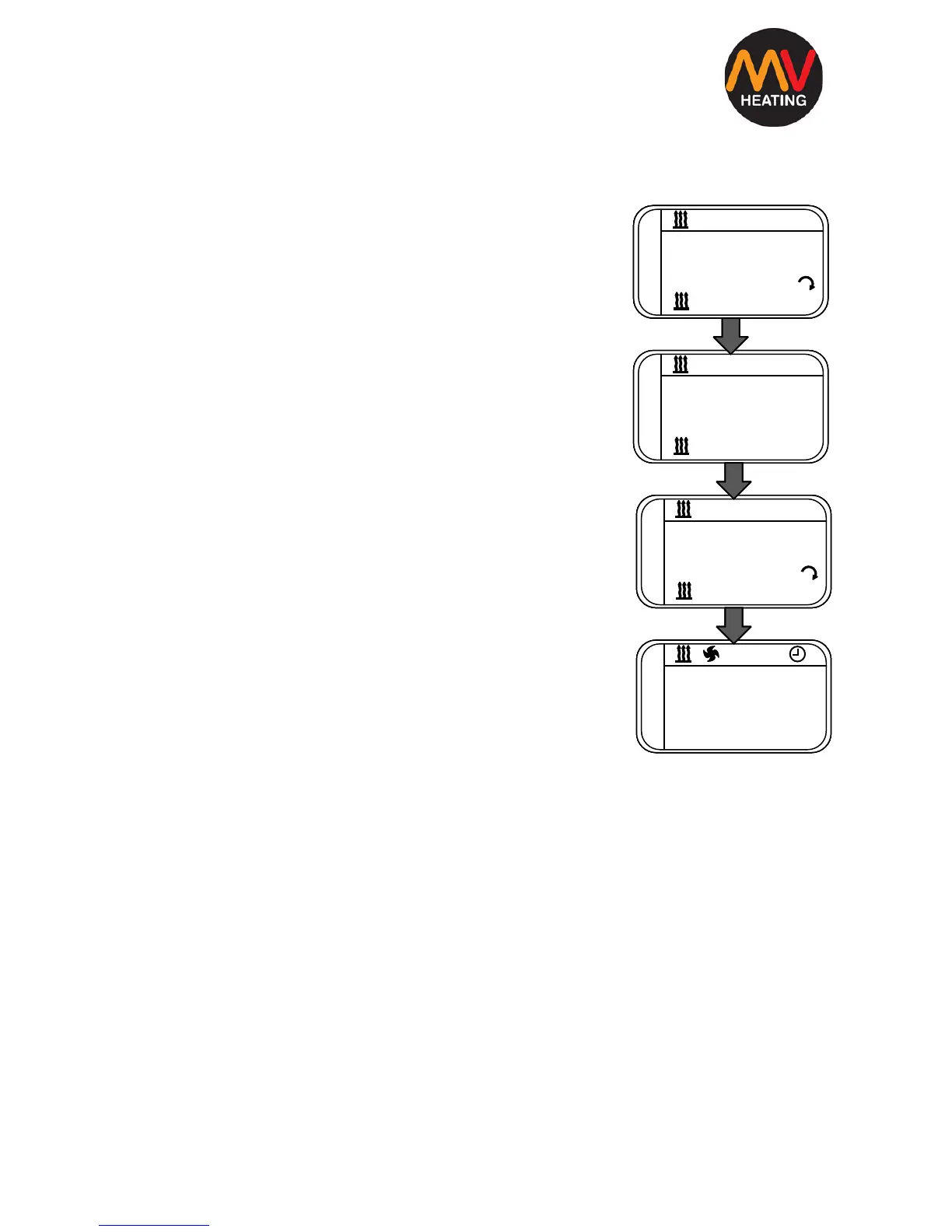
Switching to Thermostatic Mode
To switch to thermostatic mode, turn the heater on
manually, as stated in the previous step.
1. Once the heater is on, press and hold the ok
button for three seconds and then release it.
2. The display should change to a temperature
setting which can be adjusted from 05°C to 35°C
using the arrow keys.
3. To adjust back to the variable output mode,
simply press and hold the ok button again for 3
seconds and then release it.
4. To switch the heater off, press the power button
to return to the home screen.
Fan Mode
The fan mode works in the same way as the manual on/off mode. Simply
navigate across to the fan symbol and confirm with OK. The fan will then
automatically switch on and its speed can be adjusted from high to low (07 to
01 respectively) using the arrow keys. To switch it off, press the power
button.
NOTE: Some earlier models will not have this function.


 To Next Page