+44 (0)23 8052 2345
42
MV Heating UK Ltd
Resetting Digital Controller to Factory Settings
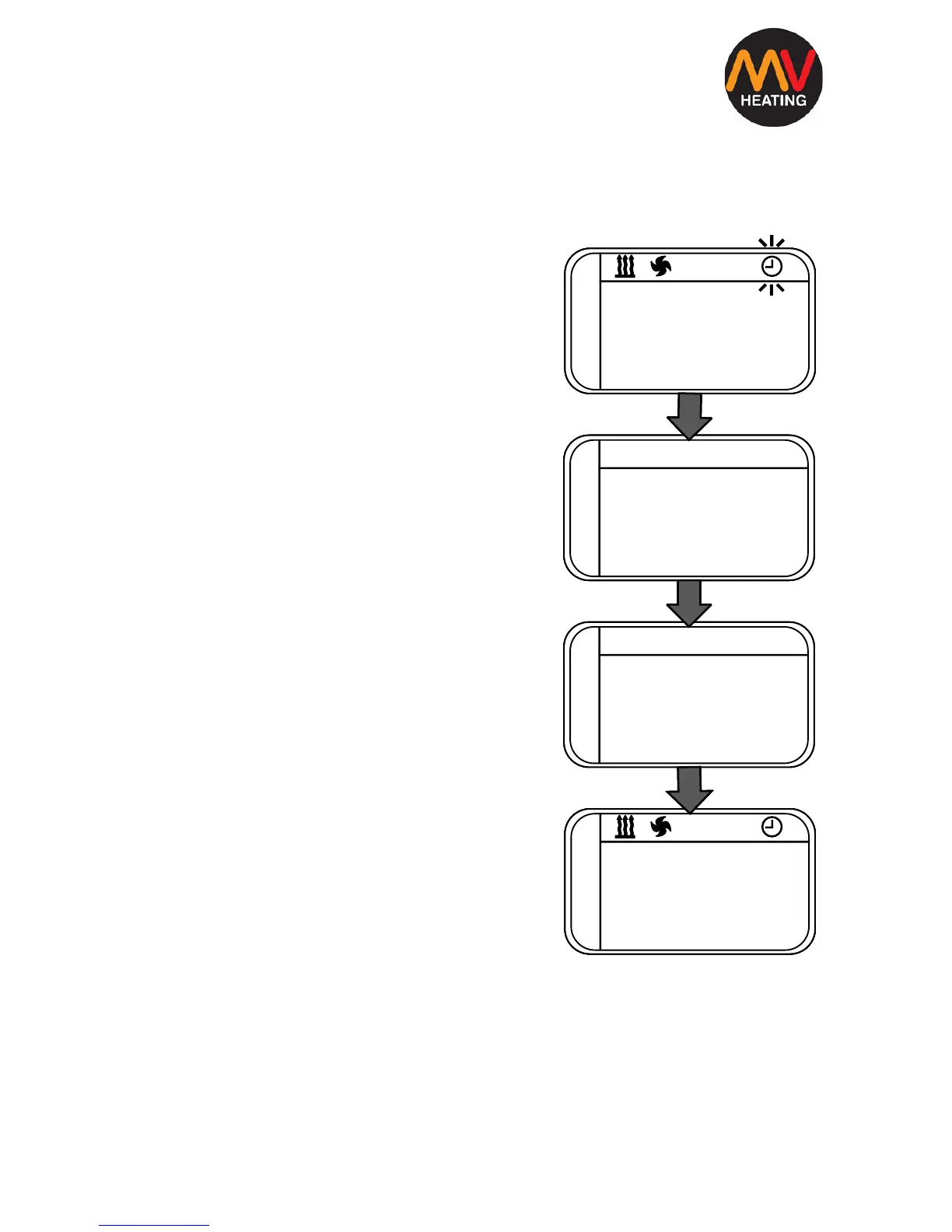
1. Navigate to the clock face on the menu
and simultaneously press both arrow
buttons.
2. P1 should appears on the screen.
3. Using the left arrow key select ‘—01’,
confirm by clicking the ‘OK’ button.
4. The control should now be reset to its
original factory settings.


 To Next Page