1
19
The staple cartridges, containing approximately 5000
staples per cartridge. Cartridge may be removed either
for renewal or for jam clearance.
Raise the handle (C) on the staple cartridge locking
lever.
Remove the staple cartridge from the stapler head
by sliding it away from the stapler head.
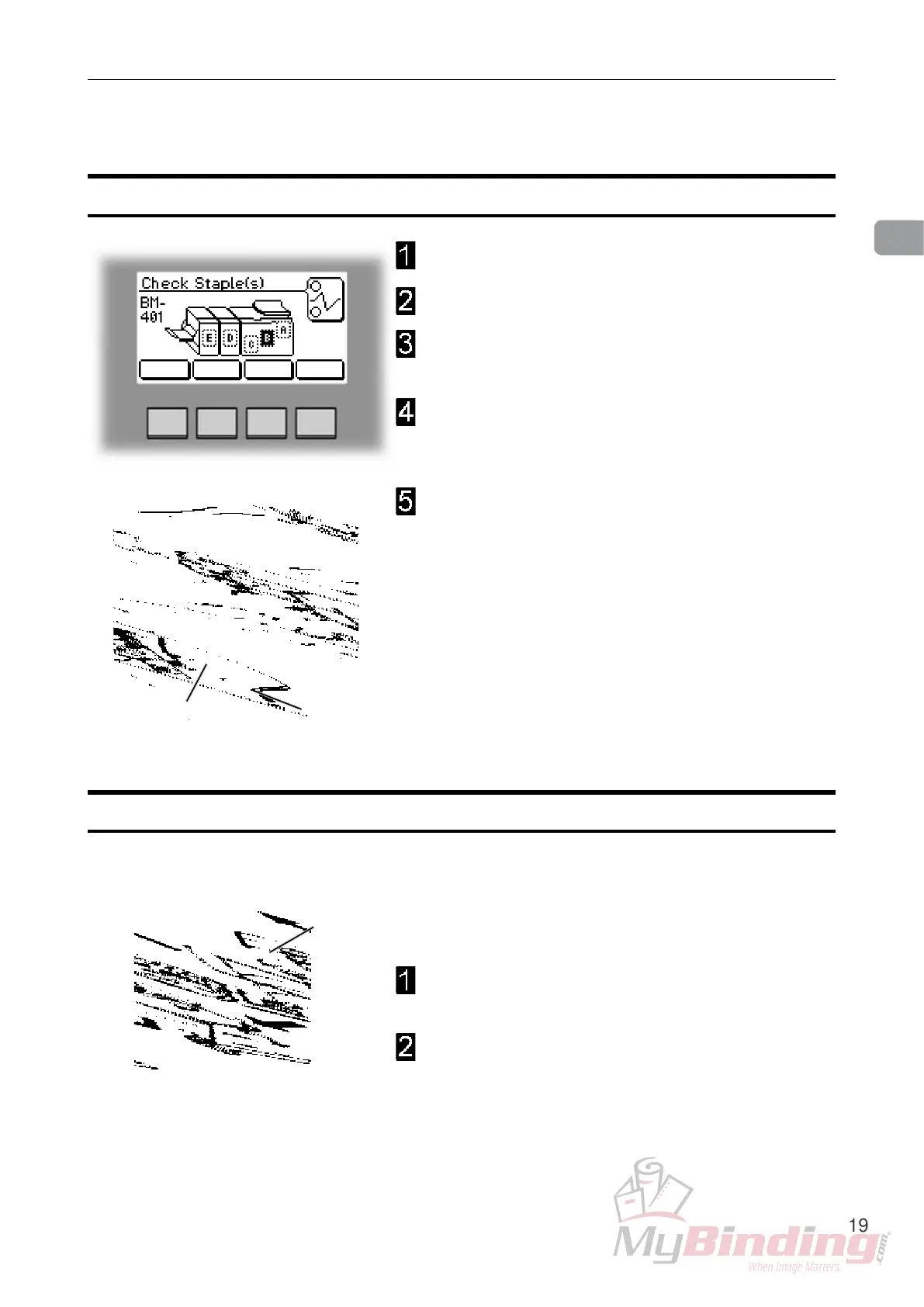
Check staples, Staple cartridge and stapler head
Open the top cover.
Remove the set of paper.
Disconnect the staple indication lead (A) from the
socket.
Hold the stapler head in place, press the release
latch (B) to release the rear end of the stapler head
and lift up this end.
Lift out the head, allowing it to rotate around the
front end. The stapler assembly is spring loaded
and will follow the rotation of the stapler.
Removing stapler head
AB
C
Removing staple cartridge
Staple Cartrigde and Stapler Head


 To Next Page