6
40
General fault codes
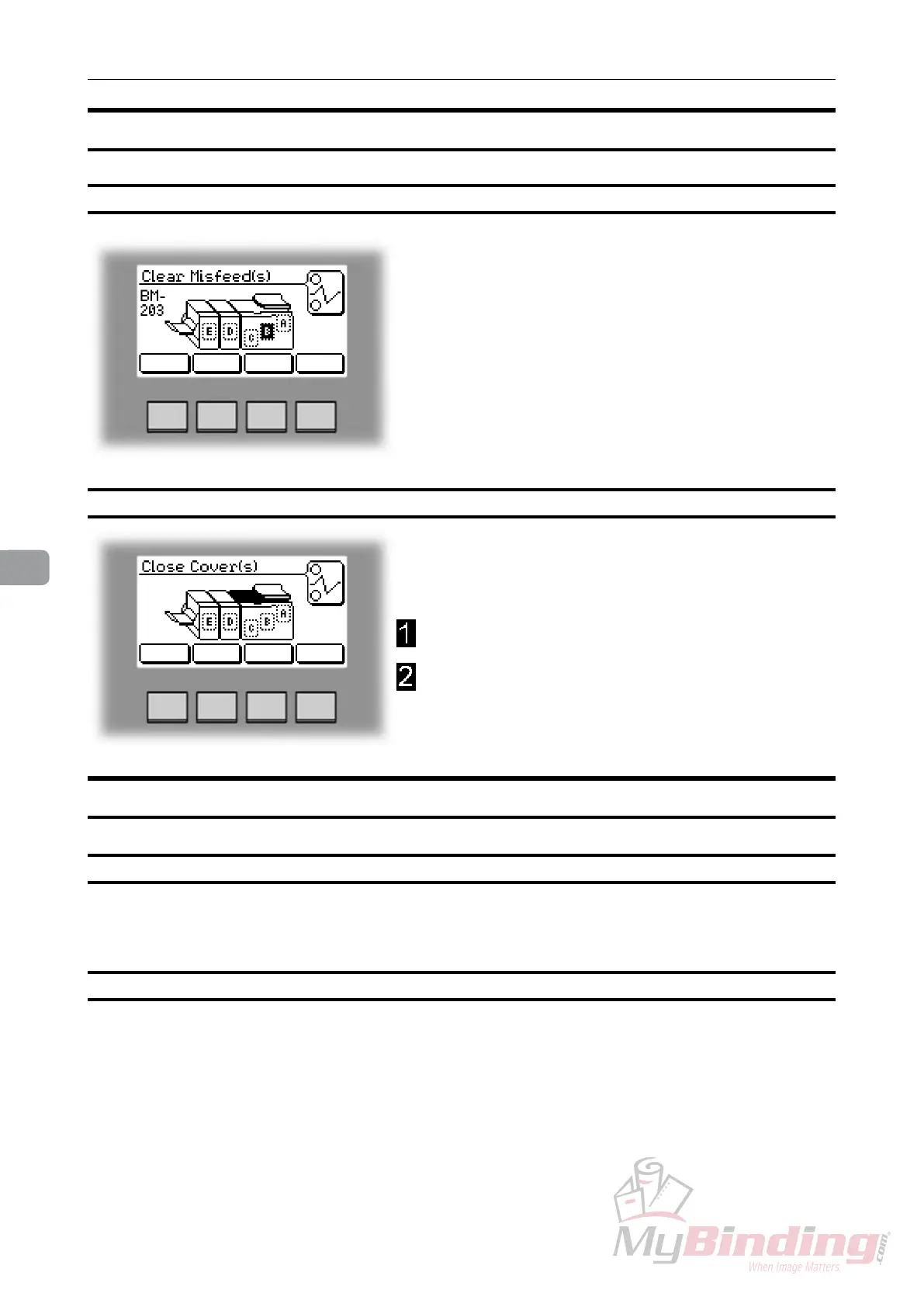
Clear Misfeed(s)
In general, fault codes indicate a misfeed condition.
When a misfeed occurs, the message “Clear Misfeed(s)”,
a code and the jam area will be displayed. See section
5. Clearing Misfeeds, for how to clear a misfeed.
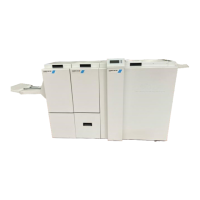
Close cover(s)
When the message “Close Cover(s)” is displayed any
of the interlock switches are actuated.
Check that the top cover is in down position.
Make sure that the cover of the Belt Stacker is in
normal position, see section 5, Clearing Misfeeds,
Exit area.
Booklet Maker fault codes
Check staples
This message will be displayed when a staple cartridge is empty or when stapling could not
be performed. Check in the following order:
– If a staple cartridge is empty, replace according to section 1. Basics.
– If
staple cartridges are OK; remove the set and check that the number of sheets is within
specications.
– If staple cartridges are OK and set is within specications; remove and check stapler head
according to section 1. Basics.
Set too thick
This message will be displayed when the set fed to the Booklet Maker is outside specications.
Open the top cover, remove the set and close the top cover.
Trouble shooting


 To Next Page