7
47
Open the top cover.
Put a couple of drops of oil in each clincher (A).
To get rid of excessive oil:
Push down clincher lever (B) a couple of times.
Push down clincher lever (B) while wiping of excessive oil with a dry cloth.
Run a few blank booklets.
When clinchers have been lubricated, the error message must be reset:
Switch of the main power switch on the machine.
Press and hold the two center buttons on the UI, buttons 2 and 3.
Switch on the main power switch and release the buttons after 2 seconds.
Remove the Stapler heads according to section 1, BASICS Check staples, Staple cartridge
and Stapler head.
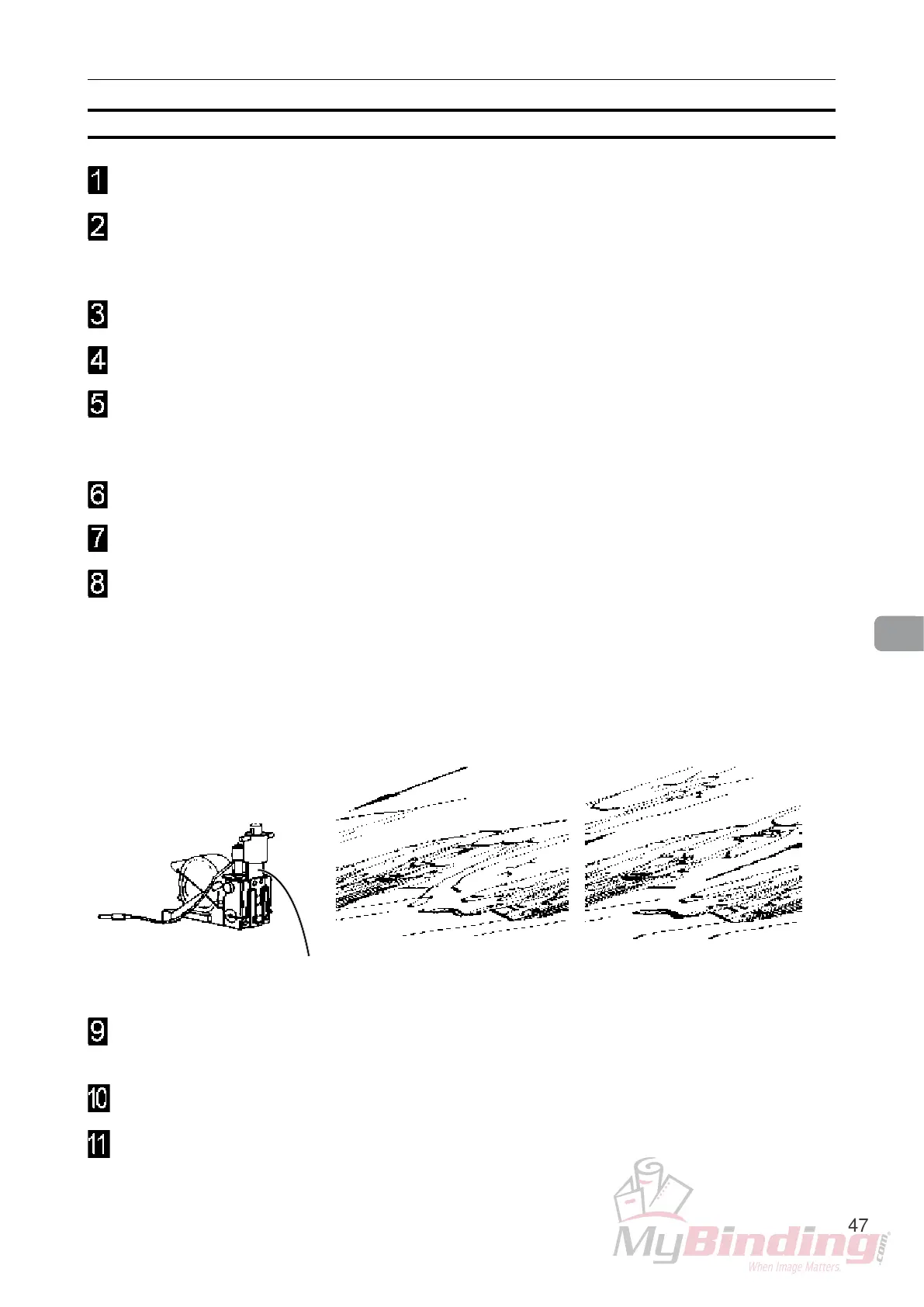
Put a couple of drops of oil on each side of the drive post (C).
Cycle the Stapler head a couple of times before installing it again.
The stapler heads must be oiled every 20 000 stapling cycles to avoid mechanical
breakdown.
C
Oil Clinchers and Stapler heads, continues
Maintaining Your Machines


 To Next Page