EasyManua.ls Logo

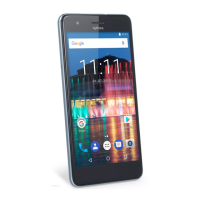
myPhone COMPACT - Button Functions and Operations

myPhone COMPACT
40 pages
Print Icon
To Next Page IconTo Next Page
To Previous Page IconTo Previous Page
Loading...
© 2015 myPhone. All rights reserved myPhone COMPACT EN
12
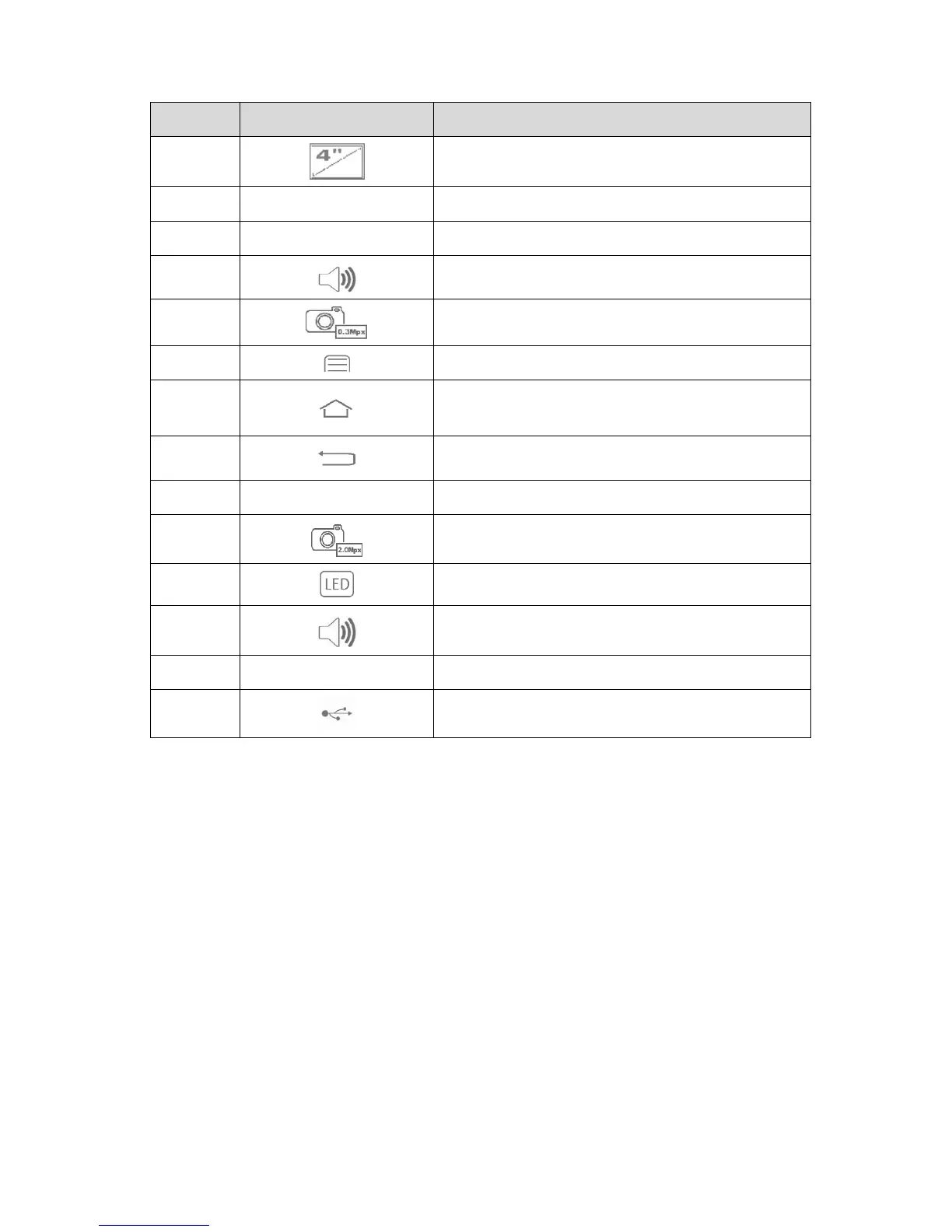
Number
Symbol
Function
1
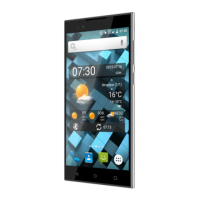
4" touchscreen
2
Volume increase/decrease buttons
3
3.5" minijack headphone socket
4
Internal speaker
5
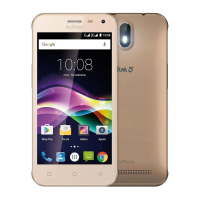
0.3 Mpx camera lens
6
Menu button
7
Home button
8
Back button
9
Turn on/off and locking button
10
2 Mpx camera lens
11
LED
12
External speaker
13
Microphone
14
Multifunctional microUSB socket
Buttons
Menu
One short press calls the advanced or additional menu options, ex. the options at the
desktop:
Wallpapers,
Widgets
Settings.
Home
One short press opens the desktop screen,
Pressing and holding the button for 2 sec calls the list of currently open apps.
Back
Pressing the button exits an app / returns to the previous screen.

Table of Contents

Related product manuals