© 2015 myPhone. All rights reserved myPhone COMPACT EN
33
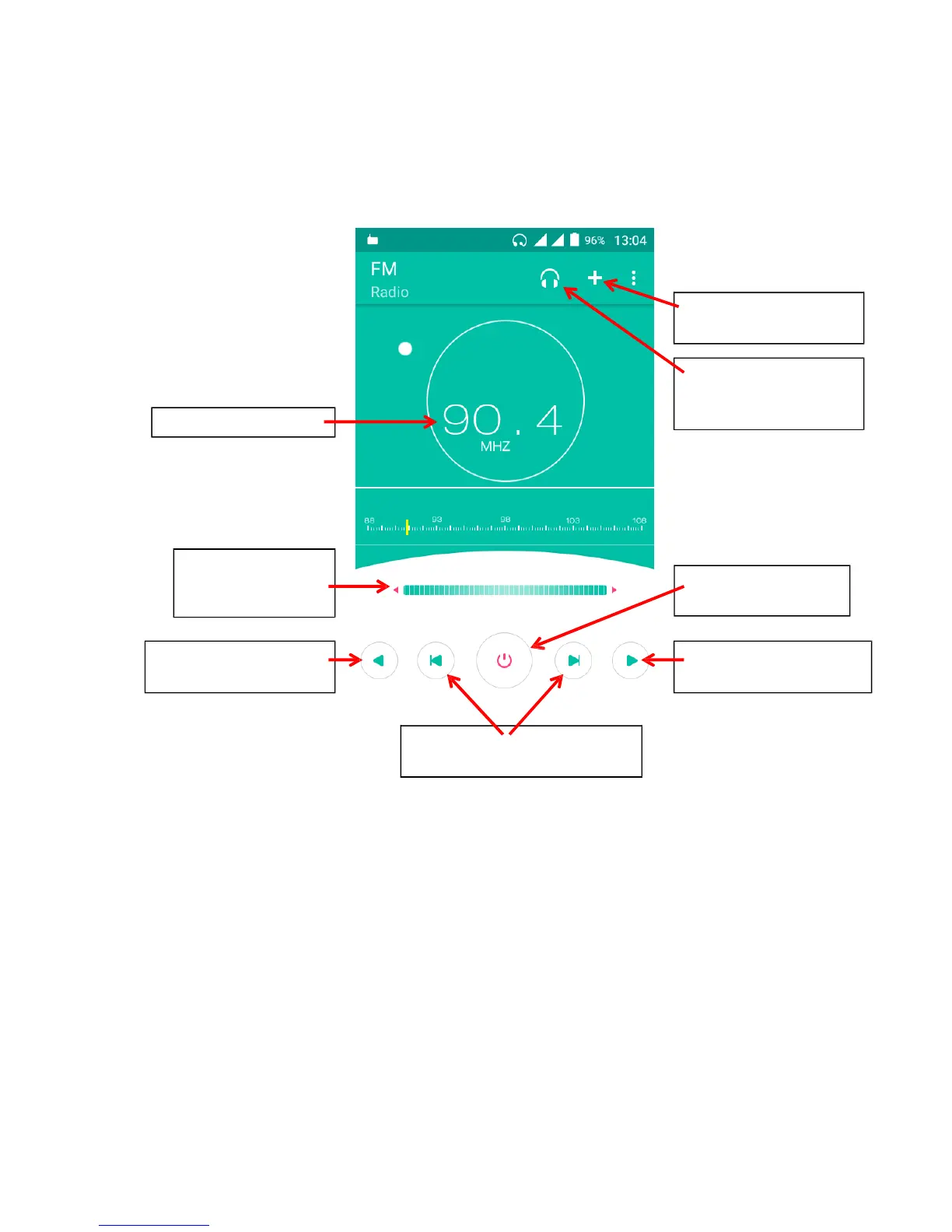
FM Radio
[FM Radio] app in the main menu.
Note: You need to connect the headphones to use the FM radio. It is not included with
myPhone COMPACT.
Touching the [Menu] button opens a list with following options:
Auto search – searches for available channels and saves a new list (current list is
overwritten),
Start (stop) recording – records the current channel,
Search from current location - searches all currently available channels and adds them
to the list,
Radio stations – list of saved channels,
Recordings – previously recorded broadcasting,
Recording format – select AMR or 3GPP as the recording format.



 To Next Page