© 2015 myPhone. All rights reserved myPhone COMPACT EN
18
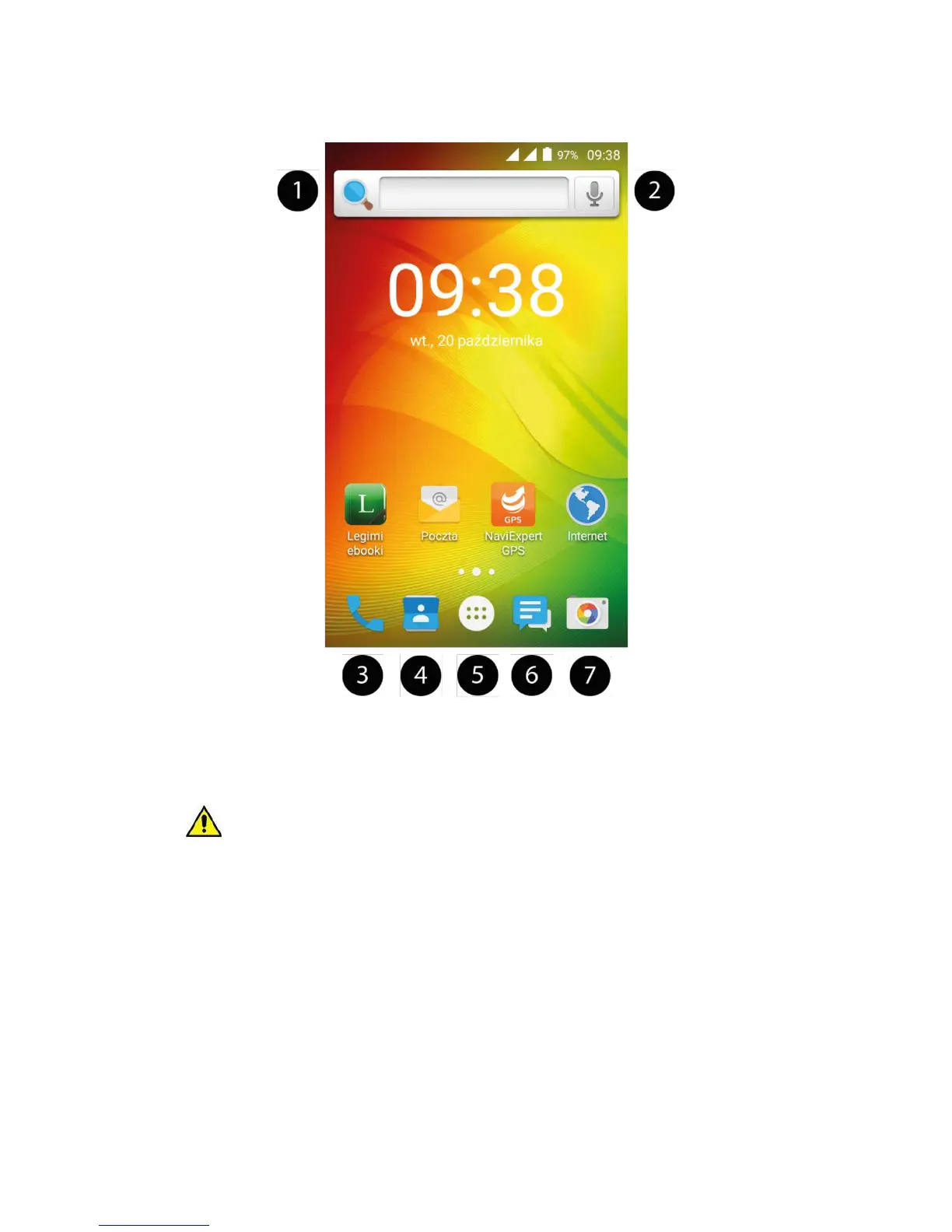
Device desktop screen
Desktop contents
1.
Google search engine.
2.
Voice search. When this icon is touched, say aloud what you are searching for
(ex. A word from a website address, etc.), and the search engine will display the results.
To enable the voice search function, connect the phone with the Internet.
3.
App to make calls.
4.
Contacts (phone book).
5.
App Menu icon. When this icon is pressed, the list of apps installed on the phone is
displayed.
6.
SMS/MMS.
7.
Camera.
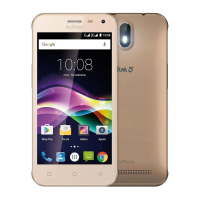
The device has three desktops. The figure shows one of them, where at the bottom part of
the display you can see icons for useful apps, such as Legimi, Mail, NaviExpert, Internet.
To access other desktops, swipe from one edge to another.



 To Next Page