Removing items from the desktop
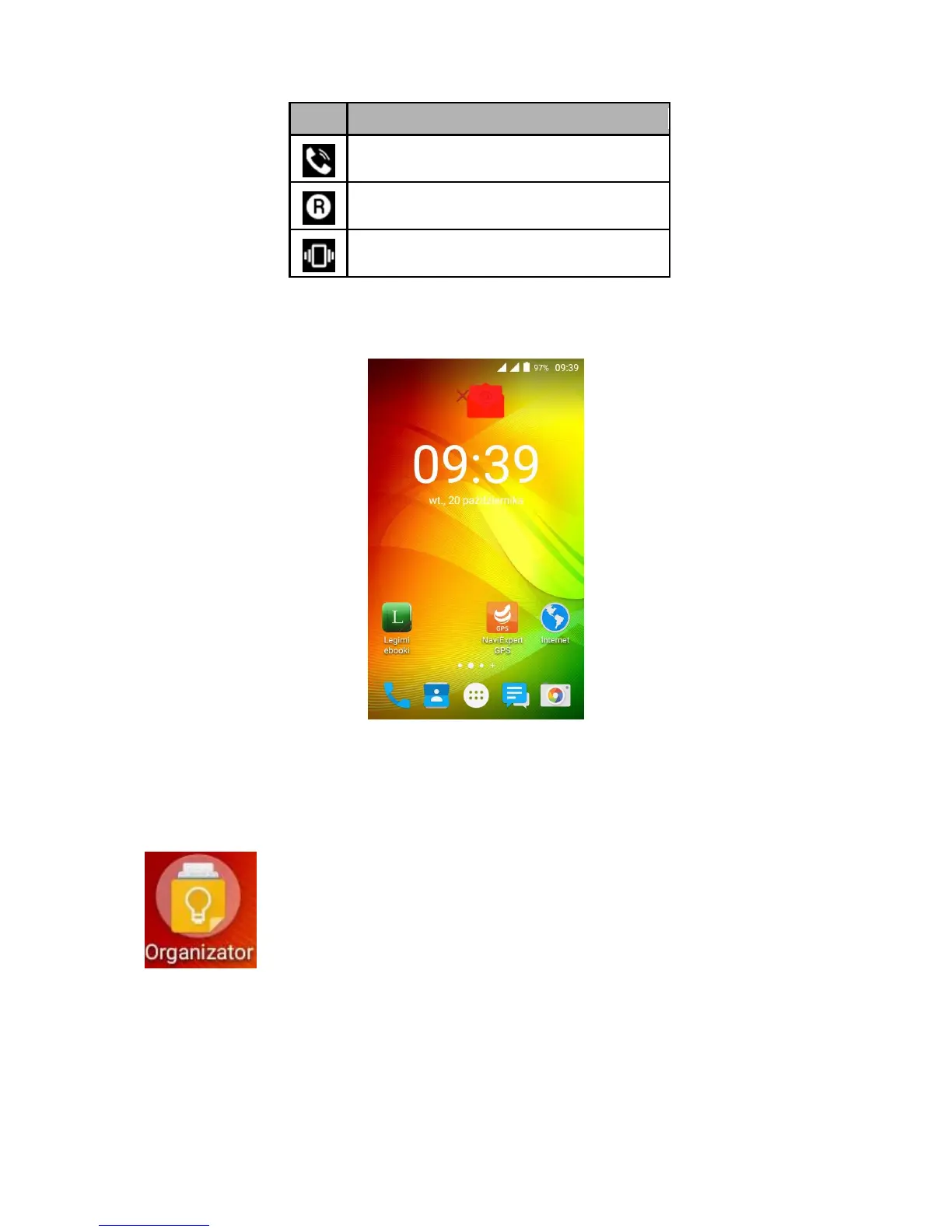
Touch an item to delete, hold it and then drag to the upper bar, where "X Delete" is visible.
The icon becomes red - you can release it to delete.
Creating folders
On your desktop you can create folders with selected apps. Thanks to this solution you can
store frequently used apps in one place without cluttering the desktop.
The figure shows the Organizer folder available on one of the phone
desktops. To create one, click and hold an app, then drag it onto another
app. In result a folder is created with those two apps. The folder can
contain multiple apps. To set its name or rename it, touch the folder and
after opening touch its name or the "Unnamed folder" message and then
enter the new name and press OK.



 To Next Page