© 2015 myPhone. All rights reserved myPhone COMPACT EN
16
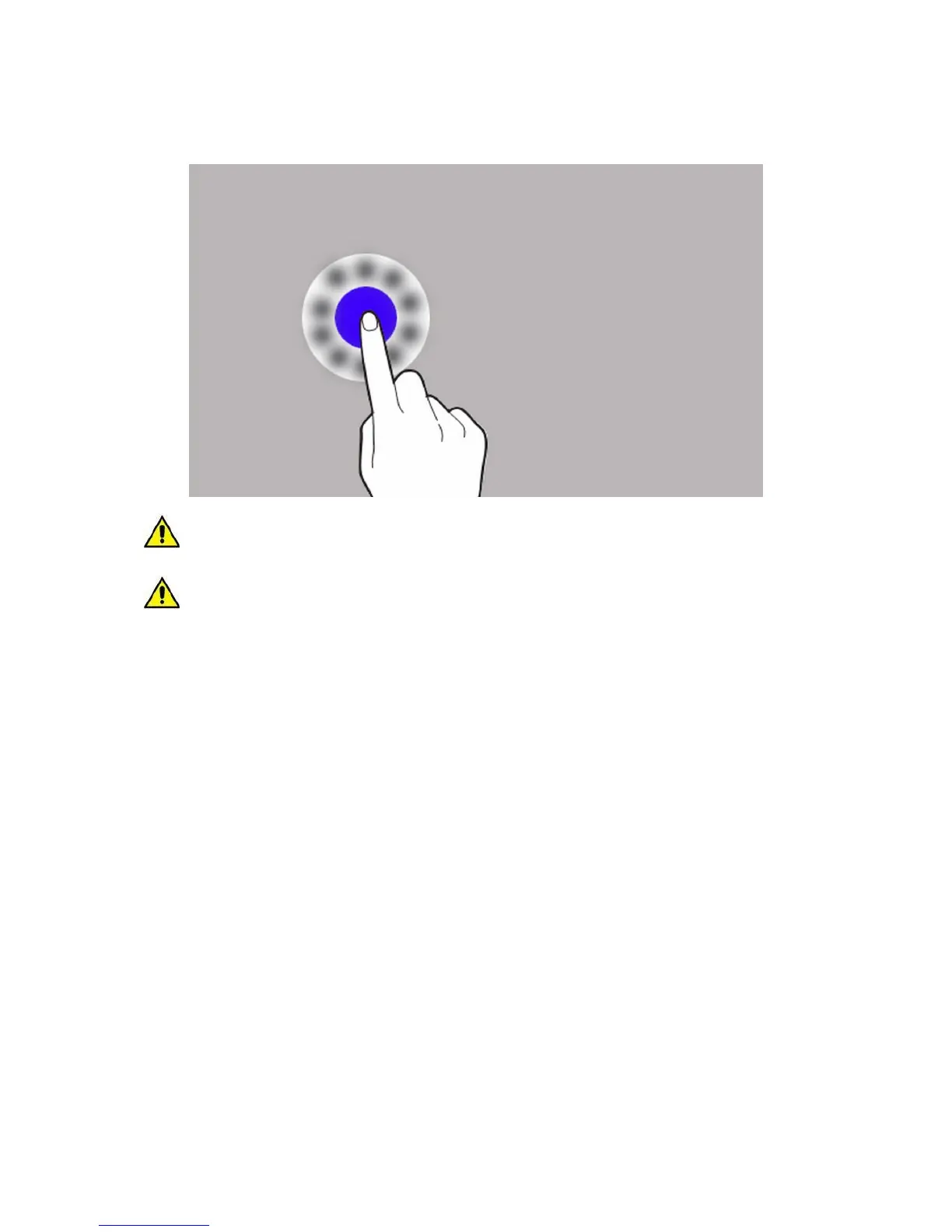
Touch and hold
Touch an item (ex. an icon) and hold it for approx. 2 sec.
The device touchscreen will be turned off after a period of inactivity. To turn on the
screen, press the lock button.
The inactivity time can be set. Choose from the list of apps:
[Settings] [Display] [Sleep].



 To Next Page