Copy & past text
Text in the text field can be copied and then pasted in another app:
1.
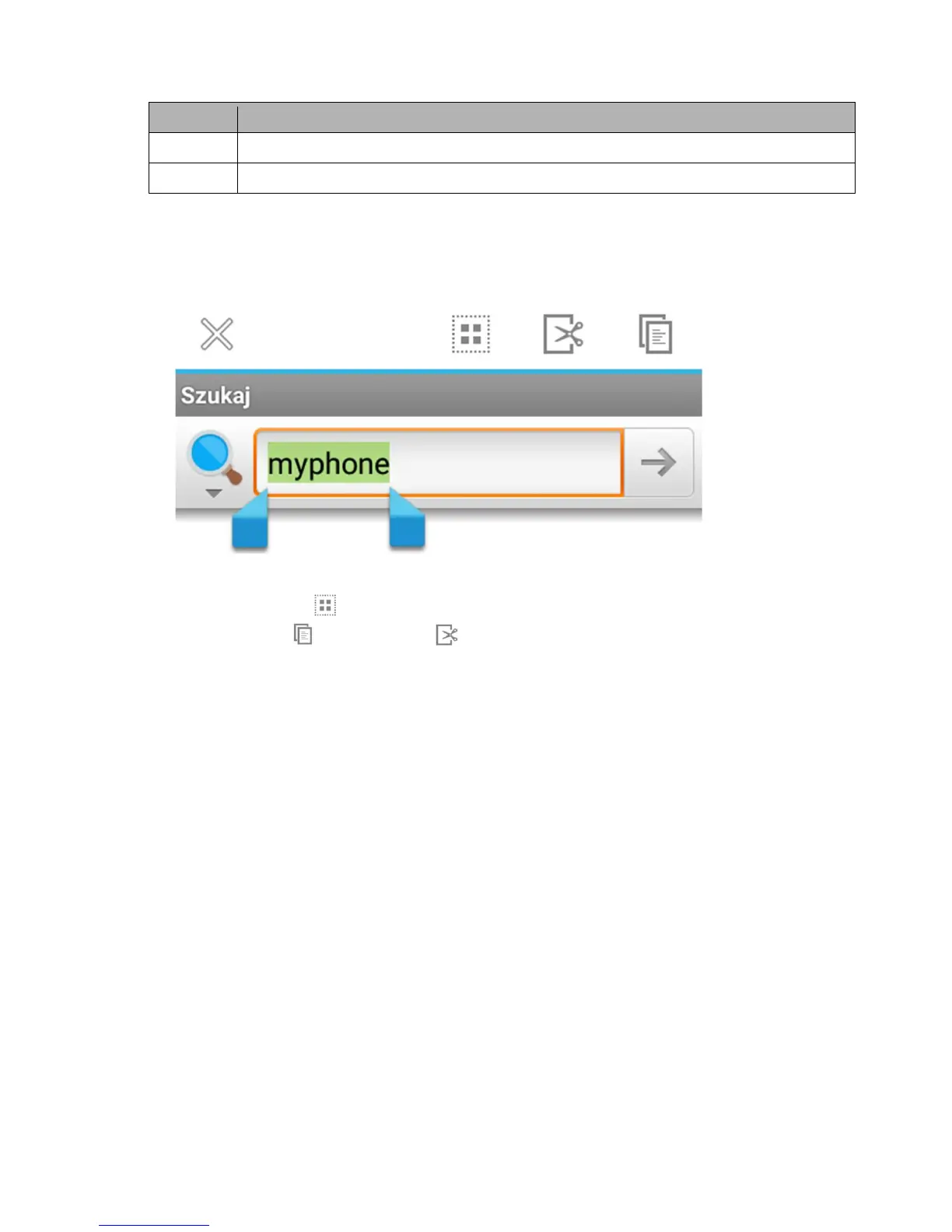
Hold the word to copy.
A screen similar to the following will appear:
2.
Use sliders to select more than one word. You can also select the whole text by
clicking [Select all] .
3.
Click: [Copy] to copy or [Cut] to cut selected characters.
4.
In another app place the cursor where the copied text should be pasted and then
hold (approximately 2 seconds).
5.
Select [Paste] to paste text.



 To Next Page