94
⑨ Con¿rmation of Parameter Setting
19. CONTROL PANEL SETTING RESUME FUNCTION
On power up, the system will resume all the control panel settings in the state they were in when the CONTROLLER
was Powered OFF.
The following settings will be maintained
(1) Motor Rotation Speed
(2) Rotation Direction(FWD., REV.)
(3) Control Mode(MANUAL, AUTO)
(4) Parameter Settings
-
20. BREAK IN PROCEDURE
During transportation, storage or installation the grease inside the bearings will settle. If the spindle is suddenly run
at high-speed, the lack of evenly distributed grease will cuse excessive heat leading to bearing damage.
After installation, repair, initial operation, or long periods of non operation please follow the break-in procedure.
Please refer to the " BREAK IN PROCEDURE " in Operation M
anual of the Motor / Spindle.
Procedure
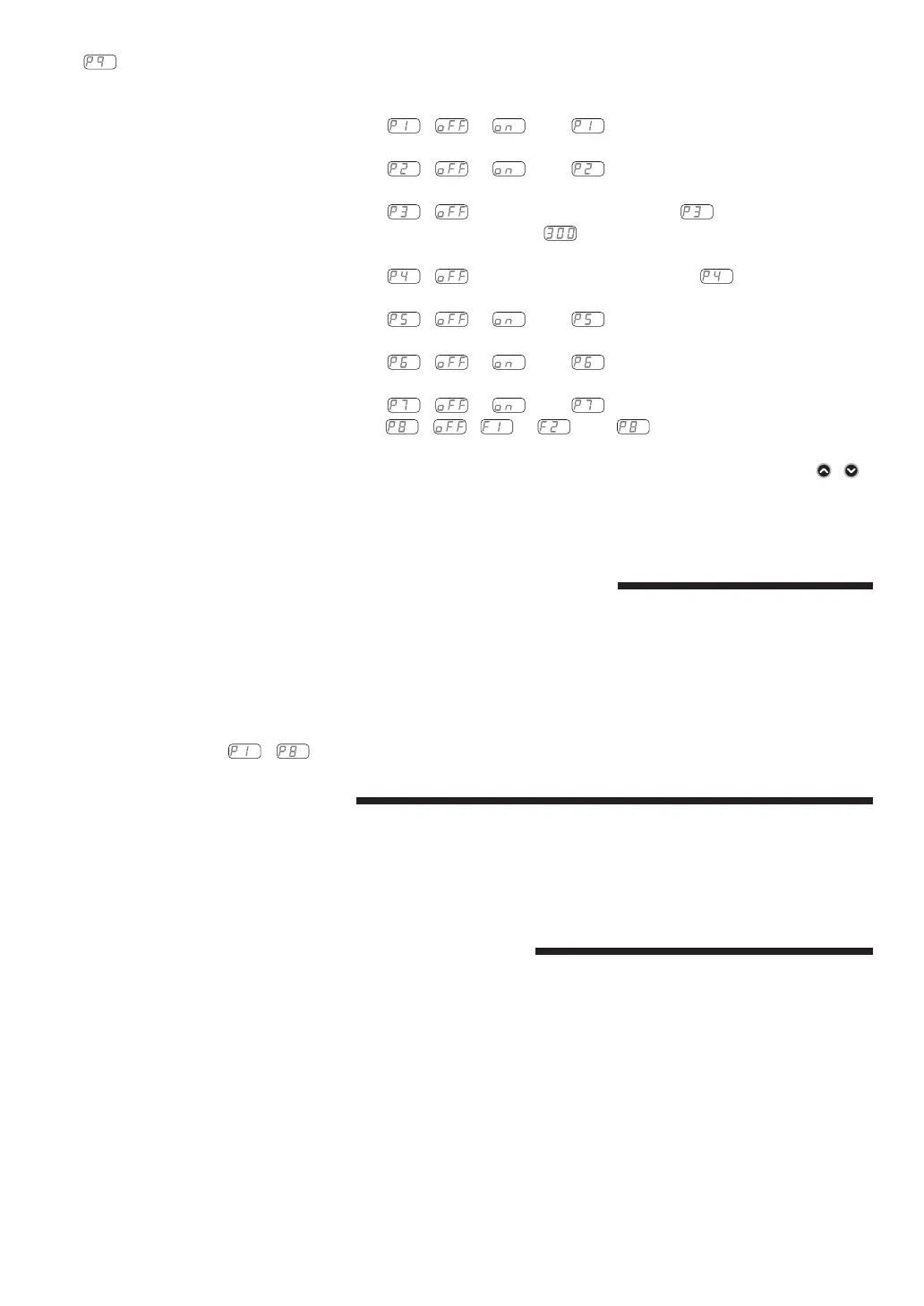
1. Push the Start / Stop Button (START / STOP).
2. The setting contents of the
( or ) and are displayed.
3. Push the Start / Stop Button (START / STOP).
4. The setting contents of the
( or ) and are displayed.
5. Push the Start / Stop Button (START / STOP).
6. The setting contents of the
( or Setting Motor Speed) and is displayed.
When motor rotation speed is 30,000min
-1
(rpm), is displayed.
7. Push the Start / Stop Button (START / STOP).
8. The setting contents of the
( or Maximum Motor Speed) and is displayed.
9. Push the Start / Stop Button (START / STOP).
10. The setting contents of the
( or ) and are displayed.
11. Push the Start / Stop Button (START / STOP).
12. The setting contents of the
( or ) and are displayed.
13. Push the Start / Stop Button (START / STOP).
14. The setting contents of the
( or ) and are displayed.
15. The setting contents of the
( , or ) and are displayed.
16. You can cycle through the choices by pushing the Start / Stop Button (START / STOP).
17.
If you desire to set other parameters, press the Motor Speed Adjustment Button (SPEED , )
to select the parameter that needs to be set.
18. When ¿nished CHANGING parameters and wish to exit the Parameter Mode, press Error Reset
Button (RESET), the cycle the controls main power switch off, then ON.
21. OPTIONAL DEVICES FOR CONTROLLER
21 - 1 E4000 SAFETY RELAY BOX
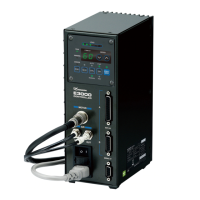
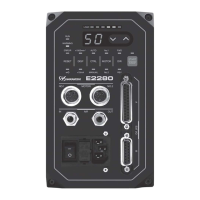
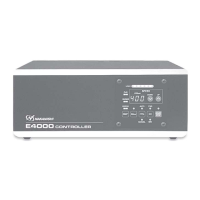
When using the E4000 SAFETY RELAY BOX, connect to the E4000 CONTROLLER.
(1) Features
① Safety Relay
If an " N - O Contacts " becomes welded, all " N - C Contacts " will maintain a minimum distance of 0.5 mm
when the coil is not energized.
" N - O Contacts " (Normally-opened contacts) : Motor Power Line
" N - C Contacts " (Normally-closed contacts) : Contacts Output


 To Next Page