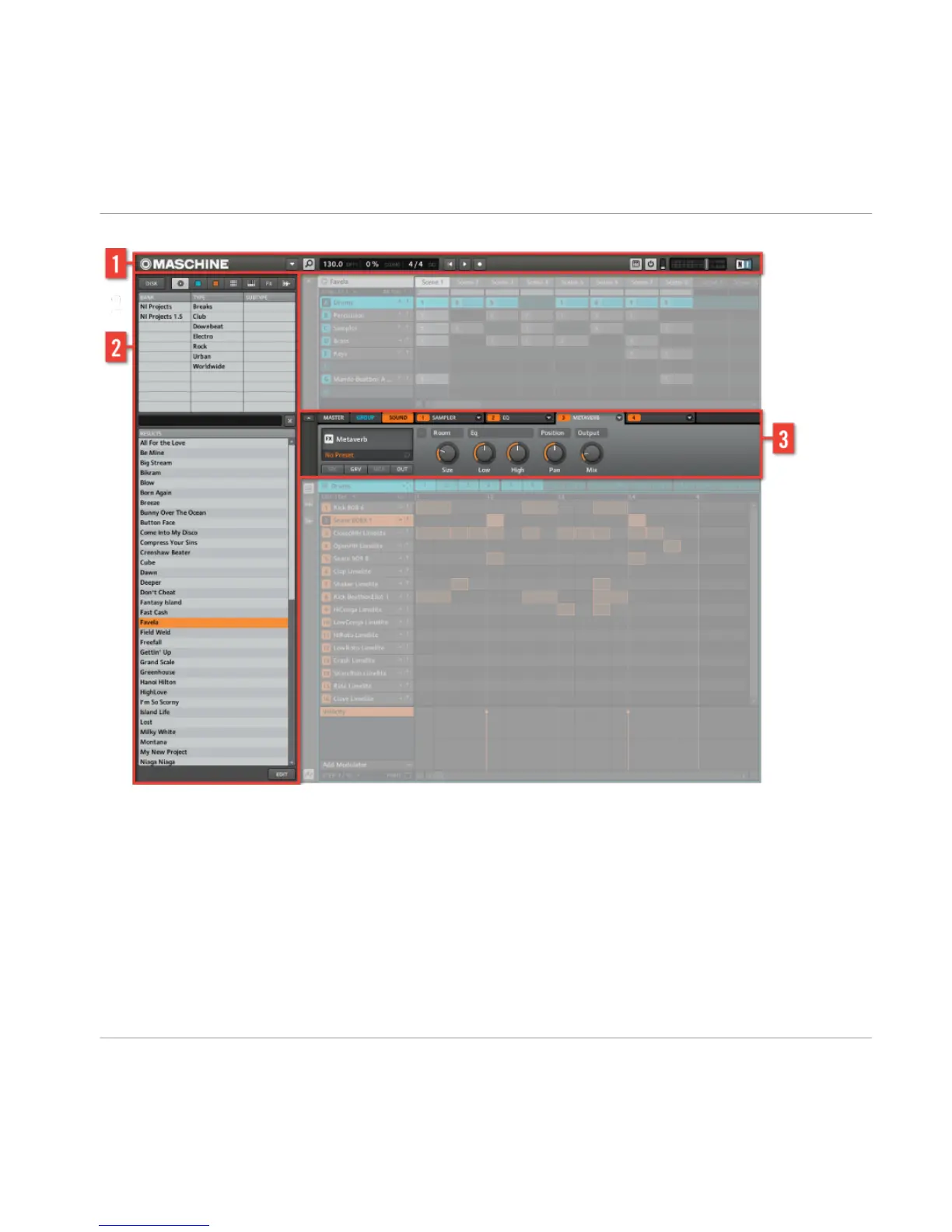
The Header and the Browser area.
(1) The Header: Contains global settings such as the main Volume output, Tempo, Swing
and viewing modes are also set here.
(2) The Browser: Here you manage your audio content and effect presets. For more de-
tailed information on the MASCHINE Browser, please refer to the MASCHINE Reference
Manual.
Overview of a MASCHINE Project
The Structure of a MASCHINE Project
MASCHINE - Getting Started - 35



 To Next Page