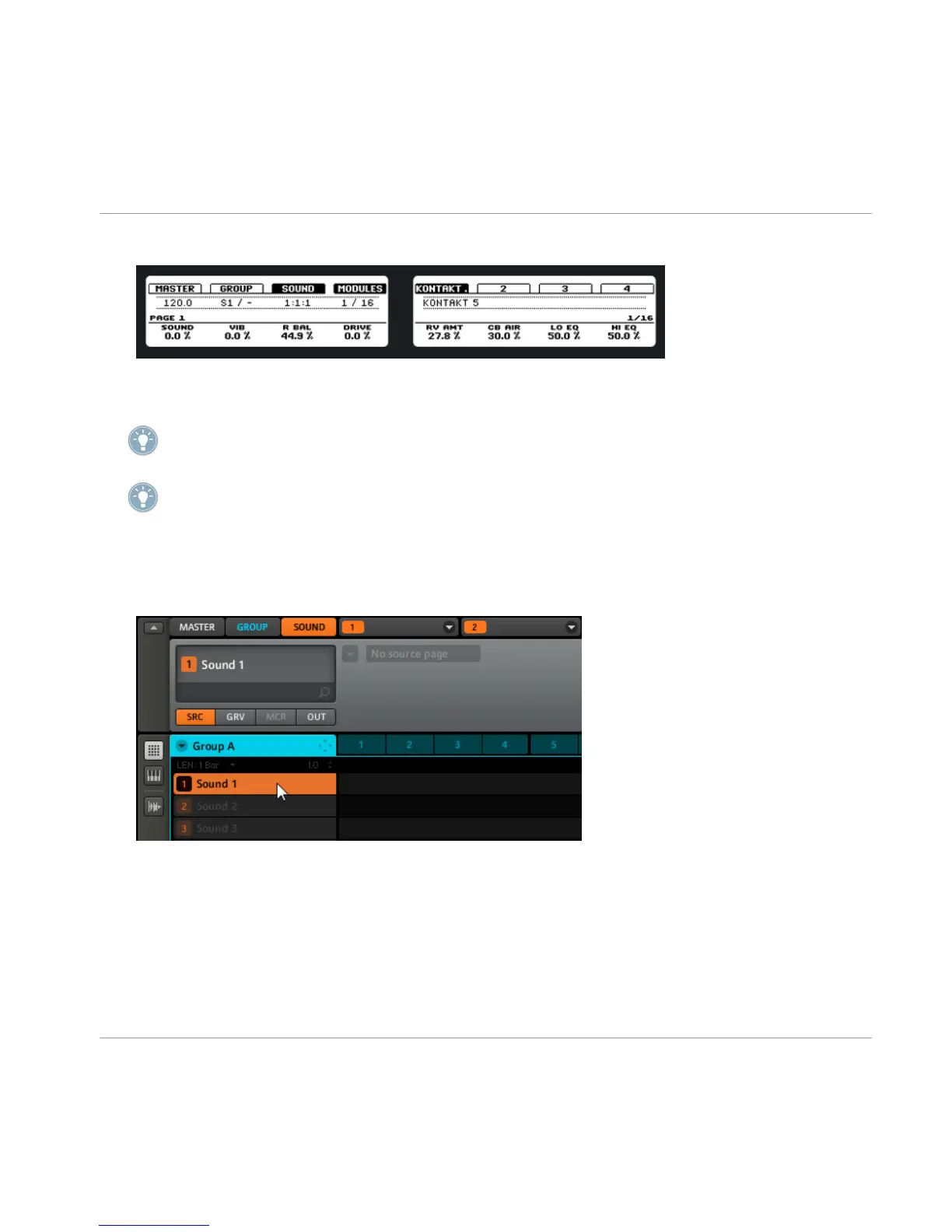
12. Edit the plug-in parameters using the knobs 1-8.
13. Press > < (Step forward and Step back buttons) to step through the parameter pages
of the plug-in.
To play the instrument plug-in chromatically using the pads on the MASCHINE hardware;
hold SHIFT then press the PAD MODE button to quickly toggle to Keyboard mode.
For information on changing and assigning plug-in parameters please read the MASCHINE
Reference Manual.
Software
1.
Click on the SOUND tab to switch to the Sound level.
2. Click on the Sound Slot you want to load an instrument to.
Creating a Pattern
Creating Patterns with Plug-in Instruments
MASCHINE - Getting Started - 53



 To Next Page