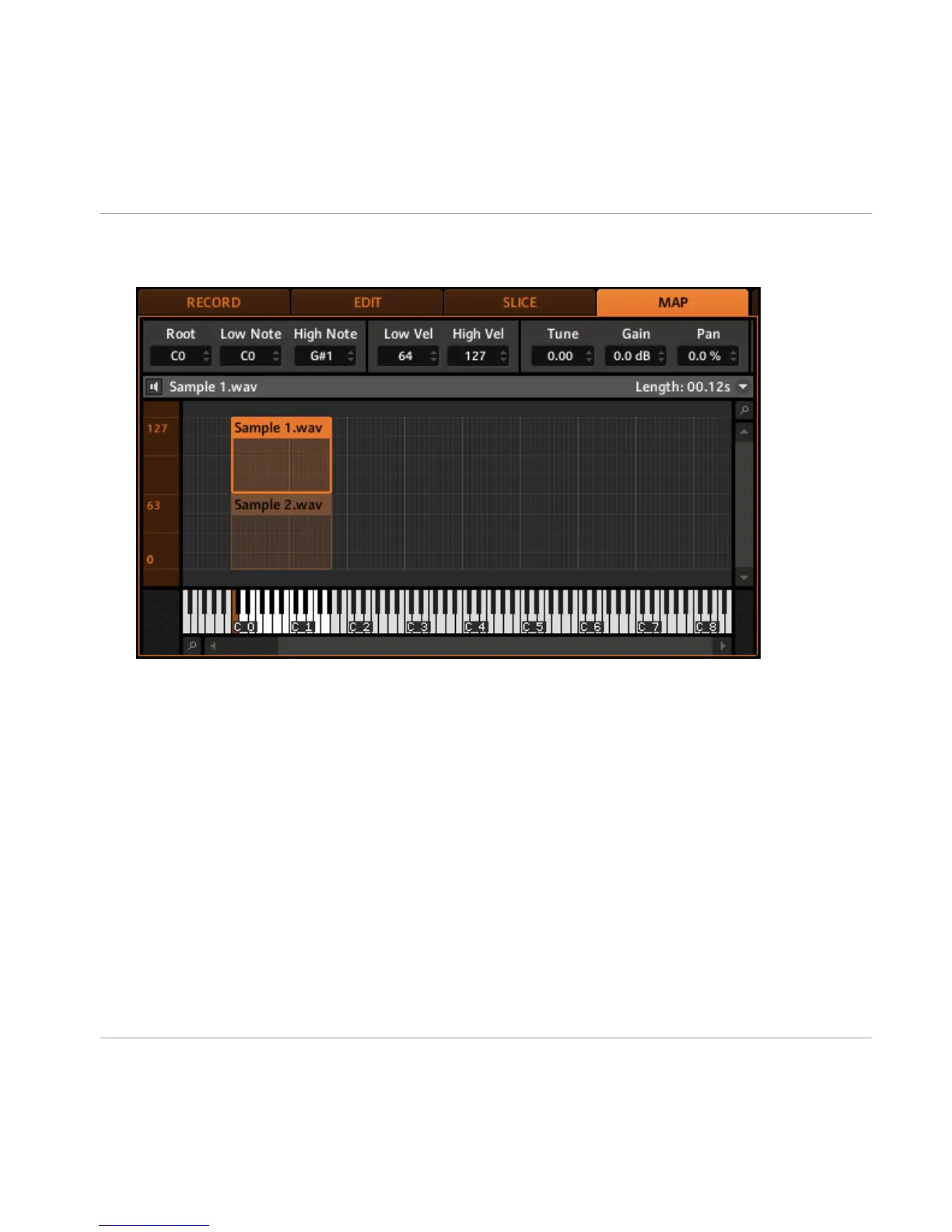
3. You can also set all necessary parameters for a Zone in the Control Area: make sure
the Zone is selected by clicking on it first though.
→ Now you can set the selected Zone’s parameters:
▪
Select a root note in the Root field.
▪
Set the note range’s limits, using the Low Note and High Note fields.
▪
Set the velocity range, using the Low Vel and High Vel fields.
▪
Set the tuning in the Tune field.
▪
Set the gain in the Gain field.
▪
Set the panorama position in the Pan field.
Sampling
Mapping Samples
MASCHINE - Getting Started - 93



 To Next Page