14
TO SELECT THE SOUND MODE
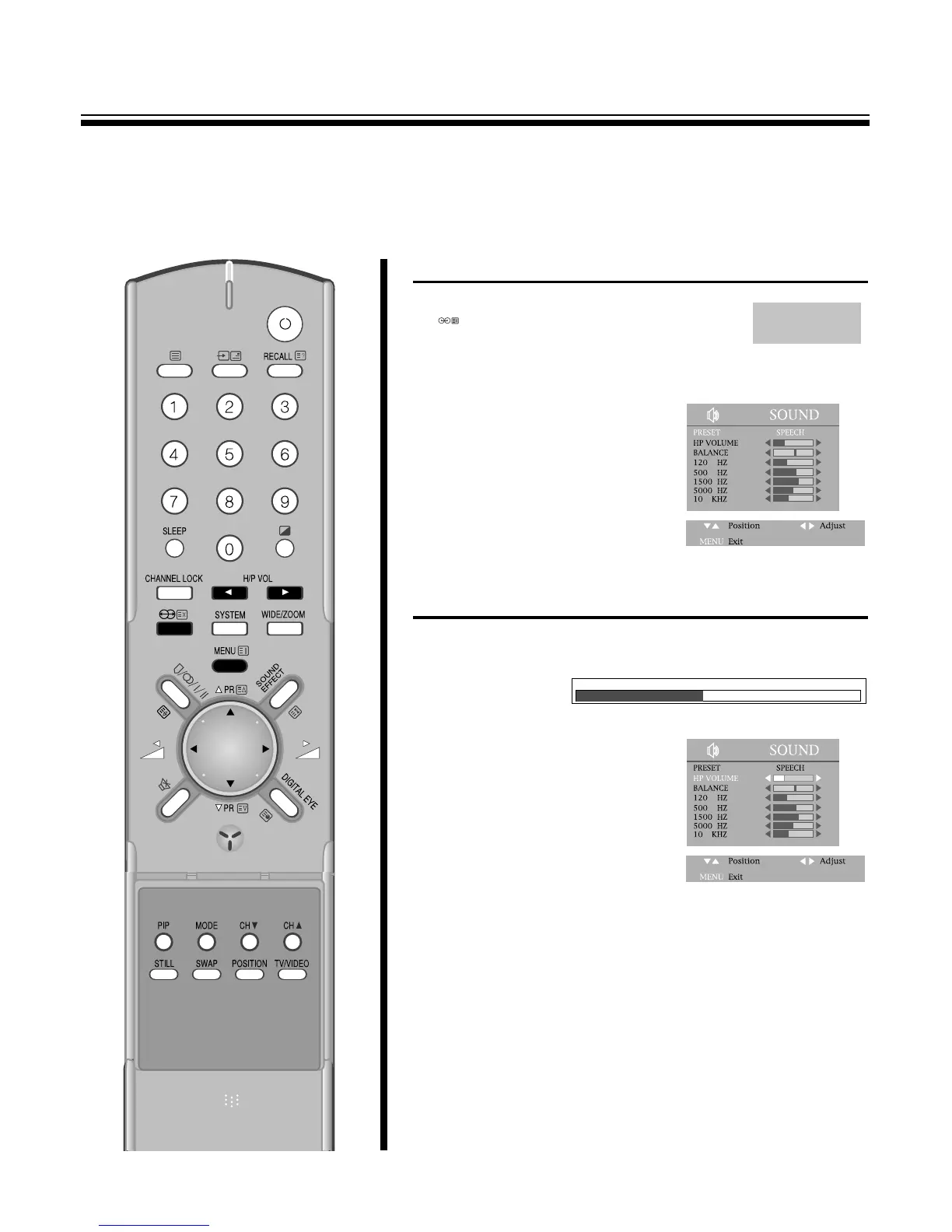
1. Press the SELECTABLE SOUND
( ) button to select the desired
sound quality.
NORMAL, FAVOURITE, MUSIC,
SPEECH can be selected cyclically.
2.Or press the MENU button to
select the SOUND and then to be
displayed on the right
appearance.
Select the PRESET with the
PR y
/
x buttons.
By pressing the C
/
B buttons, the
following four mode change
cyclically.
TO ADJUST THE HEADPHONE VOLUME
1. Press the CH
/
P VOLB button in the remote control to adjust
Headphone Volume.
2. Or press the MENU button to
select the SOUND and then to be
displayed on the right
appearance.
Select the HP VOLUME with the
PR y
/
x buttons.
By pressing the C
/
B buttons,
Headphone Volume can be
adjusted.



 To Next Page