15
2. Installation and Connections
Connecting the Supplied Power Cable
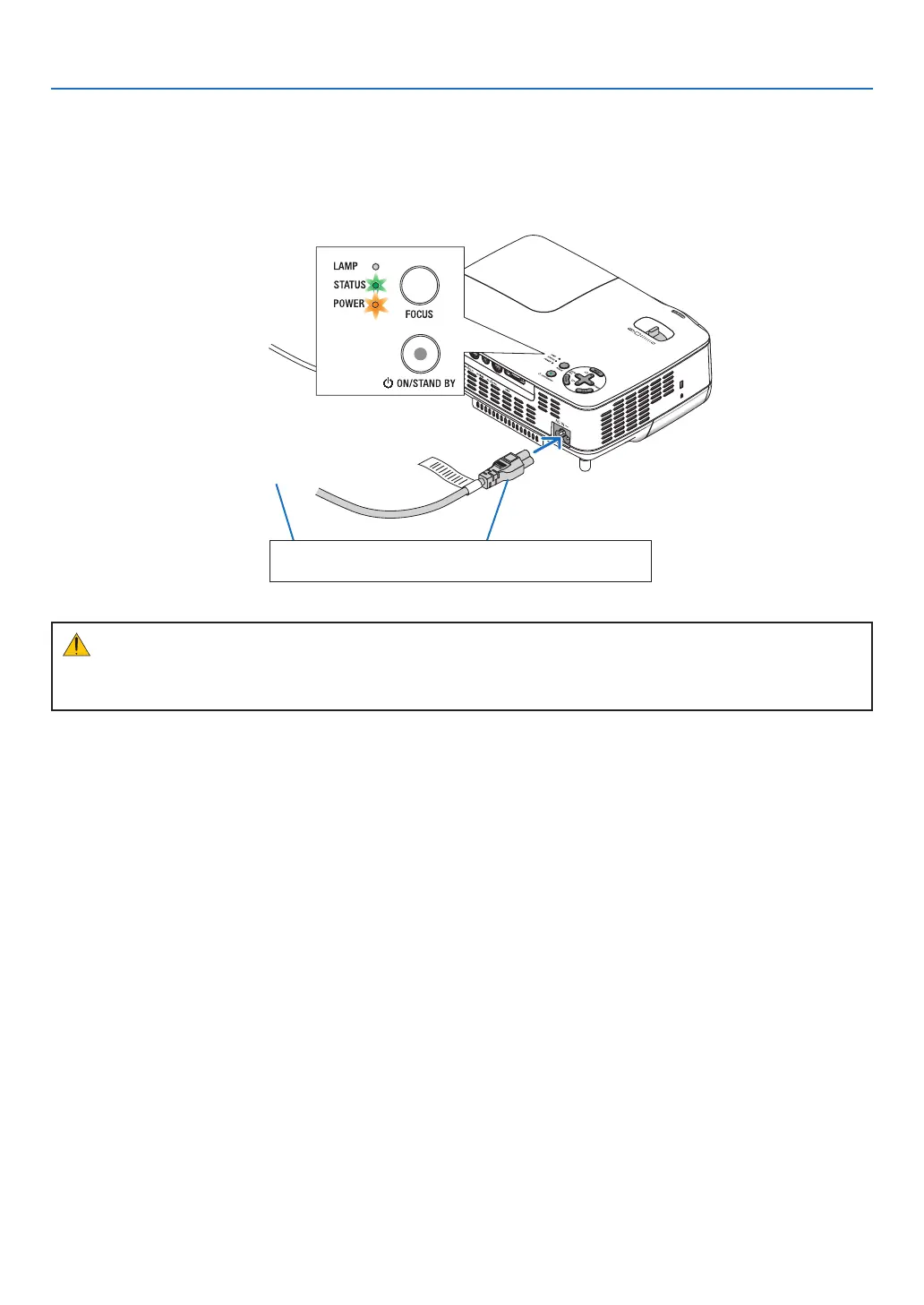
Connectthesuppliedpowercabletotheprojector.
Firstconnectthesuppliedpowercable’sthree-pinplugtotheACINoftheprojector,andthenconnecttheother
plugofthesuppliedpowercableinthewalloutlet.
To wall outlet
The projector will go into standby
mode.Wheninstandbymode,the
POWERindicatorwilllightorange
andtheSTATUSindicatorwilllight
greenwhen[NORMAL]isselected
for[STANDBYMODE].
CAUTION:
Partsoftheprojector maybecome temporarily heatedifthe ACpowersupplyisdisconnected eitherduring
normalprojectoroperationorduringcoolingfanoperation.Usecautionwhenpickinguptheprojector.
Make sure that the prongs are fully inserted into both
the power plug and the wall outlet.



 To Next Page