64
6. Using On-Screen Menu
➏
Menu Descriptions & Functions [SETUP]
[GENERAL]
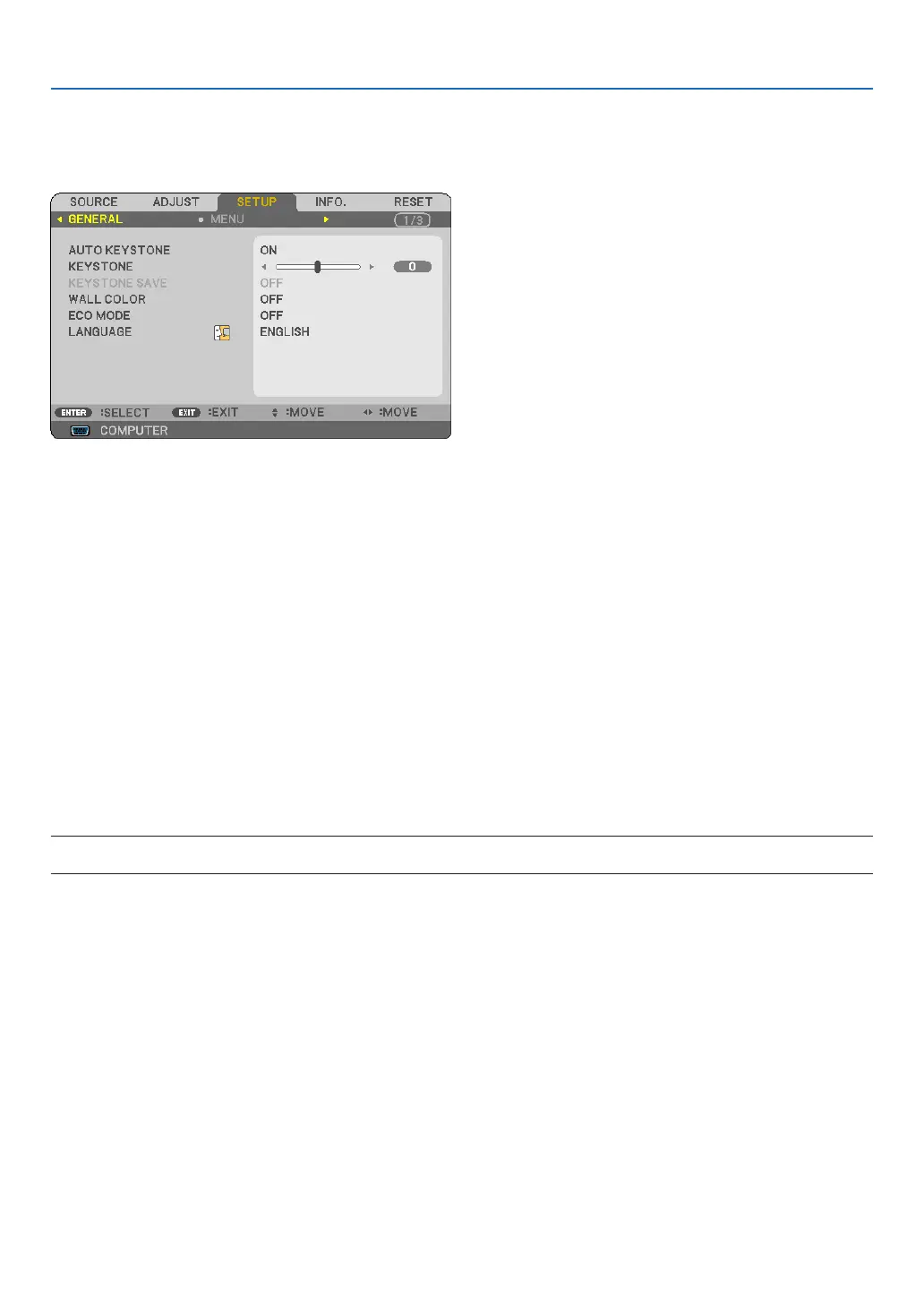
Enabling Auto Keystone [AUTO KEYSTONE]
Thisfeatureallowstheprojectortodetectitstiltandcorrectverticaldistortionautomatically.
ToturnontheAUTOKEYSTONEfeature,select[ON].ToadjusttheKEYSTONEfeaturemanually,select[OFF].
Correcting Vertical Keystone Distortion Manually [KEYSTONE]
Youcancorrectverticaldistortionmanually.(→page25)
TIP: Whenthisoptionishighlighted,pressingtheENTERbuttonwilldisplayitsslidebarforadjustment.
Saving Vertical Keystone Correction [KEYSTONE SAVE]
Thisoptionenablesyoutosaveyourcurrentkeystonesettings.
OFF ������������������������ Doesnotsavecurrentkeystonecorrectionsettings.Itwillreturnyourkeystonecorrectionsettingsto
“zero”�
ON ������������������������� Savescurrentkeystonecorrectionsettings
Savingyourchangeonceaffectsallsources.Thechangesaresavedwhentheprojectoristurnedoff.
NOTE:When[AUTOKEYSTONE]issetto[ON],[KEYSTONESAVE]isnotavailable.Nexttimeyouturnonthepower,theAUTO
KEYSTONEfunctionwillworkandthedatastoredwith[KEYSTONESAVE]willbeinvalid.



 To Next Page