52
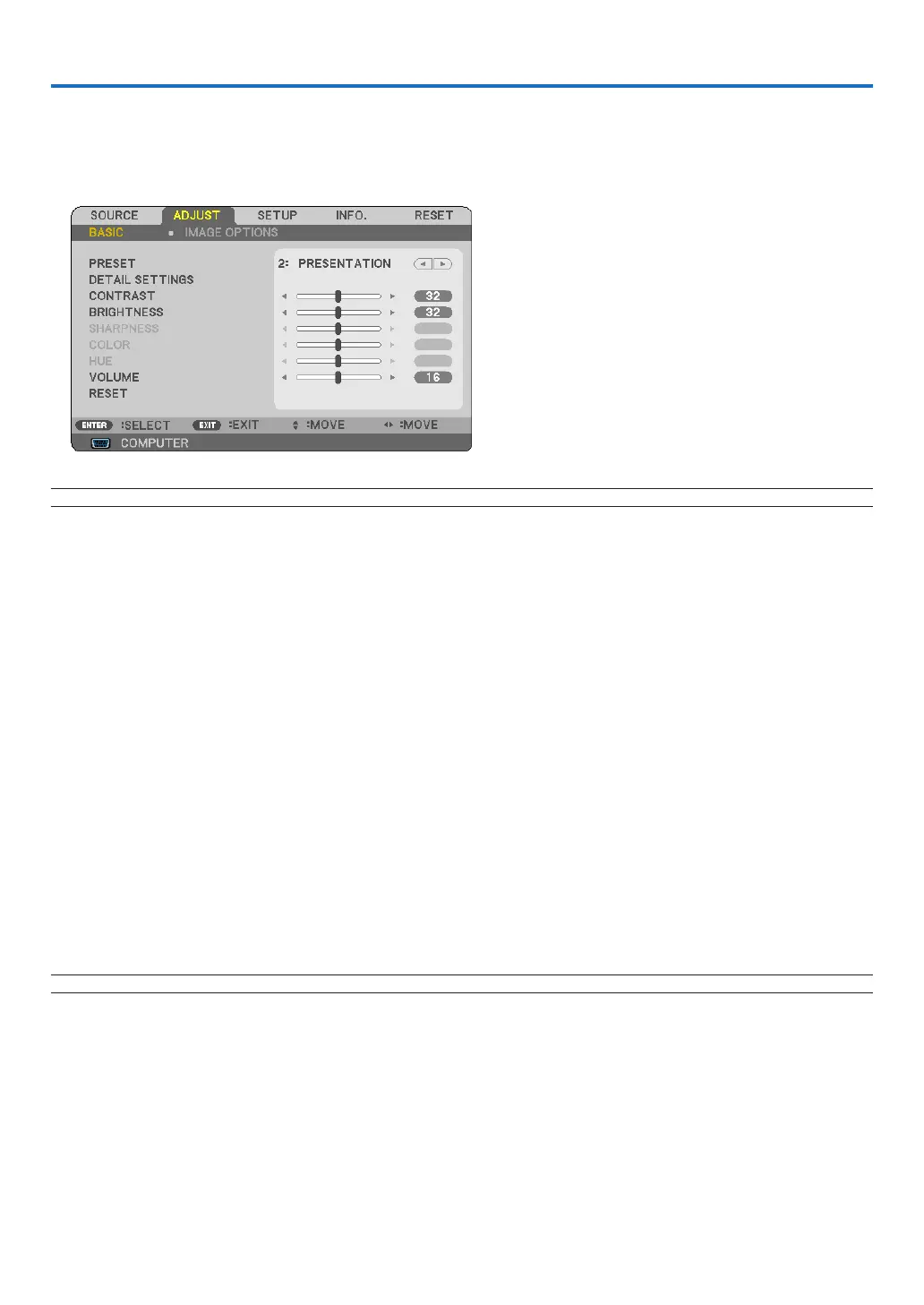
6. Using On-Screen Menu
❶
Using the Menus
1. Press the MENU button on the remote control or the projector cabinet to display the menu.
NOTE:ThecommandssuchasENTER,EXIT,
,
inthebottomshowavailablebuttonsforyouroperation.
2. Press the
buttons on the remote control or the projector cabinet to display the submenu.
3. Press the ENTER button on the remote control or the projector cabinet to highlight the top item or the
rst tab.
4. Use the
buttons on the remote control or the projector cabinet to select the item you want to adjust
or set.
You can use the
buttons on the remote control or the projector cabinet to select the tab you want.
5. Press the ENTER button on the remote control or the projector cabinet to display the submenu window.
6. Adjust the level or turn the selected item on or off by using the
buttons on the remote control or
the projector cabinet.
Changes are stored until adjusted again.
7. Repeat steps 2 -6 to adjust an additional item, or press the EXIT button on the remote control or the pro-
jector cabinet to quit the menu display.
NOTE:Whenamenuormessageisdisplayed,severallinesofinformationmaybelost,dependingonthesignalorsettings.
8. Press the MENU button to close the menu.
To return to the previous menu, press the EXIT button.



 To Next Page