22
3. Projecting an Image (Basic Operation)
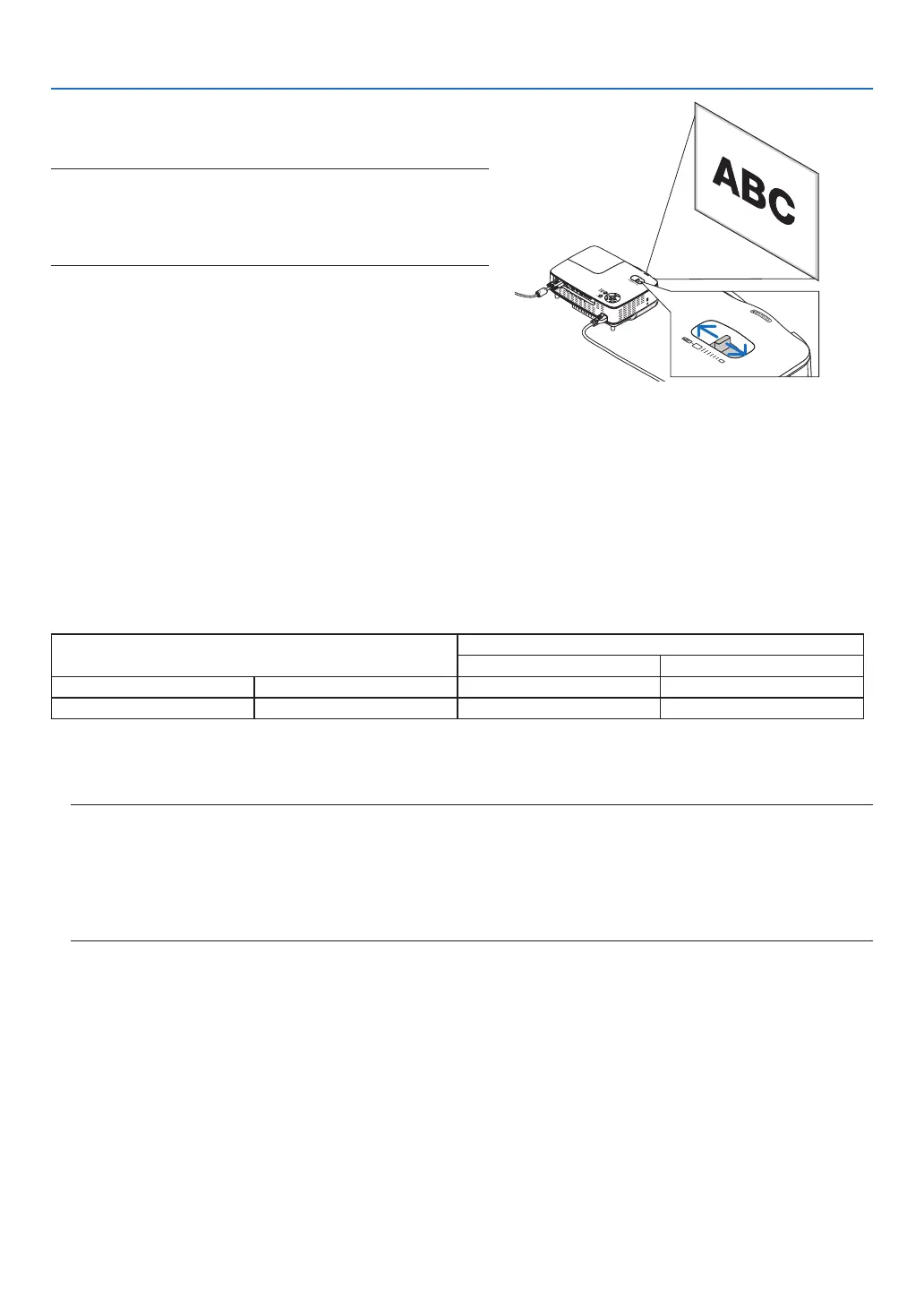
ZOOM
UsetheZOOMlevertoadjusttheimagesizeonthescreen.
NOTE:RotatingtheZOOMleverwillcausethefocustobeadjusted
automatically.Formoredetail,see“AUTOFOCUS”below.
• Movingthe projectorbackandforth canchangethe image size
onthescreen.
• Adjustthetiltfootiftheimageisdistortedvertically.
AUTO FOCUS
Thefocussensorontheprojectordetectsthedistancetothescreenandautomaticallyadjuststhefocusofanim-
age.
• TheAUTOFOCUSfunctionwillworkwhenthefollowingtasksaredone:
- Turningonthepower
- Changingthezoomlever
- Repositioningtheprojector
- Changingtheprojectionangle
Effective auto focus range for screen 4:3
Throwdistance Imagesize(inch)
Tele(Zoomatmin.) Wide(Zoomatmax.)
Minimumdistance 57.1"/1.5m 33" 40"
Maximumdistance 216.5"/5.5m 123" 149"
Whenthethrowdistanceisbeyond5.5m/216.5",itmeansthatthefocussensorwillnotworkcorrectlyandthat
youneedtousetheFOCUSbuttontoadjustthefocusmanually.
NOTE:Insomecases,theAUTOFOCUSmaynotworkcorrectlyortheAUTOFOCUSrangecanbemadenarrower,depending
ontheenvironmentalconditions.
TheAUTOFOCUSfunctionwillnotworkunderthefollowingcircumstances
• Whenusingatransparentscreen.
• Whenthereareobjectsbetweenthefocussensoroftheprojectorandthescreen.
• Whenmovingtheprojectorsoslowlythatthefocussensorcannotdetectthedistancetothescreen.
• Whenmovingthescreen,nottheprojector,becausethefocussensorcannotdetectthedistancetothescreen
TIP: ToturnofftheAUTOFOCUSfunction,fromthemenuselect[SETUP]→[OPTIONS(1)]→[AUTOFOCUS]andselect[OFF].



 To Next Page