57
6. Using On-Screen Menu
➎
Menu Descriptions & Functions [ADJUST]
[BASIC]
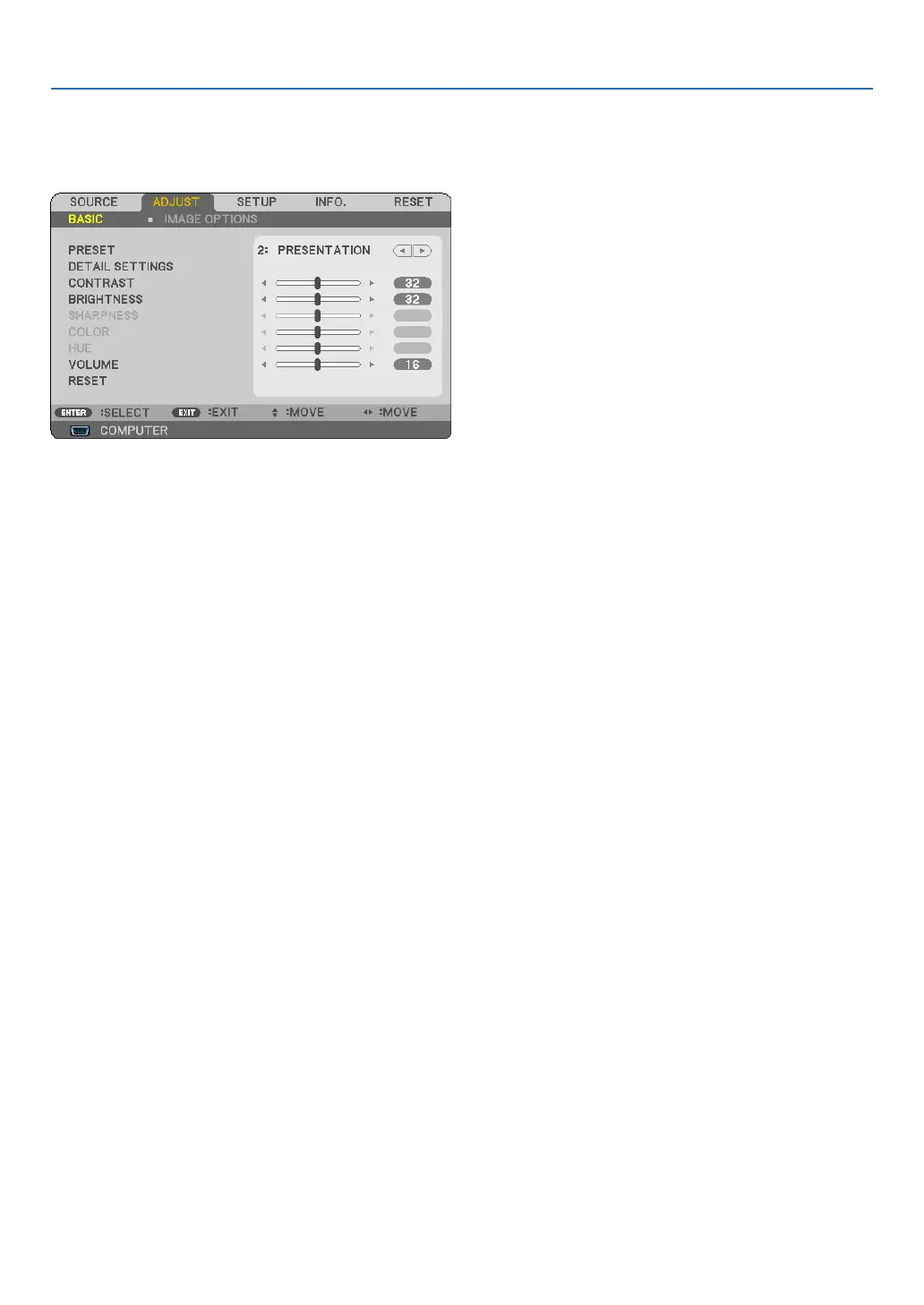
[PRESET]
Thisfunctionallowsyoutoselectoptimizedsettingsforyourprojectedimage.
Youcanadjustneutraltintforyellow,cyanormagenta.
Therearesixfactorypresetsoptimizedforvarioustypesofimages.Youcanalsouse[DETAILSETTINGS]toset
useradjustablesettingstocustomizeeachgammaorcolor.
Yoursettingscanbestoredin[PRESET1]to[PRESET6].
HIGH-BRIGHT ������� Recommended for use in a brightly lit room�
PRESENTATION ���� RecommendedformakingapresentationusingaPowerPointle.
VIDEO �������������������� Recommended for typical TV program viewing�
MOVIE ������������������� Recommended for movies�
GRAPHIC ��������������� Recommended for graphics�
sRGB ��������������������� Standard color values



 To Next Page