20
3. Projecting an Image (Basic Operation)
Manual Operation
Placeyourprojectoronaatlevelsurfaceandensurethatthe
projectorissquaretothescreen.
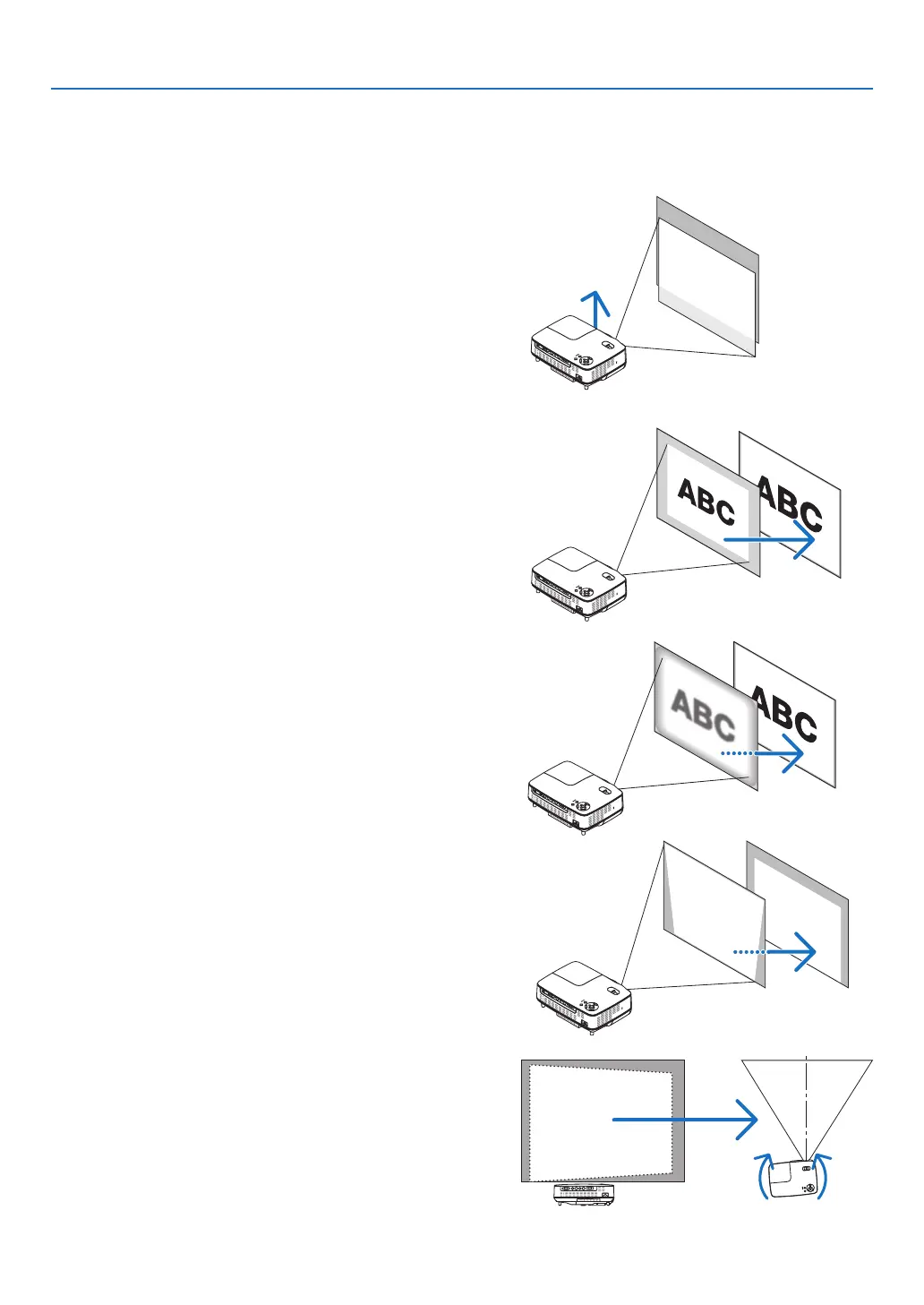
[AdjusttheTiltFoot]
Lift the front edge of the projector to center the imageverti-
cally.(→page21)
[Zoom]
UsetheZOOMlevertoadjusttheimagesizeonthescreen.(→
page22)
➌
Adjusting the Picture Size and Position
Automatic Operation
[AUTO FOCUS]
Just placing the projector on aatlevelsurface makesafo-
cusedimage.(→page22)
TIP:
Iftheprojectedimageisdistortedhorizontally,movetheprojec-
torleftorrighttocentertheimagehorizontallyonthescreen.
[AUTO KEYSTONE Correction]
Adjusting the height of a projected image or changing the
projectionangle will resultintheAUTOKEYSTONEfunction
quicklycorrectingtheverticaldistortion.(→page23)



 To Next Page