34
4. Convenient Features
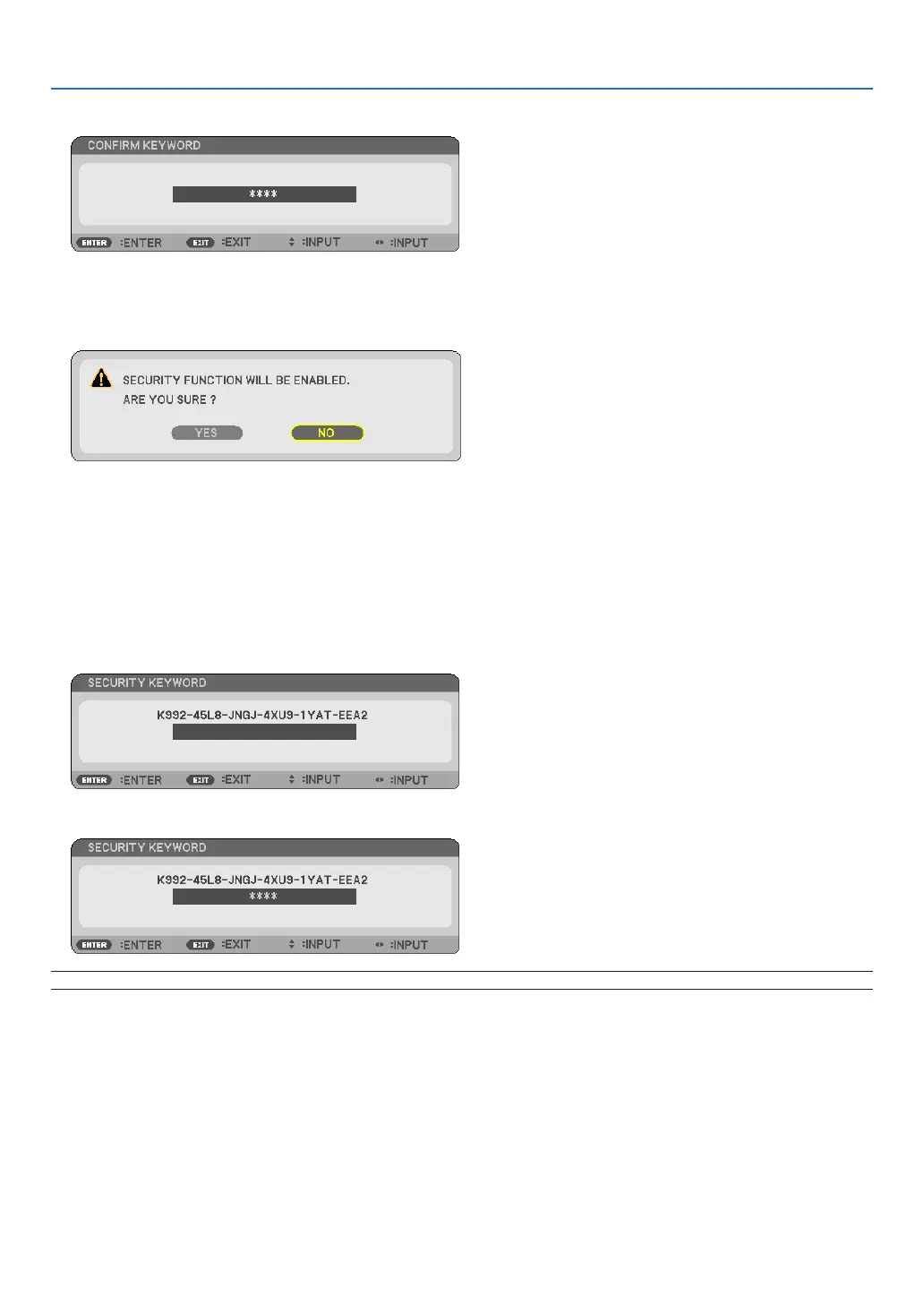
7. Type in the same combination of
buttons and press the ENTER button.
The conrmation screen will be displayed.
8. Select [YES] and press the ENTER button.
The SECURITY function has been enabled.
To turn on the projector when [SECURITY] is enabled:
1. Press and hold the POWER button for about 1 second.
The projector will be turned on and display a message to the effect that the projector is locked.
2. Press the MENU button.
3. Type in the correct keyword and press the ENTER button. The projector will display an image.
NOTE:Thesecuritydisablemodeismaintaineduntilthepowercableisunplugged.



 To Next Page