48
5. Using the Viewer (NP64/NP54)
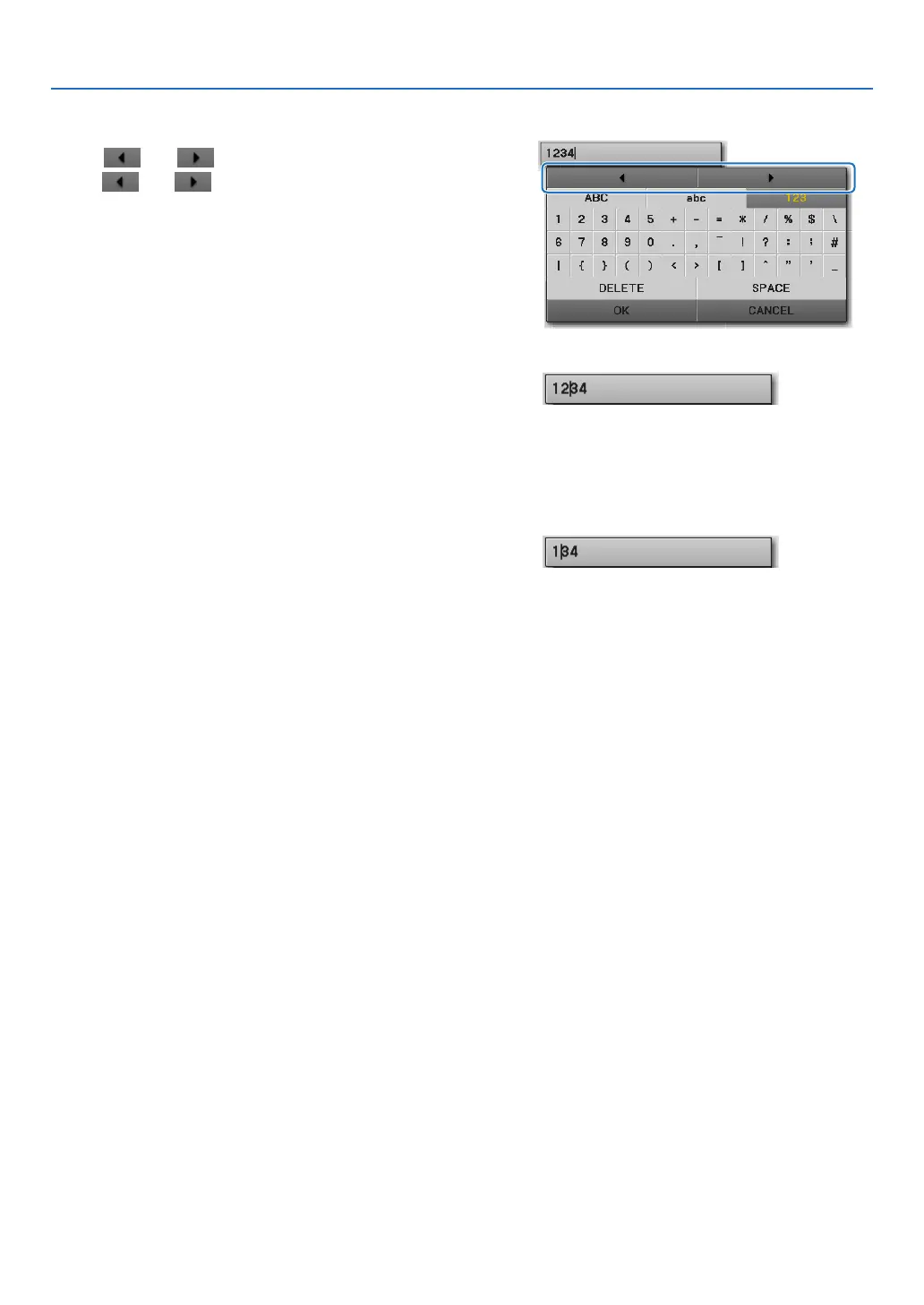
Changing characters in the entry eld
1. Press the ▲ or ▼ button to move the cursor to se-
lect
and .
The and will be changed to dark gray.
2. Press the ◀ or ▶ button.
The cursor (I) in the entry field will be moved from
side to side.
3. Move the cursor (I) to the right of the character to
be deleted.
4. Press the ▼ button and move the cursor to select
[DELETE] and press the ENTER button.
The character in the entry eld will be deleted.
• Toinsertaspace,movethecursortoselect[SPACE]
and press the ENTER button.



 To Next Page