2-20 Using the Hardware
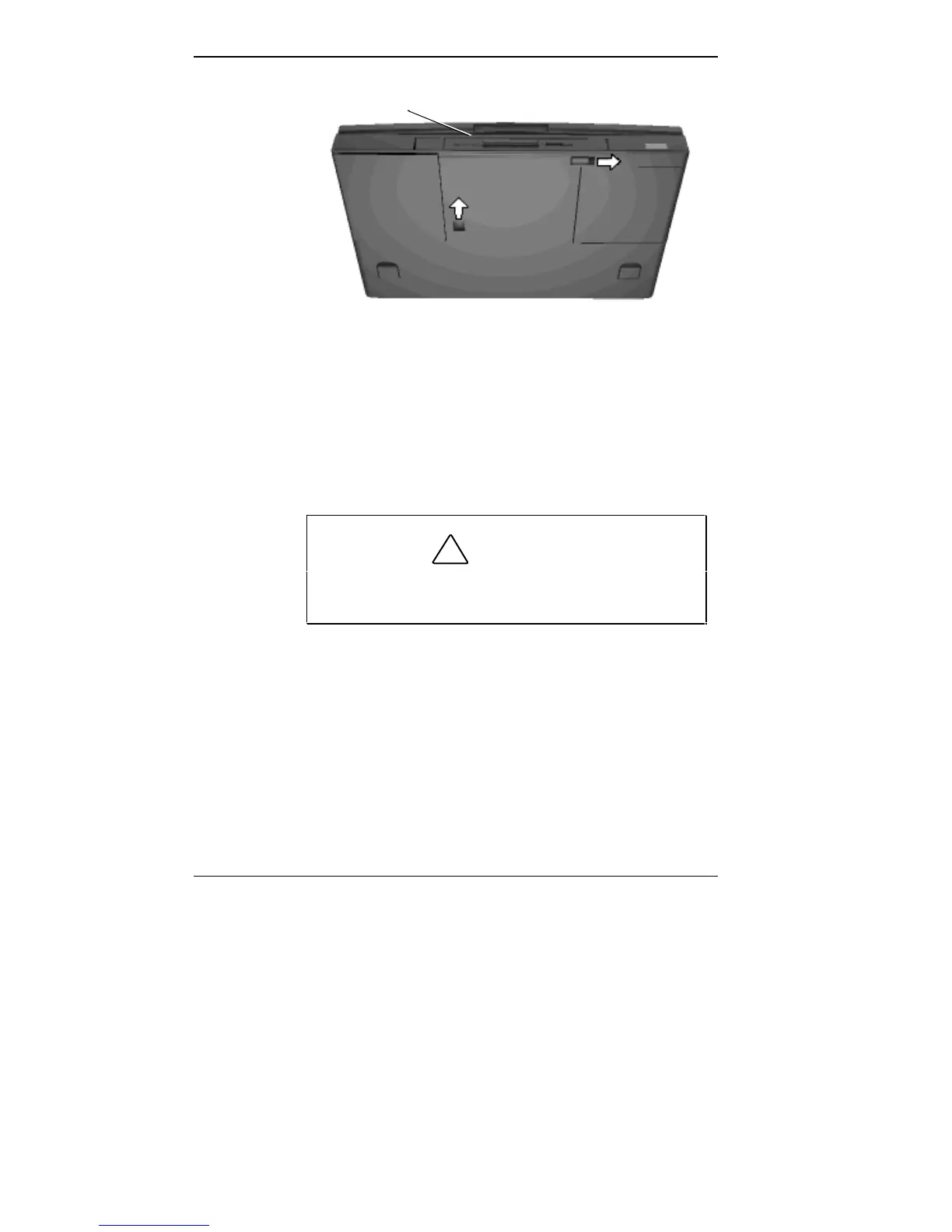
VersaBay II release latches
4. Slide the front latch to the right.
5. Push the middle latch forward until the drive pops part
way out of the unit. (You may need to use some force
when pushing the middle latch.)
!
CAUTION
Do not use a metal object to push the release latch.
Doing so can damage the system casing.
Front of the Unit



 To Next Page