Using the Hardware 2-21
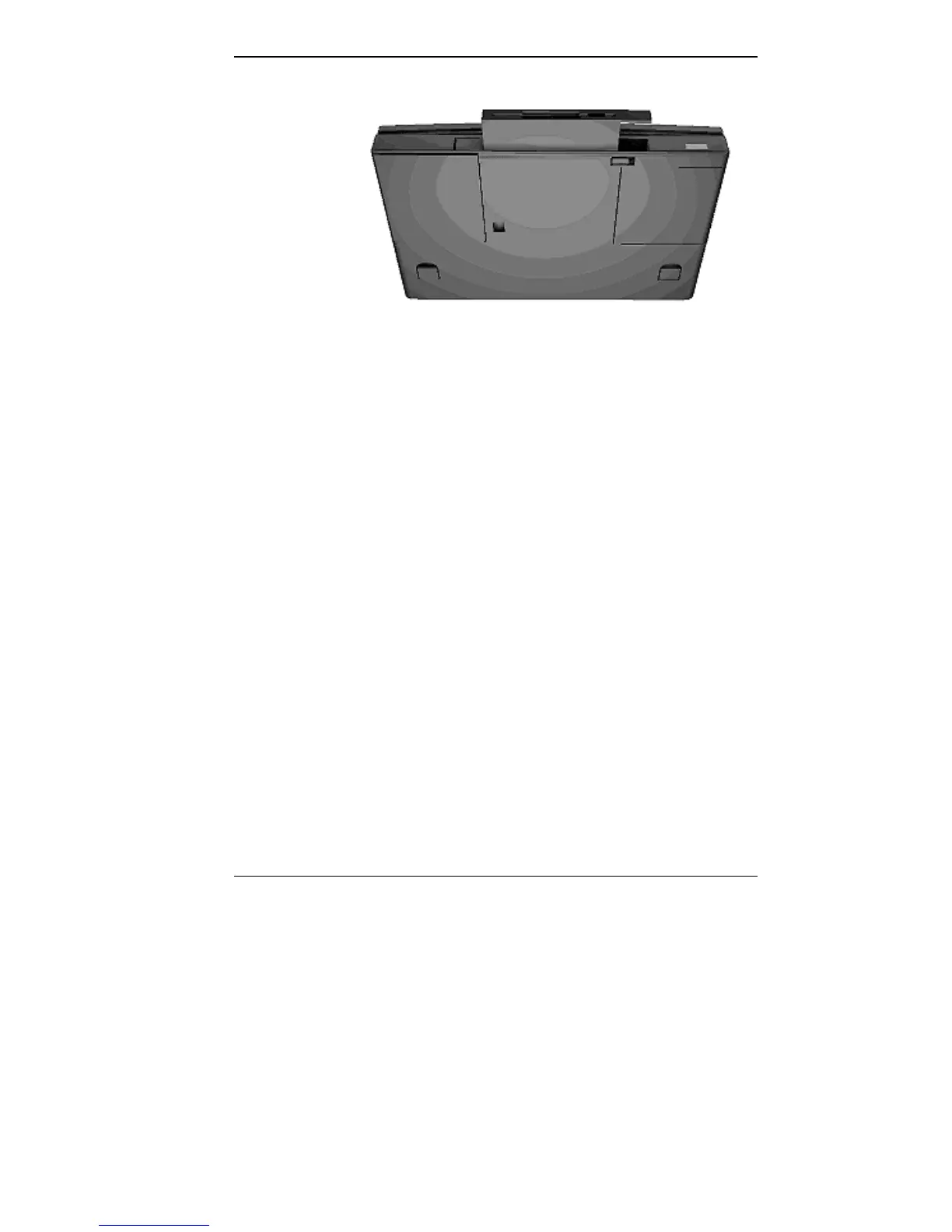
Releasing the drive
6. Pull the drive the rest of the way out of the system.
7. Prepare your option for installation as follows:
■ To install a battery pack, first connect it to the bay
adapter that came with the battery. (Follow the in-
structions that came with the battery pack.)
■ To install a hard disk drive, first connect it to the ap-
propriate bay adapter or drive cradle pak. (Follow
the instructions that come with the adapter or cradle
pak.)
8. Align the option and its carrier in the VersaBay II and
push it in until the option clicks into place.
9. Turn the system over and power on. The system should
automatically recognize the newly installed option.



 To Next Page