6 Nektar Aura Owner‘s Manual www.nektartech.com
Aura Functional Overview
1
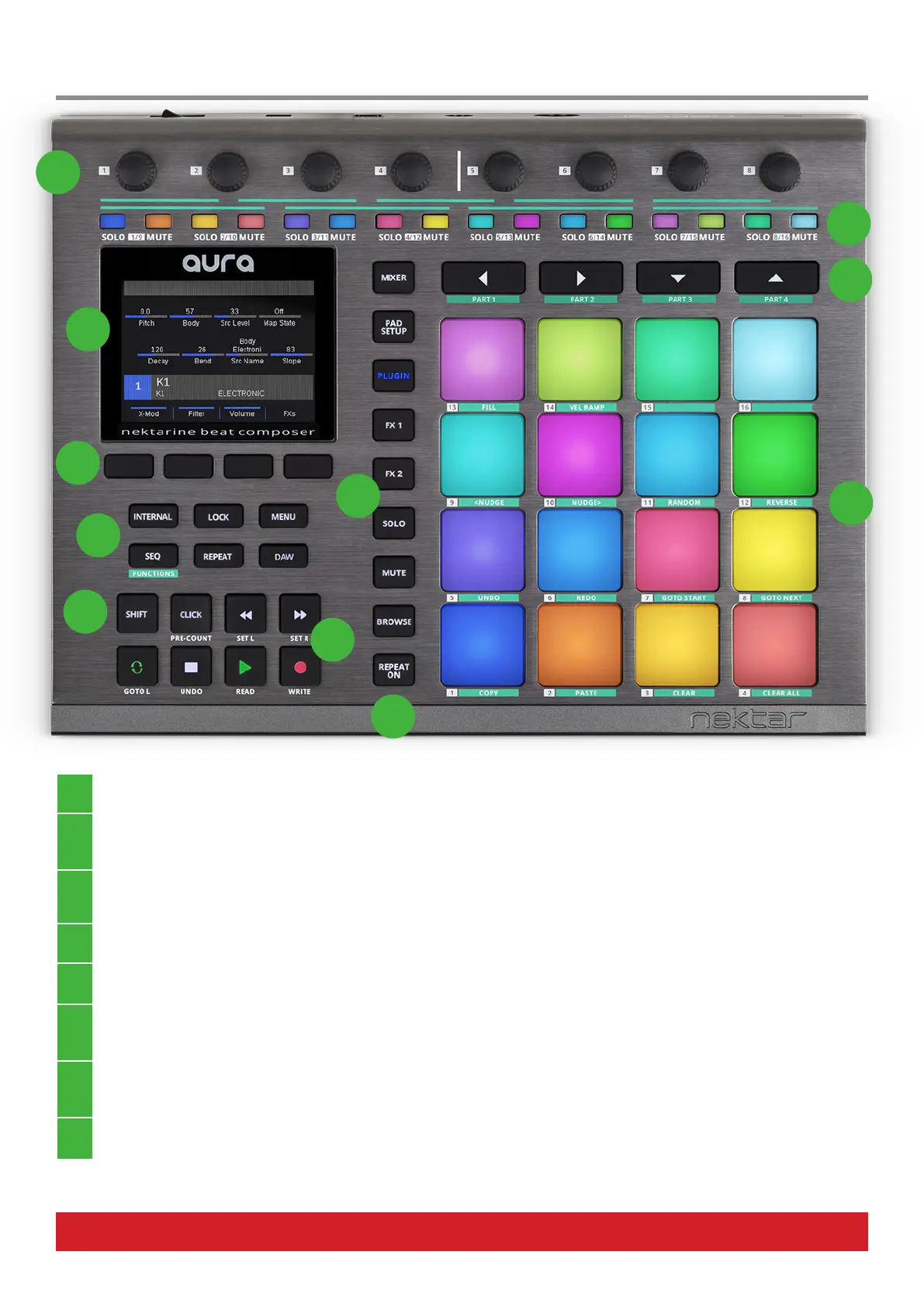
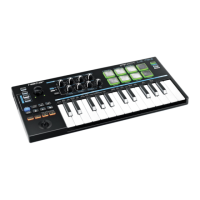
[R1-8] Eight 360 Degree Rotary Analog Pots
Extensively used throughout Aura’s modes controlling Internal, Sequencer, DAW and Nektarine mode parameters.
2 [S1-16] Sixteen RGB Illuminated Buttons
Multi-purpose buttons mainly used for Step programming in Sequencer mode, Sequencer Pattern triggering in Internal mode
and Solo/Mute in Nektarine Mixer mode.
3
[Part 1-4] / [Arrow Left/Right/Up Down] Buttons
The 4 buttons are referred to as both Part and Arrow buttons in the documentation as they have 2 dierent functions. When
Sequencer mode is selected they operate as Part 1-4 buttons and at other times they are used as Arrow buttons.
4
[Pad 1-16]
Sixteen velocity and pressure sensitive pads. All pads are illuminated by an RGB LED with 16 color choices.
5 [Repeat On]
Activates/deactivates the Repeat function. The button can be switched to either momentary or latch in the Repeat menu.
6 Nektarine Mode Buttons
Select Nektarine modes Mixer, Pad Setup, Plugin, FX1, FX2, Solo, Mute and Browse. The buttons are not in use unless
Nektarine is connected.
7 Transport Buttons
Seven transport buttons used for Nektar DAW integration transport control. Can be assigned to send MIDI messages or
control the Sequencer when Nektar DAW Integration is not present.
8 [Shift] Button
Shift adds alternative operation to many buttons and is referenced throughout the documentation.
1
2
4
5
6
7
9
3
10
11
8



 To Next Page