Hangzhou NeoDen Technology Co.,Ltd.
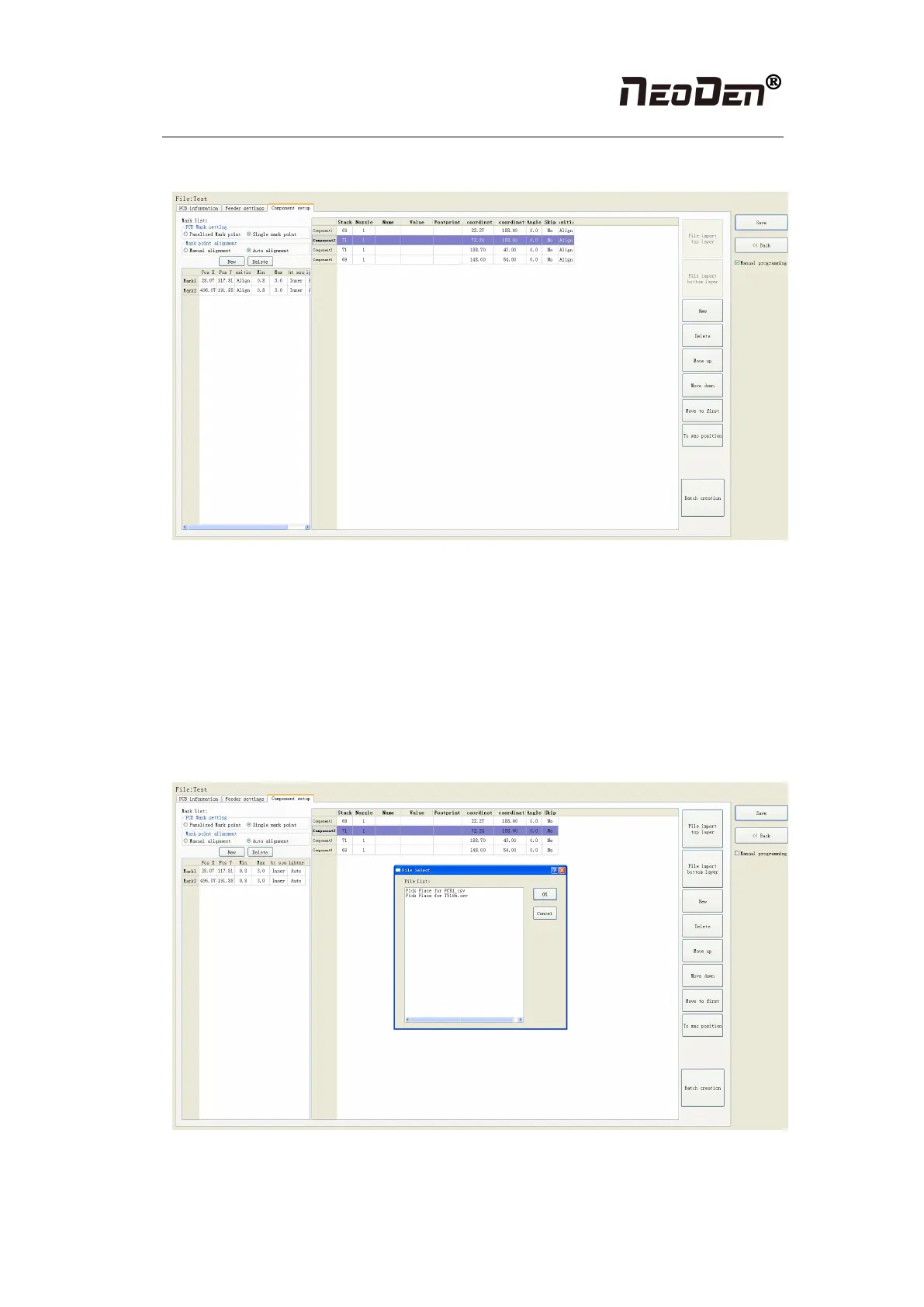
information, then we can edit and alter the list of components
Figure(2.1.4.2)
2.1.4.3 Import the mounting file
● Preparing work: Firstly, importing the component information of the PCB which need to
process in the computer, when importing it, select metric system, select CSV format, save it on
USB flash disk, then plug it in the machine
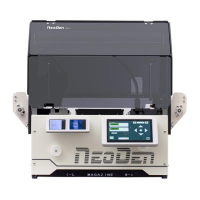
●Do not choose the manual programming, click “file import top layer”, see figure (2.1.4.3), it
will pop up a selecting window, tick the processing files and click save, the information will be
imported to the list. Next, go to the stack setting page to set it up.
Figure (2.1.4.3)


 To Next Page