Hangzhou NeoDen Technology Co.,Ltd.
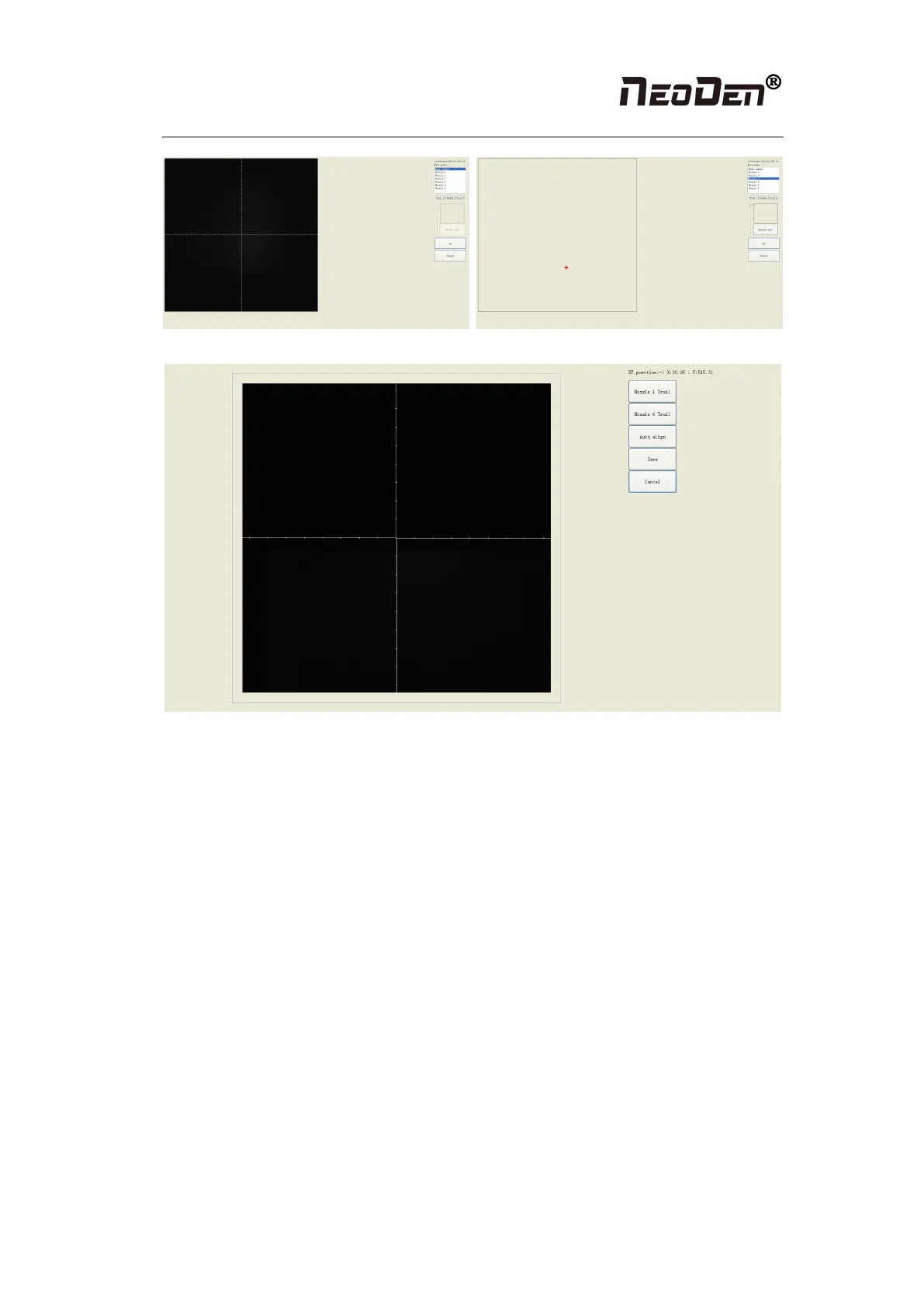
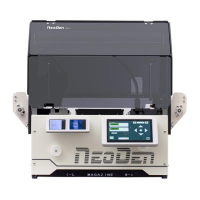
Figure (2.4.2.1)
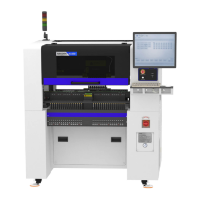
Figure(2.4.2.2)
●Go to the System Configuration screen, click to align on Fiducial Camera Position (see
Figure 2.4.2.2). After click “Nozzle #1 Trail”, the nozzle will move down and rotate until get a
round mark. Click “Nozzle #1” again to align the center of round mark, then save the setting.
Follow the same steps to get the trail of Nozzle #6, then check the offset between the round
mark and the white crosshair, if it’s within 10mm, the trail is done.
P.S. If the offset is overly beyond 10mm, please kindly contact NeoDen support team.
2.3.2.2 IC Camera Position
Click to align on IC Camera Position, you will see this screen (see Figure 2.4.2.2-1).


 To Next Page