Failure to perform this step can result in water intrusion which can damage the unit.
Improper installation voids the warranty.
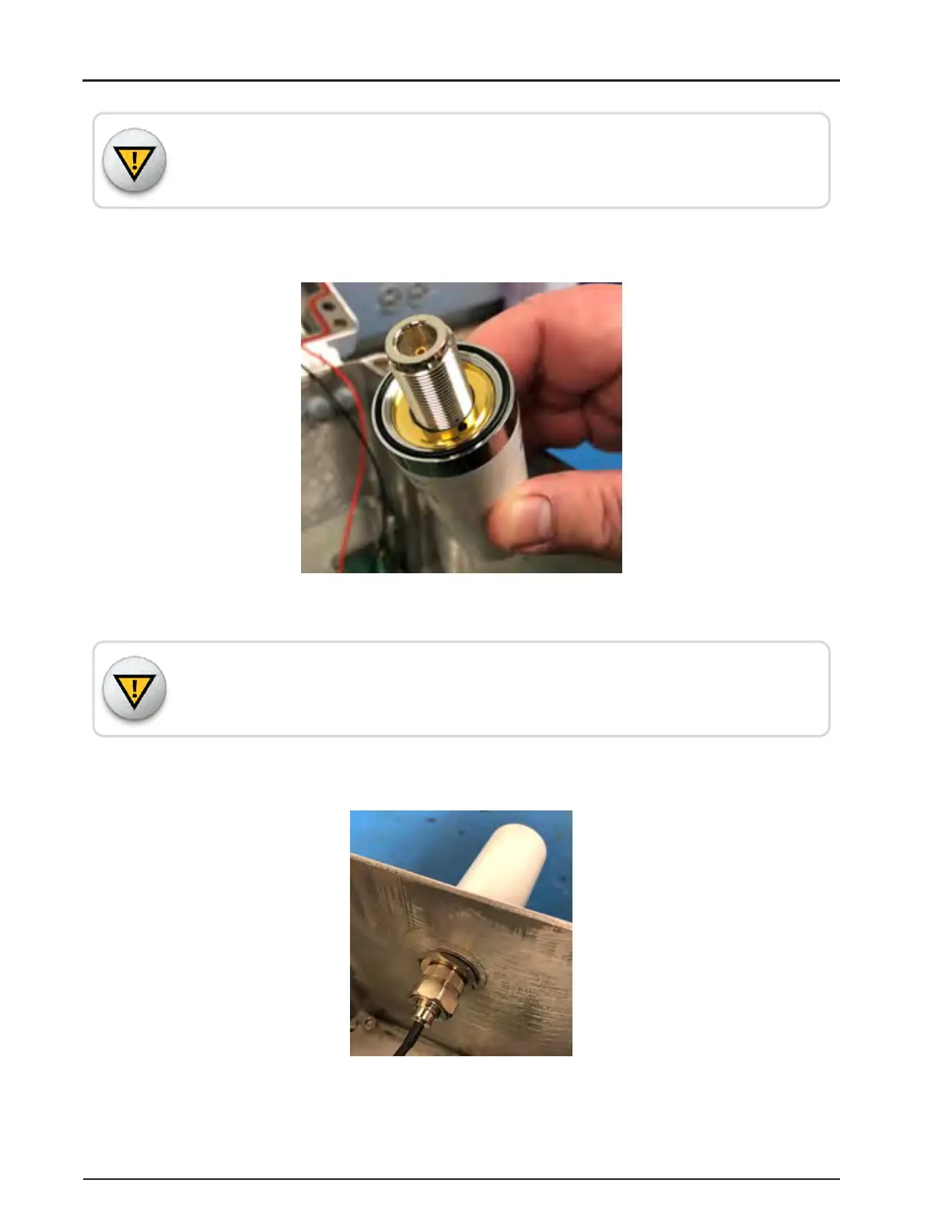
3. Before installing the new antenna, make sure the black O-ring is fully seated in the
antenna to prevent water intrusion.
Figure 120 – Check O-ring
Failure to perform this step can result in water intrusion that can damage the unit.
Improper installation voids the warranty.
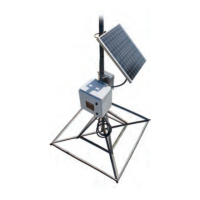
4. Screw in the lock washer and the tightening bolt from the underside of the gateway.
Tighten the bolt to 4 foot-pounds.
Figure 121 – Lock Washer and Tightening Bolt
R900
®
Gateway Installation and Maintenance Guide 123
Appendix E: R900
®
Gateway Modem Upgrade



 To Next Page