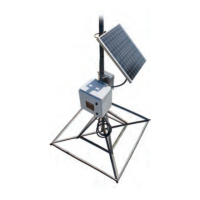
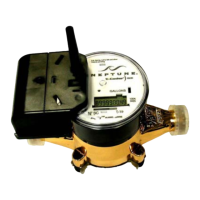
gateway.
Problem/Failure Recommended Action
N_SIGHTPLUS host
software
l
Verify the database service is running.
l
Verify the cellular service is running.
l
Verify Cellular connectivity - Refer to "Checking Power and Receiver" on page 73 and
"Cellular Modems Connectivity" on page 75 for further diagnosis.
All of the packets appear
to be there but some
packets are empty (0
bytes)
Refer to "Installation Troubleshooting" on page 72.
Poor endpointread
performance
Perform a VSWR check on the coaxial cable feeding the RF antenna. If it is bad, do the
following:
l
Inspect the coaxial cable for damage.
l
Inspect the weatherproofing on the coaxial cable connections.
l
Check for moisture ingress inside the coaxial cable for the RF antenna.
l
Verify the RF antenna is good.
l
Verify the internal RF and cellular antenna coaxial connections are not swapped.



 To Next Page