INTELLIGENT REACTIVE POWER MANAGEMENT
RM-12P
26
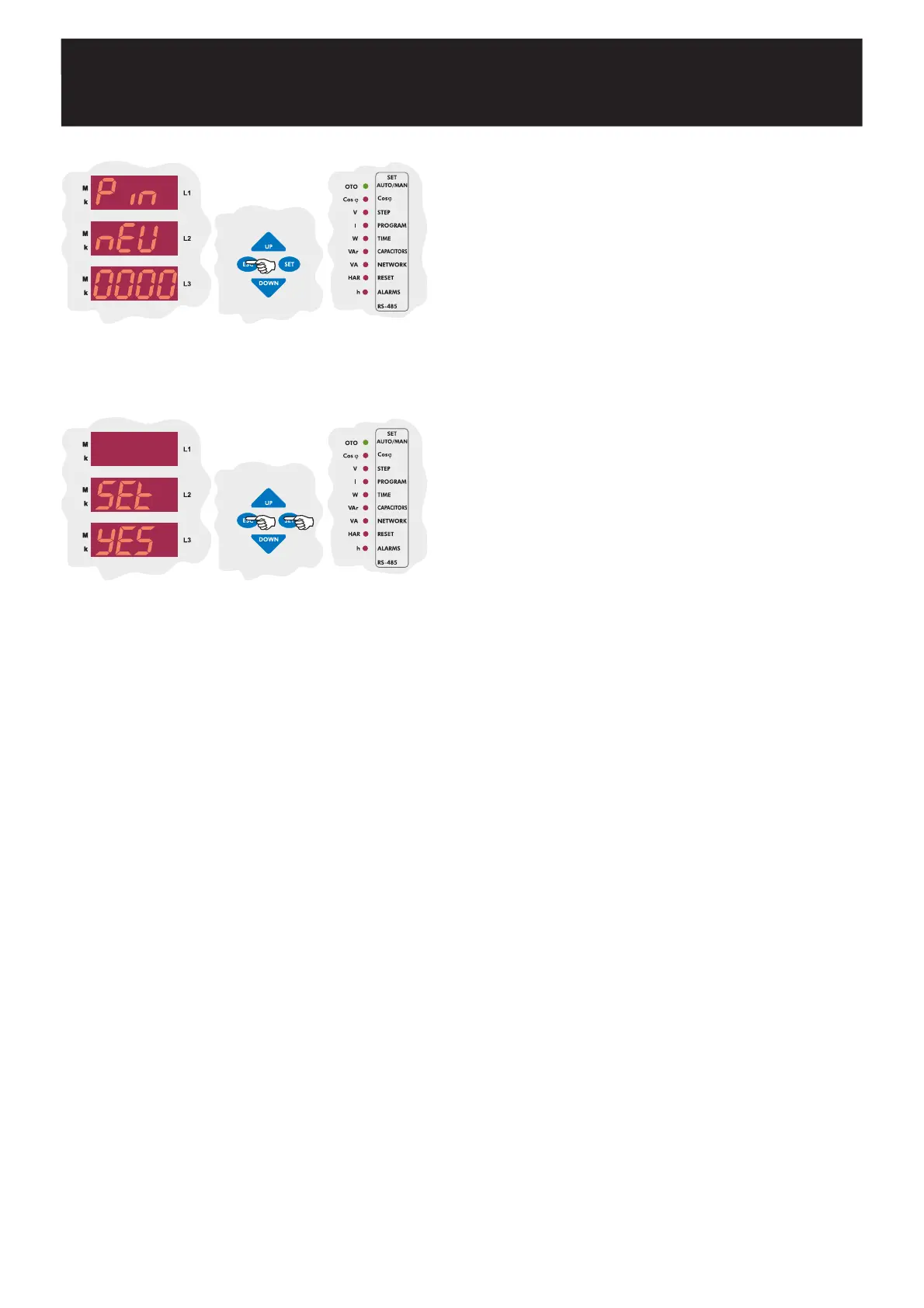
Enter the new password again and press SET button. If you do not want
to set another parameter, press ESC button.
SAUE
If you do not want to set another parameter, in order to quit from the
menu, press ESC button one by one until SAVE SEt yES is displayed.
Press SET button to save your changes or press ESC button to quit
without saving.


 To Next Page