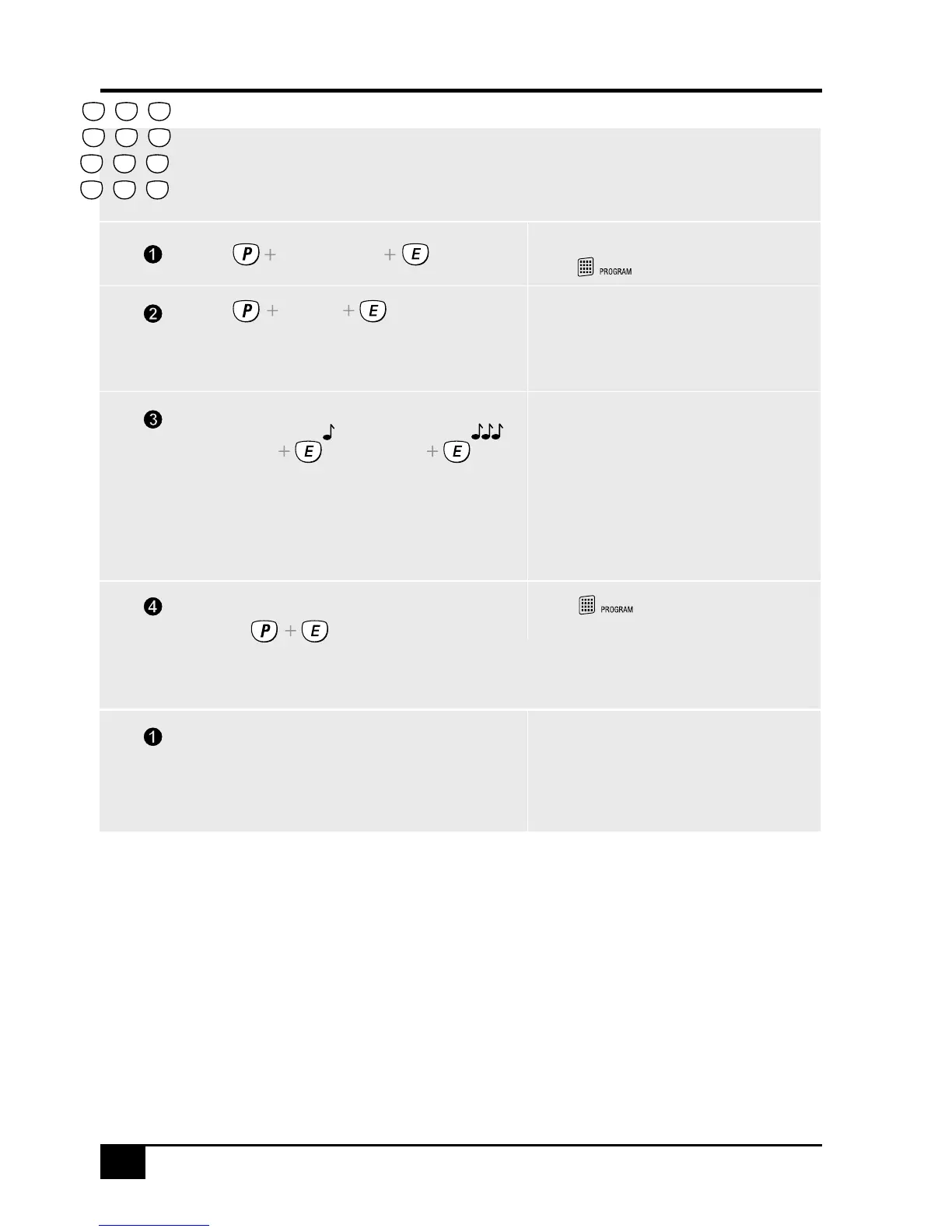
TO PROGRAM KEYPAD CODES
TO DELETE KEYPAD CODES
Enter the option number for the Keypad Code
you are programming.
Enter the new code twice for verification.
The existing code will be displayed one
digit at a time.
The new code will be displayed one
digit at a time.
The panel must be in Program Mode.
You will hear one beep on the first entry
of the new code and three beeps when
the code is verified.
Press...
Press... P12E MEMORY E
Press... P12E 1234E 1234E
To delete a Keypad Code, enter the MEMORY button
in place of the code.
EXAMPLE: To delete the Keypad Code 2:
EXAMPLE: To program Keypad Code 2 to be 1234:
Press...
ACTION NOTE
Enters Program Mode.
The icon will turn on.
[11-25]
[Master Code]
Press...
Go to step 2 of any other programming option
or press... to exit program
mode.
The icon will turn off when.
you exit program mode.
2
5
8
0
1
4
7
P
3
6
9
E
(NEW CODE) (NEW CODE)
• Keypad Codes can be 3 to 6 digits in length.
• Codes beginning with 0 (zero) can be programmed
but they will not operate the panel - this is an
alternative method for disabling user codes. The
MEMORY E function is the recommended method of
deleting user codes.
• All codes must be unique to each other. Codes
are rejected if already used. Some codes that are
similar to existing codes may also be rejected.
NOTES ON PROGRAMMING KEYPAD CODES
• User Code 1 (Master Code) can be changed but it
can not be deleted. The MEMORY + E sequence
simply reverts User Code 1 back to factory default
of 123.
• Open/Close reports, (if enabled by your installer),
are identified by user number if the control panel is
central station monitored.
Shortcut arming, (ARM + E, (if enabled), is
identified to the central station as User 25.



 To Next Page