Security Gateway Manual Netgate-4200
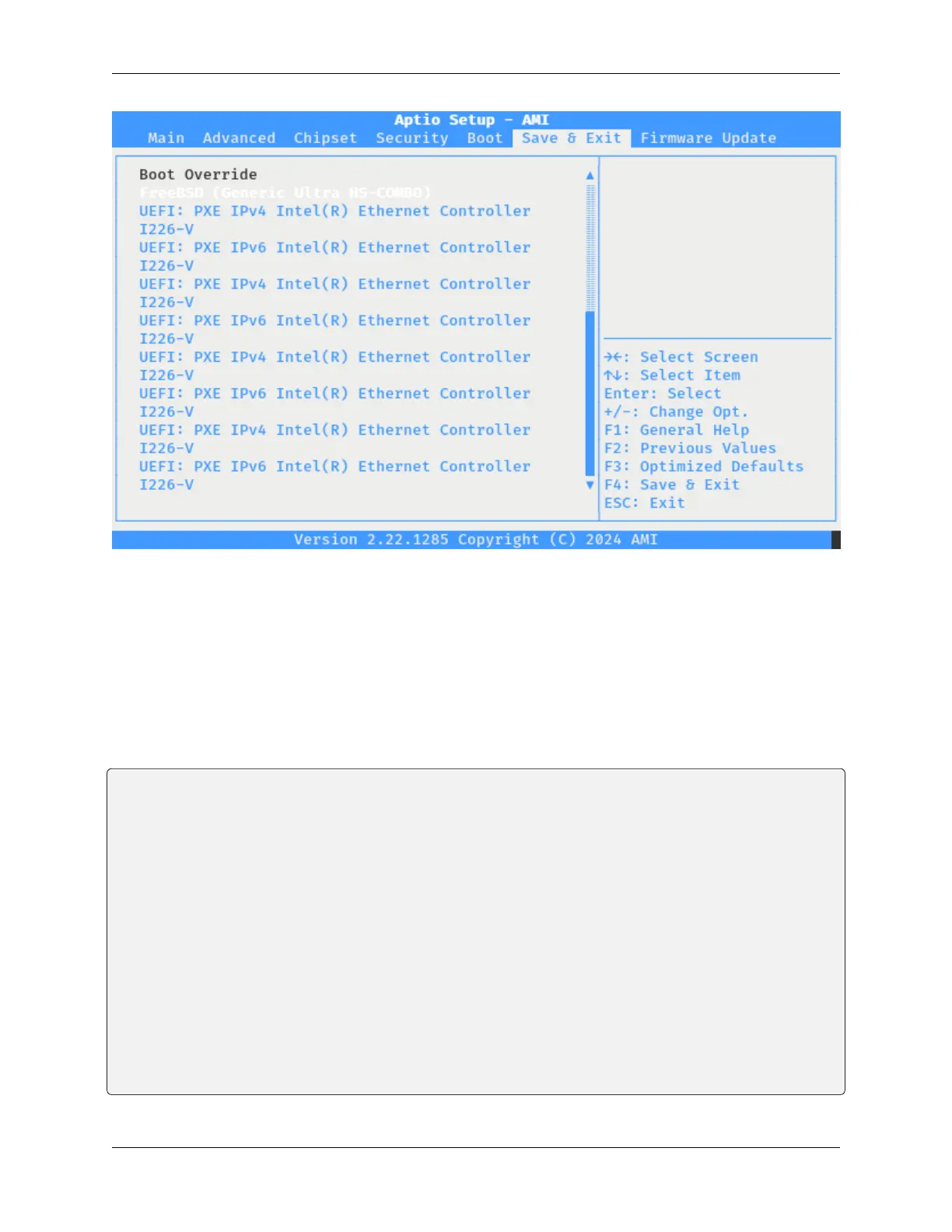
Fig. 15: The Netgate 4200 BIOS Boot Override Selection
2.8.2 Using efibootmgr
The efibootmgr utility can alter the EFI boot order while pfSense software is running. This allows administrators
to make changes to the boot order remotely without causing any downtime. Making the changes is more complicated
than using the BIOS method, however.
The first step is to view the current boot settings by entering the efibootmgr command at a console or SSH shell
prompt:
# efibootmgr
Boot to FW : false
BootCurrent: 0014
Timeout : 3 seconds
BootOrder : 0009, 0000, 000C, 000D, 000E, 000F, 0010, 0011, 0012, 0013, 0014, 000A
Boot0009* Fedora
Boot0000* Fedora
Boot000C* UEFI: PXE IPv4 Intel(R) Ethernet Controller I226-V
Boot000D* UEFI: PXE IPv6 Intel(R) Ethernet Controller I226-V
Boot000E* UEFI: PXE IPv4 Intel(R) Ethernet Controller I226-V
Boot000F* UEFI: PXE IPv6 Intel(R) Ethernet Controller I226-V
Boot0010* UEFI: PXE IPv4 Intel(R) Ethernet Controller I226-V
Boot0011* UEFI: PXE IPv6 Intel(R) Ethernet Controller I226-V
Boot0012* UEFI: PXE IPv4 Intel(R) Ethernet Controller I226-V
Boot0013* UEFI: PXE IPv6 Intel(R) Ethernet Controller I226-V
+Boot0014* UEFI: Generic Ultra HS-COMBO, Partition 1
Boot000A* UEFI: Built-in EFI Shell
© Copyright 2024 Rubicon Communications LLC 68



 To Next Page