Security Gateway Manual Netgate-4200
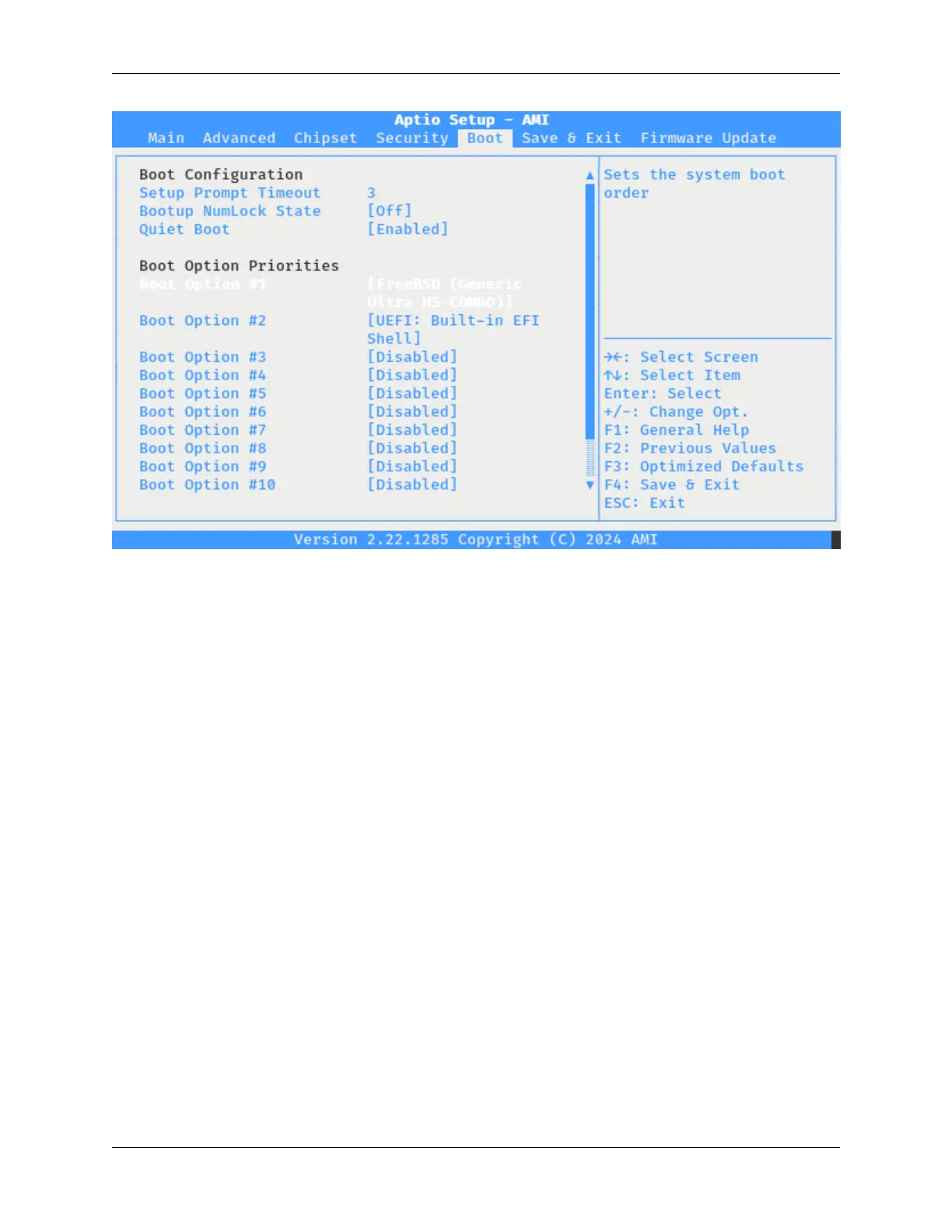
Fig. 14: The Netgate 4200 BIOS Boot Options with PXE Entries Disabled
Save and Exit the BIOS Configuration
Press the F4 key to save and exit or navigate to Save & Exit and choose Save Changes and Exit.
After the system boots, reboot it again to confirm the boot order is correct.
Temporary Boot Order Override
It is possible to temporarily override the BIOS boot order for a single boot, for example to boot from a USB drive when
installing or reinstalling pfSense software:
• Connect to the serial console.
• Reboot the device.
• During the boot sequence, press either the Del or Esc key when prompted to enter the BIOS.
• Navigate to the Save & Exit tab.
• Use the arrow keys to highlight an option in the Boot Override section.
• Press the Enter key to boot from the selected device.
© Copyright 2024 Rubicon Communications LLC 67



 To Next Page