Configure Switching
136
Smart Managed Pro Switches MS510TX and MS510TXPP
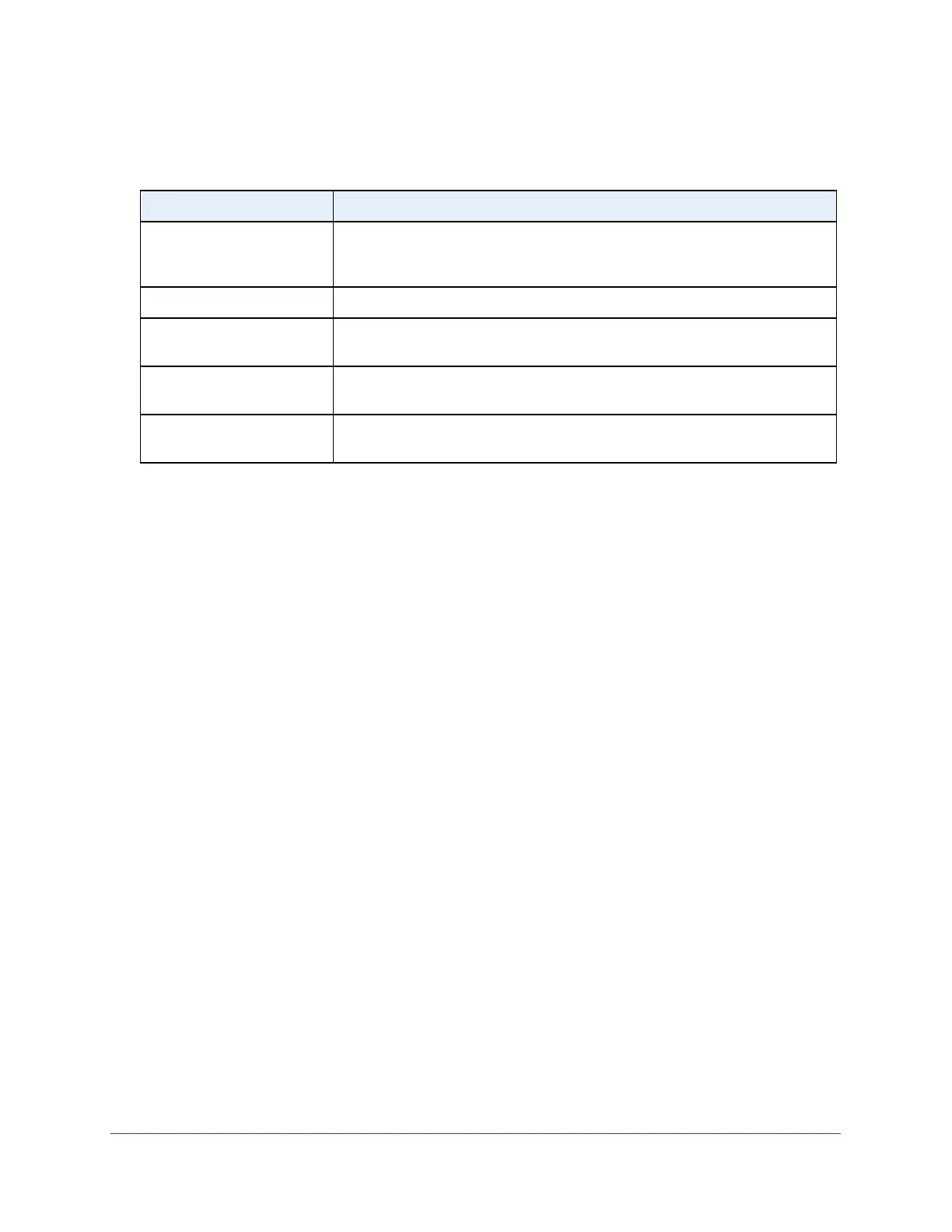
The following table describes the information in the IGMP snooping table.
Configure IGMP Snooping for VLANs
You can configure the parameters for IGMP snooping, which is used to build forwarding lists
for multicast traffic.
To configure IGMP snooping for a VLAN:
1. Connect your computer to the same network as the switch.
You can use a WiFi or wired connection to connect your computer to the network, or
connect directly to a switch that is off-network using an Ethernet cable.
2. Launch a web browser.
3. In the address field of your web browser, enter the IP address of the switch.
If you do not know the IP address of the switch, see Access the Switch on page 12.
The login window opens.
4. Enter the switch’s password in the Password field.
The default password is password.
The System Information page displays.
5. Select Switching> Multicast > IGMP Snooping > IGMP Snooping VLAN Configuration.
The IGMP Snooping VLAN Configuration page displays.
6. From the VLAN ID menu, select the VLAN.
7. From the Fast Leave Admin Mode menu, select whether IGMP snooping Fast Leave
mode is enabled.
Table 37. IGMP Snooping Table information
Field Description
MAC Address The multicast MAC address for which the switch holds forwarding information,
filtering information, or both. The format is six 2-digit hexadecimal numbers that
are separated by colons, for example, 01:00:5e:45:67:89.
VLAN ID The VLAN for which the switch holds forwarding and filtering information.
Type The type of the entry. Static entries were manually configured. Dynamic entries
were added to the table as a result of a learning process or protocol.
Description The text description for the multicast table entry. Possible values are
Management Configured, Network Configured, and Network Assisted.
Interface The interfaces that are designated for forwarding (Fwd) and filtering (Flt) for the
associated address.








 To Next Page