Configure System Information
72
Smart Managed Pro Switches MS510TX and MS510TXPP
Neighbors Information
Use the LLDP Neighbors Information page to view the data that a specified interface received
from other LLDP-enabled systems.
To view LLDP information received from a neighbor device:
1. Connect your computer to the same network as the switch.
You can use a WiFi or wired connection to connect your computer to the network, or
connect directly to a switch that is off-network using an Ethernet cable.
2. Launch a web browser.
3. In the address field of your web browser, enter the IP address of the switch.
If you do not know the IP address of the switch, see Access the Switch on page 12.
The login window opens.
4. Enter the switch’s password in the Password field.
The default password is password.
The System Information page displays.
5. Select System > Advanced > LLDP > Neighbor Information.
The Neighbors Information page displays.
If no information was received from a neighbor device, or if the link partner is not
LLDP-enabled, no information displays.
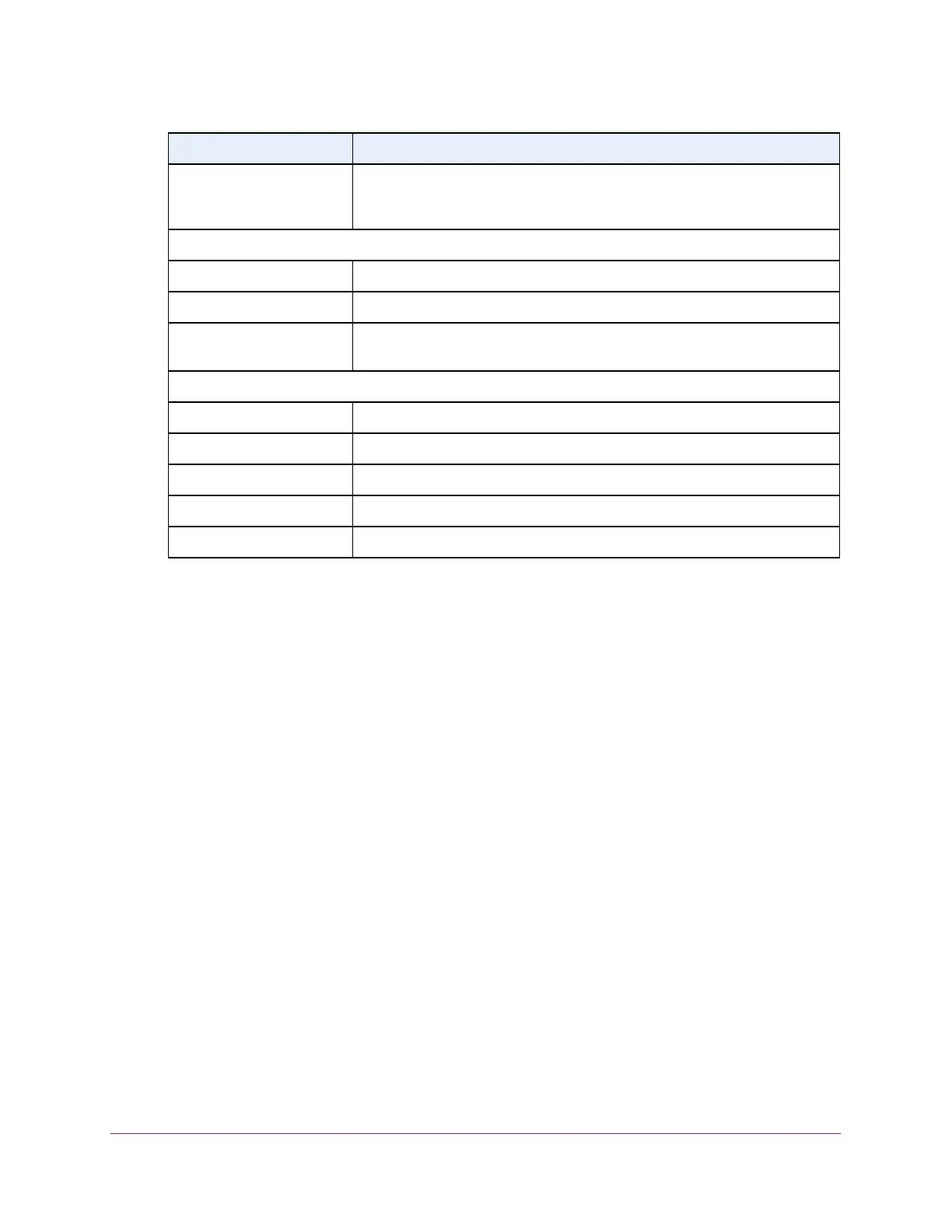
Operational MAU Type The Medium Attachment Unit (MAU) type. The MAU performs physical layer
functions, including digital data conversion from the Ethernet interface
collision detection and bit injection into the network.
MED Details
Capabilities Supported The MED capabilities enabled on the port.
Current Capabilities The TLVs advertised by the port.
Device Class Network Connectivity indicates that the device is a network connectivity
device.
Network Policies
Application Type The media application type associated with the policy.
VLAN ID The VLAN ID associated with the policy.
VLAN Type Specifies whether the VLAN associated with the policy is tagged or untagged.
User Priority The priority associated with the policy.
DSCP The DSCP associated with a particular policy type.
Field Description








 To Next Page