to store the PLU as-is or you ca
or to continue to step 14.
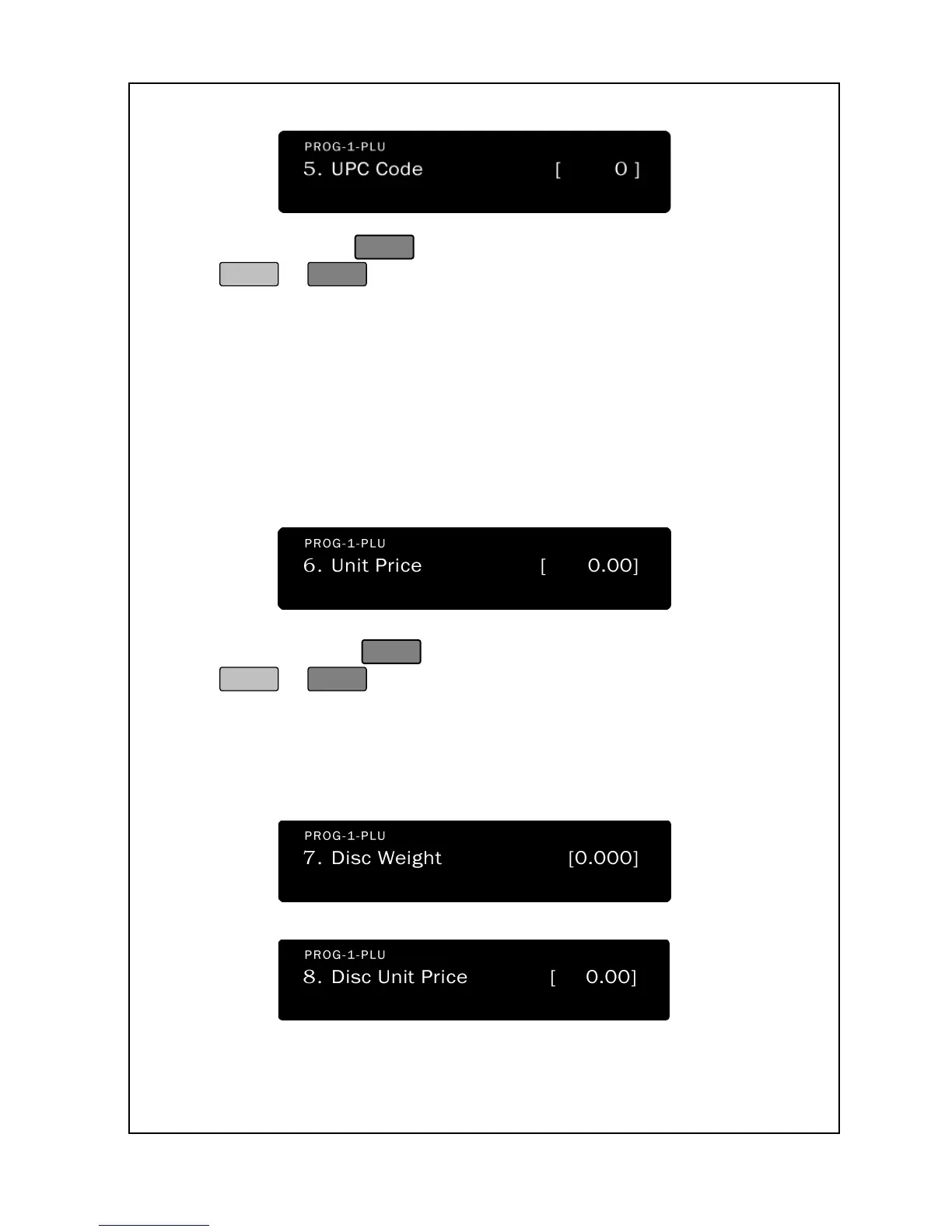
14. The next screen is the PLU Price. This is
price-per-pound for a By Weight PLU or price-per-
Count PLU. The price defaults to 0.00. Enter a price: the price
must be from 0.00 to 999.99
. If you enter 0.00, then you will be
able to change price during sales; if not, you may
Advanced Programming, PLU Price
Change section.) The price will appear in the Total Price Display.
to store the PLU as-is or
to continue to step 16.
16. The next screen is the Disc Weight and Disc Unit Price. This
function is for when you need to set discount weight or discount
unit price in both “by weight” or “by count” function.

 To Next Page
 Loading...