69
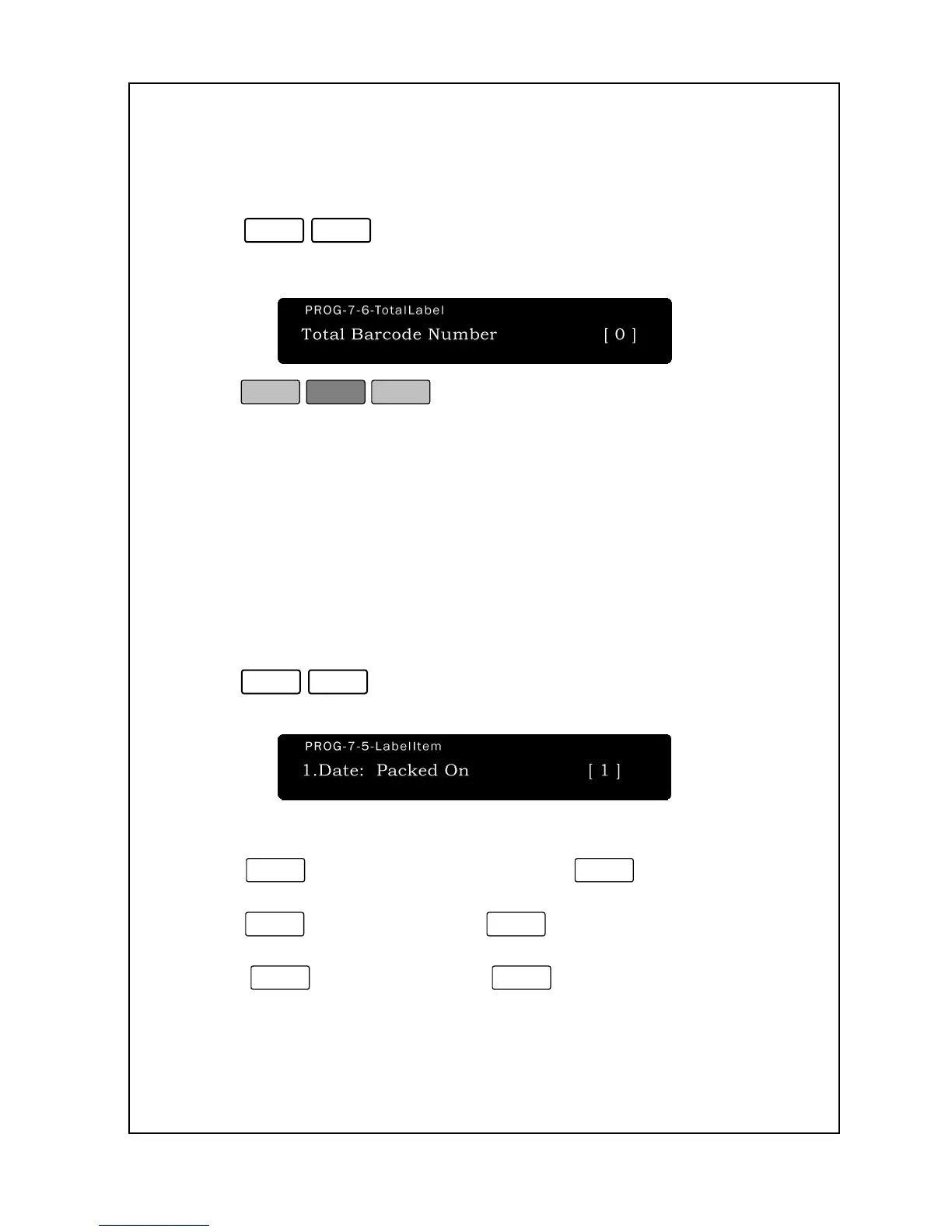
Register the number of barcode in the printing label that uses in grand total.
To set Count Label Number :
1. Enter ‘Main menu’, and follow 2 steps below.
2. Press
.
3. Enter a Total Barcode Number.
4. Press
.
5. You are back in the Initial State.
7-7. Select Label Item
The NETS can prevent certain fields from printing on your labels.
You may want to not print barcodes, store names, group codes, etc.
Print Field Suppression allows you to do this.
To suppress the printing of certain fields:
1. Follow steps 1 to 3 of entering Main Menu.
2. Press
.
3. The first field is “Date: Packed On.”
4. Press
to allow Packed On to print or
not to print.
5. The next field is “Date: Shelf Life.”
Press
not to print.
6. The next field is “PLU Number.”
Press

 To Next Page
 Loading...