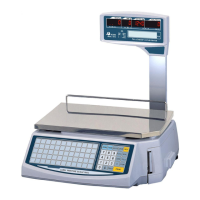
To Delete the PLU List:
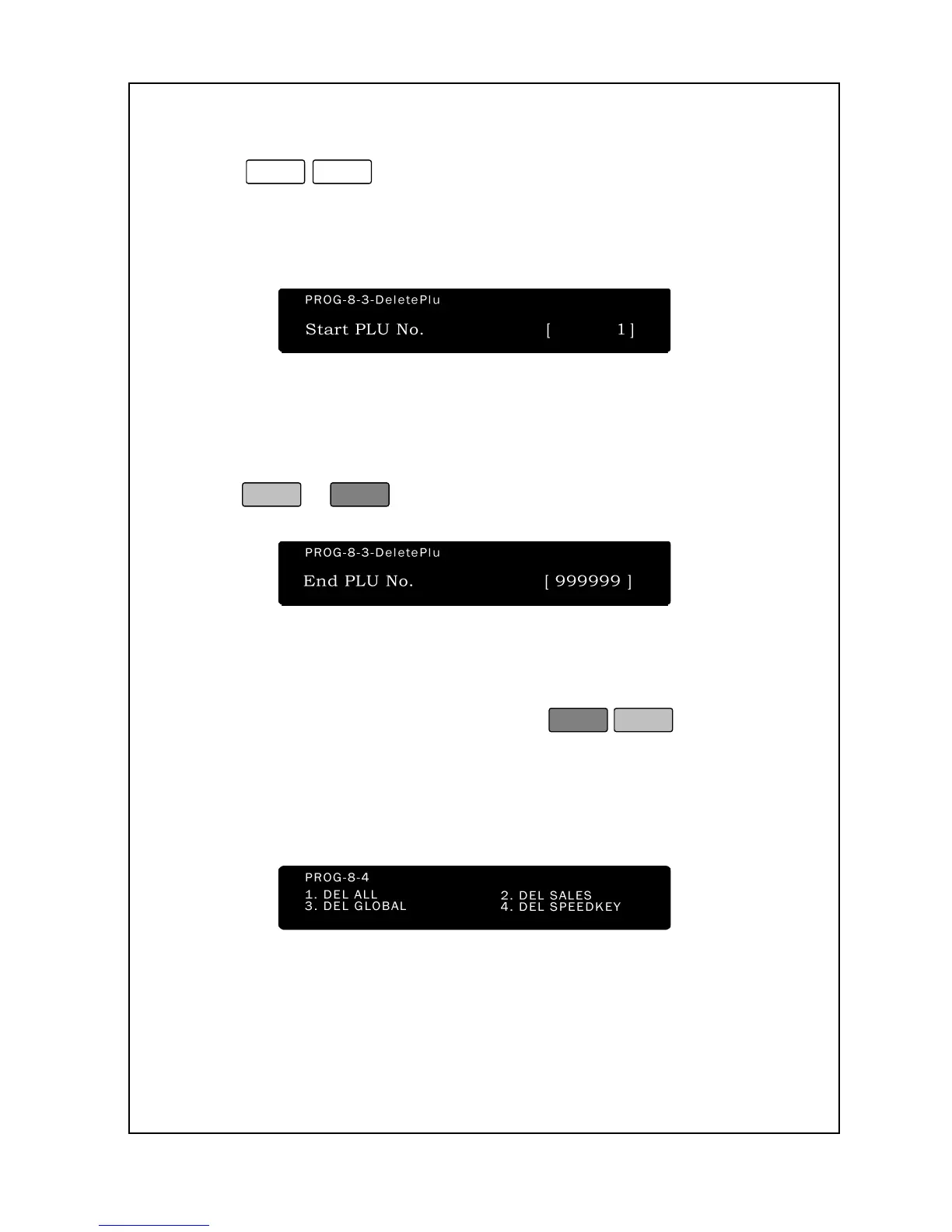
1. Enter ‘Main menu’, and follow 2 steps below.
2. Press
.
3. Using the numeric keys, type the PLU number that you want the
list to start from.
4. out the next one; therefore, we recommend that you do not thread
the backing paper to the pick-up spool for this operation. Instead,
have the backing paper feed out with the labels as they are printed so
that they do not “peel-off.” When you are ready to start printing,
press
.
5. The scale will sequentially go through every PLU in the range that
you specified and print out a verification label for those PLUs that it
finds.
6. Once the scale is finished printing, press
to exit and
return to the Initial State.
8- 4. Memory Clear
All data(PLU data, Account data and Registration data) can be
deleted(initialization) or deleted by selected data


 To Next Page
 Loading...