64
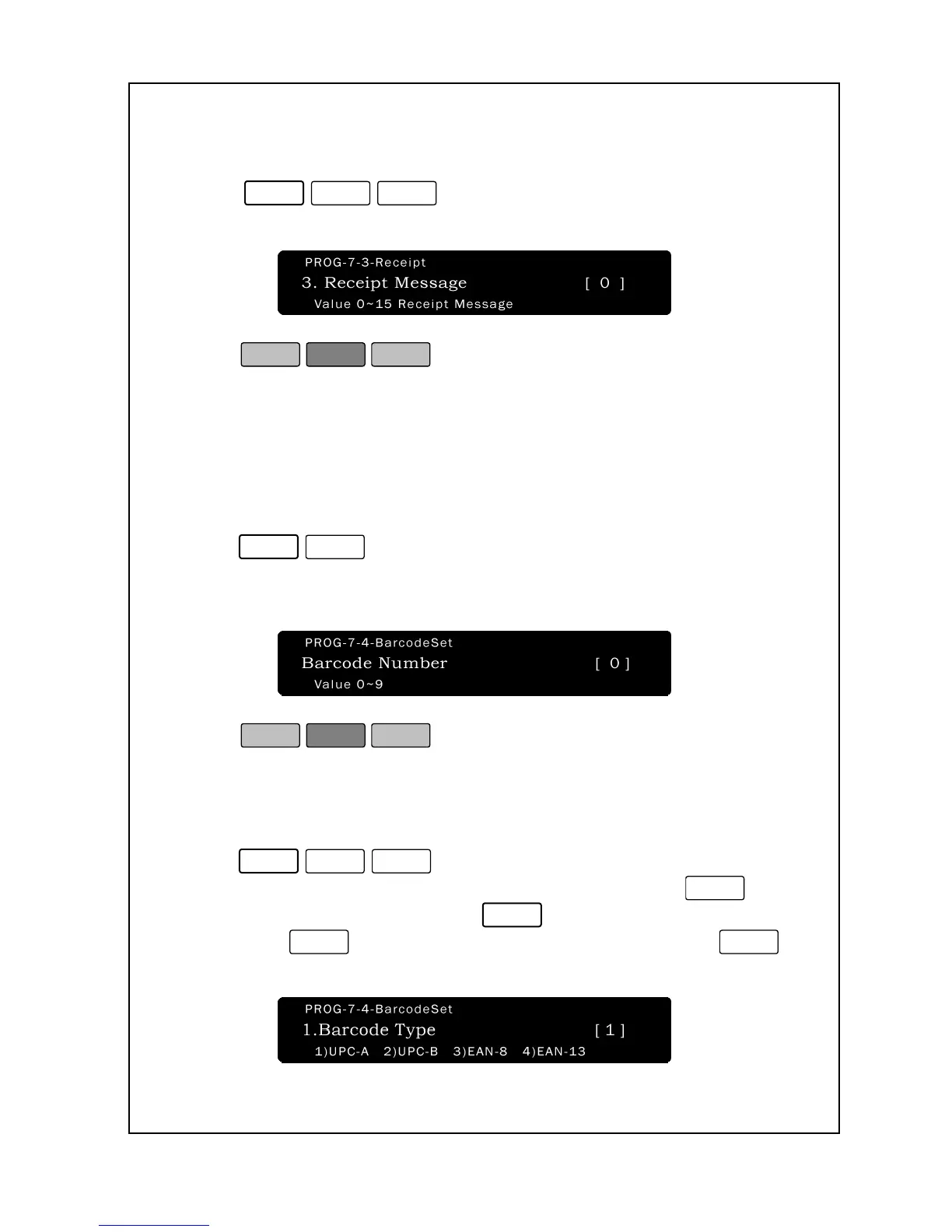
To set Receipt Head Format:
1. Enter ‘Main menu’, and follow 3 steps below.
2. Press
.
3. In the receipt mode, the sale message at P3-4 will be printed.
4. Press
.
5. You are back in the Initial State.
7-4. Barcode Settings
To set Barcode Number:
1. Enter ‘Main menu’, and follow 2 steps below.
2.Press
.
3.Enter level of the barcode number and press Print key, levels 0~9
are available.
4. Press
.
5. You are back in the Initial State.
To set Barcode type:
1. Enter ‘Main menu’, and follow 3 steps below.
2.Press
.
3.Enter of the barcode type and press Print key. If you set
, the
barcode type is “UPC-A”. If you set
, the barcode type is “UPC-
B”. If you set
, the barcode type is “EAN-8”. If you set
,
the barcode type is “EAN-13”.


 To Next Page
 Loading...