U nsett ing The Syste m
The unsetting of the alarm system can be performed from any remote keypad.
»
To unset your alarm syst em, proceed as follows:
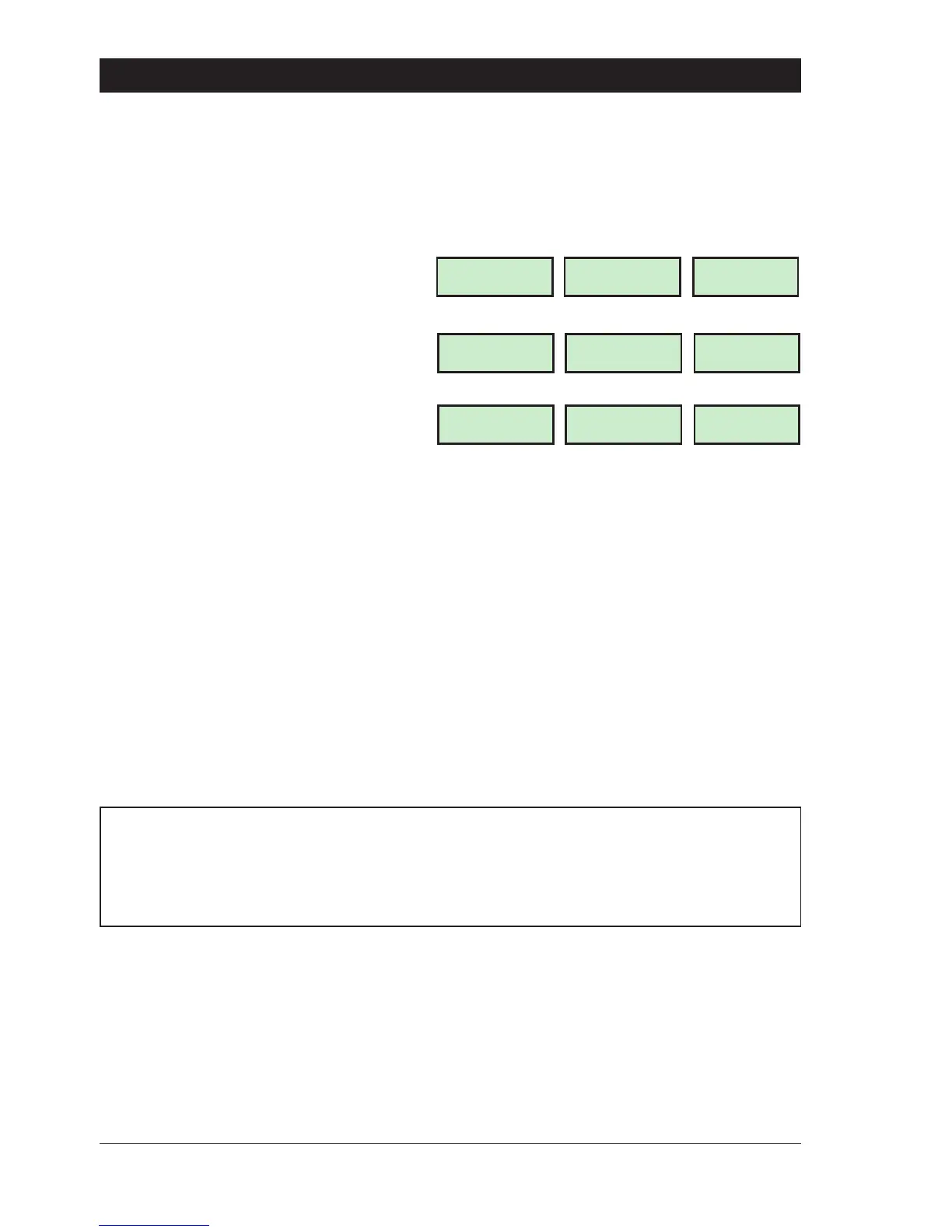
1. Enter the premises via the prescribed
entry route and proceed directly to the
remote keypad. The internal sounders
generate an interrupted tone. The display
will show the remaining entry time, e.g.,
2. Enteryour passcode? ? ? ? before
theentrytimerexpires.Theinternalsounders
will stop and the display will show:
3. After 5 seconds the “SYSTEM OPEN”
message will disappear and the display will
show the time, (date and banner text, LCD
only) e.g.,
+
If the entry time is exceeded an alarm is generated from the internal sounders and the
“Second Entry” timer is started. If at the end of the “Second Entry” timer the alarm system
hasnotbeenunsetafullalarmconditionwilloccur.Iftheinstallationcompanyhassetthe
“Second Entry” timer to zero the full alarm will occur when the first entry timer expires.
+
Ifduring theentryprocedure theuserstraysfrom theprescribedentryrouteandactivates
a detection circuit a full alarm will occur (internal sounders and external sounders). If the
alarm system is fitted with a remote signalling device such as a digicom this will also be
triggered and police action will be taken. However, the alarm system may be
programmed with an “Entry Abort” feature which will allow a further preset time delay to
occur if a detection circuit is accidentally triggered during the entry procedure. This will
delay the triggering of the remote signalling device and allow the user time to unset the
system. The delay is normally set to 90 seconds by your installation company.
Full Set Entry Time: __________________
Second Entry Time: __________________
Part-set Entry Time: __________________
Entry Abort Delay: __________________
6
Operating The System TS790 & TS90 0 User Manual
Enter Your Code
Time left > 0025
LCD
0025
Starburst
0025
LED
SYSTEM OPEN
08:30 Sun 28 APR
OPEN
OPEN
ABC SECURITY
08:30 Sun 28 APR
08:30
08
.
30



 To Next Page