V iew Inacti ve Circuits - [3.0]
The TS790 and TS900 have a facility to flag selected detection circuits that have not been
activated whilst the system was unset. This feature would normally be used in situations where a
movementdetectorislikelytobecomeobscuredbytheactivityinthatarea.Forexampleboxes
within a store room that are stacked in front of a detector.
The system can still be full or part-set, but the display will show those detection circuits that have
not been activated whilst the system was unset.
The master user can use this menu option to view the inactive detection circuits.
+
Only detection circuits that have been programmed as "Flagged" by the installation
company will provide this feature.
To select the “View Inactive Circuits” option proceed as follows:
1. Ensure that “User menu 3" is selected.
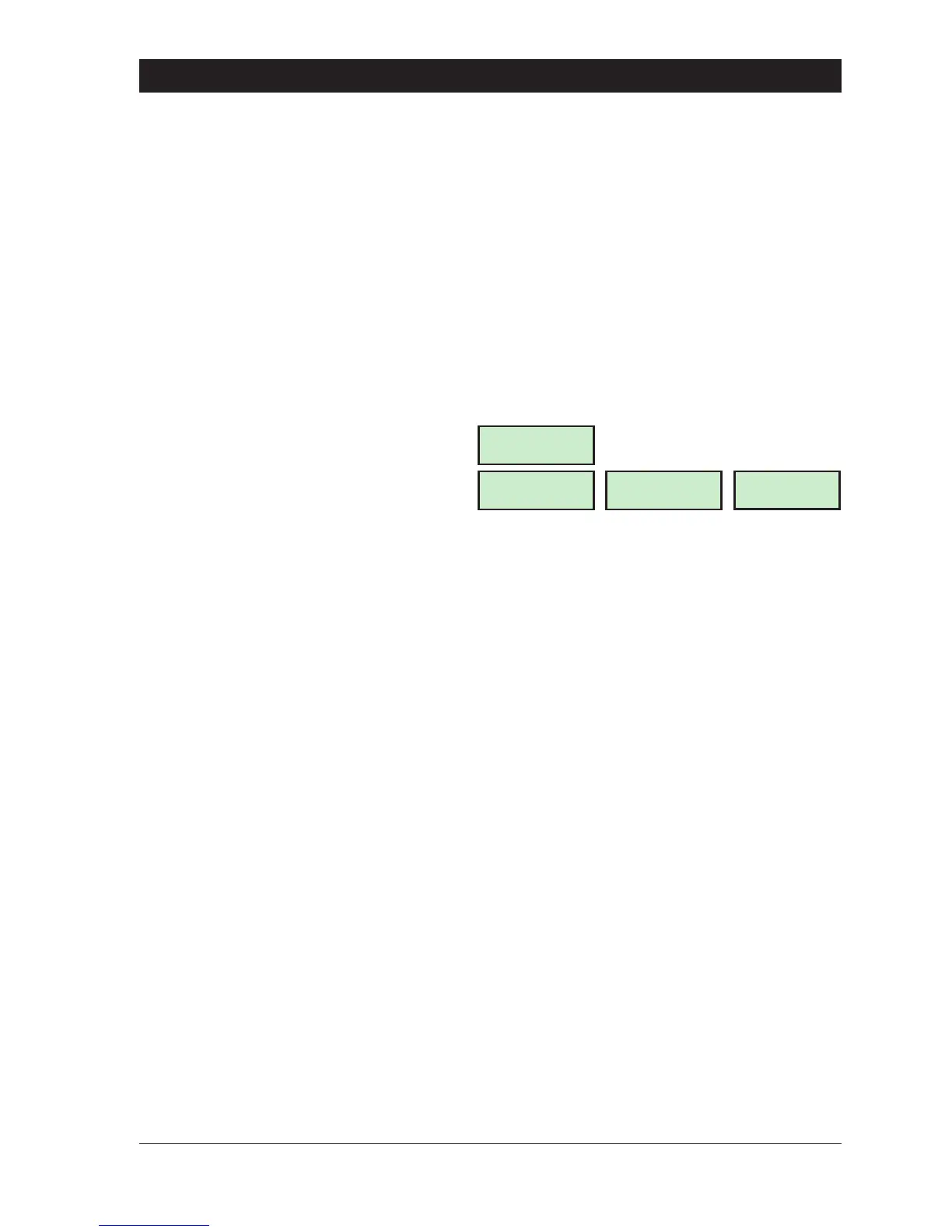
Press 0 to select the View Inactive Circuits
option. The display will show those circuits
which have not been activated whilst the
system has been unset e.g.:
2. Press ] to abandon and return to “User
menu 3".
43
TS790 & TS90 0 User Manual User Menu 3
Stores Detector
CCT 02 Healthy
CCT 02-H
Starburst
02-H
LED
No Activity from
Press ESC to end
LCD



 To Next Page